OpenAI Text to Speech
Fast, natural voiceover from OpenAI. Two quality tiers, nine voices.
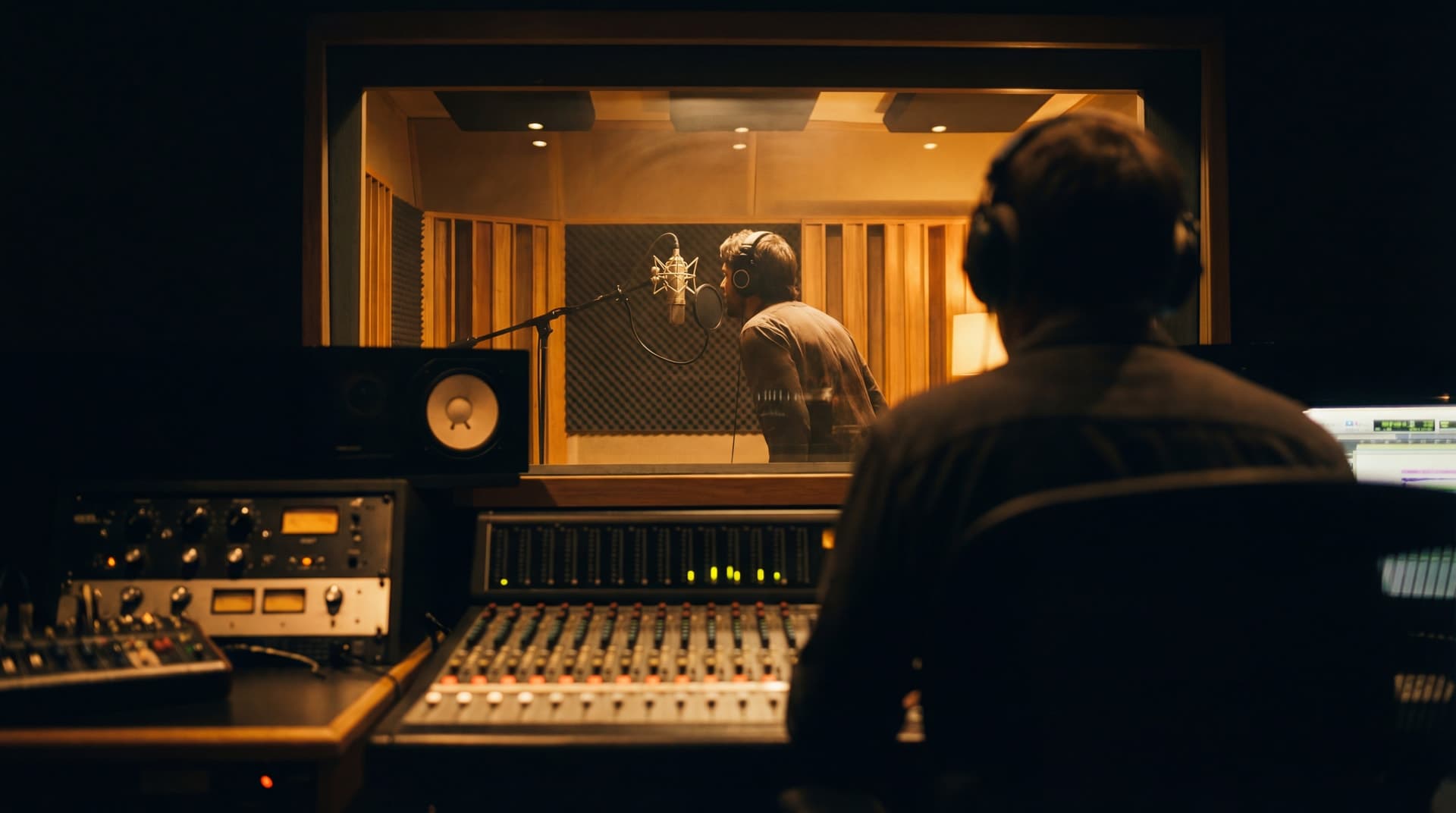
OpenAI TTS turns written scripts into natural speech in seconds. Two models: TTS for fast, low-latency voiceover, and TTS HD for richer, more expressive output. Nine distinct voices cover the range from warm and conversational to clear and authoritative. No voice acting, no studio time, no scheduling. Write the script, pick the voice, generate.
Try these prompts
How it works
Describe your vision
Type a detailed prompt or upload a reference sketch, photo, or mood board.
Choose your settings
Pick your resolution and aspect ratio. See the credit cost before you generate.
Generate in seconds
Your image is delivered in seconds. Download, iterate, or pipe into video.
Ready to create with OpenAI Text to Speech?
Jump into the Studio and start generating. Plans from $11/month.
Natural voiceover, no studio required
Design professionals spend hours on visuals and seconds on audio. The walkthrough renders are polished, the storyboard is tight, the social content looks sharp. Then the voiceover is either missing entirely, recorded on a laptop microphone, or outsourced to a voice actor with a two-week turnaround. OpenAI TTS closes that gap in seconds.
The standard model (TTS) is optimised for speed. Generation is near-instant, making it ideal for drafting voiceover during the design process. Iterate on the script as fast as you iterate on the visuals. The HD model adds richer tonal depth and more natural cadence for final deliverables, client presentations, and published content.
Nine voices, each with a distinct character. Alloy is neutral and versatile. Nova is warm and approachable. Onyx is deep and authoritative. Echo is balanced and clear. Choose the voice that fits the brief, not the voice that was available on the day of recording.
Two tiers, one workflow
Use TTS (standard) for drafts, internal reviews, and rapid iteration. Switch to TTS HD for final deliverables, client-facing presentations, and published content. Same voices, same workflow, better output quality.
Nine voices for every brief
Alloy, Ash, Coral, Echo, Fable, Onyx, Nova, Sage, and Shimmer. Each has a distinct tone, pace, and character. From warm product narration to authoritative technical walkthroughs, you can match the voice to the project without hiring talent.
Pairs with everything
Generate a video with Veo or Kling, then add voiceover with OpenAI TTS. Build a presentation in Motion Studio, then narrate it. Create social content in Social Studio, then add a voice layer. The audio downloads as MP3 and drops into any editor or timeline.
Questions about OpenAI Text to Speech.
Why Stensyl?.
Ready to create with OpenAI Text to Speech?
Professional audio generation. Plans from $11/month.