AI Concept Art for Game Developers: Tools and Workflows.

From character sheets to environment mood boards, here's how game studios and indie devs are using AI models to accelerate concept production.
Why Game Concept Art Is the Ideal Use Case for AI
No other creative discipline generates as much disposable visual work as game concept art. Before a single asset enters production, a typical project demands dozens of character variants, multiple biome explorations for each environment, prop iterations for every interactive object, and mood board passes for each act's emotional tone. For a mid-size RPG, that volume can run into hundreds of approved images before a team enters pre-production proper. For a solo indie developer, it can feel insurmountable.
AI shifts the bottleneck. Instead of spending a week producing ten character silhouettes, an art director can spend an afternoon reviewing fifty. The production work compresses; the curation work expands. That is not a loss of craft. It is a reallocation of where skilled creative judgement gets applied. The decisions become faster and better-informed because there are more visual options on the table before anyone commits.
The distinction between replacement and amplification matters enormously here. Large studios with dedicated concept teams use AI to extend what those teams can explore in a sprint. Smaller studios and solo indie developers use it to cover ground that would otherwise require hiring. A two-person team can maintain visual consistency across a full cast of characters, a world's worth of environments, and a complete prop library using AI tools, provided those tools are prompted correctly and the outputs are curated by someone with a trained eye.
Visual consistency is where game art specifically benefits from AI's repeatability. A well-structured prompt template, applied consistently across a character roster, produces outputs that share palette logic, silhouette language, and tonal register. That is not automatic. It requires deliberate prompt architecture. But when it works, it gives small teams the visual coherence that previously required a senior art director to enforce manually across a large team's output.
AI doesn't replace concept artists. It compresses the exploration phase so that skilled eyes spend more time deciding and less time drawing options nobody will greenlight.
Choosing the Right Model for Game Art Styles
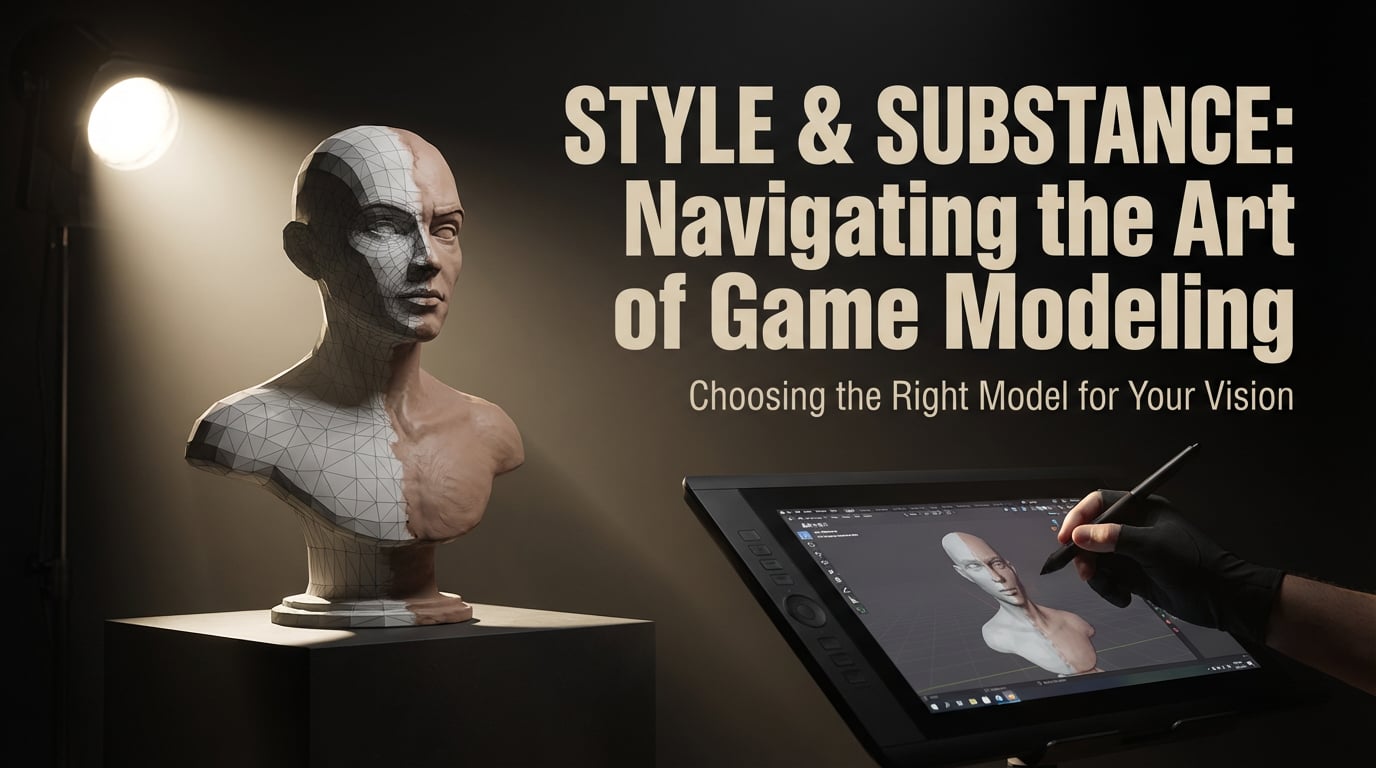
Model choice is the first creative decision in any AI concept art workflow, and getting it wrong wastes credits before you have anything useful. Different models have genuine stylistic strengths, and matching those strengths to your game's visual language is the difference between outputs you can use and outputs you spend time fighting.
Nano Banana Pro: Painterly and Stylised Work
Nano Banana Pro is the model to reach for when your game references classic concept art studios, hand-painted mobile aesthetics, fantasy RPG illustration, or any style that values expressive brushwork over photographic accuracy. It handles stylised character art particularly well, producing outputs with coherent silhouettes, deliberate colour choices, and the kind of illustrative warmth that suits games in the vein of Wildermyth, Divinity, or classic JRPG titles. For environment work, it manages exaggerated scale, heightened foliage density, and dramatic atmospheric lighting without drifting into the uncanny.
Flux: Photorealistic and Hard-Surface Concepts
Flux suits AAA-adjacent concepts where material fidelity matters. Weapon designs that need to communicate metal alloy and wear patterns, vehicle designs where panel geometry needs to read clearly, and environment concepts for realistic open-world or military titles all benefit from Flux's handling of surface detail. If your reference folder contains screenshots from The Last of Us or Ghost of Tsushima rather than Hollow Knight or Hades, Flux is the appropriate starting point.
Ideogram: When Text Has to Be Readable
Ideogram solves a specific and persistent problem in game concept art: generated images that include text consistently produce illegible results in most models. UI concept frames, in-game signage, loading screen layouts, HUD wireframes, and any asset where button labels or menu copy need to be legible rather than decorative gibberish require Ideogram. It is the only model in this comparison that treats typographic accuracy as a primary output concern rather than an afterthought.
Matching Model to Genre
| Game Genre / Style | Recommended Model | Reason |
|---|---|---|
| Fantasy RPG, hand-painted mobile | Nano Banana Pro | Expressive brushwork, stylised colour, illustrative warmth |
| AAA shooter, realistic open world | Flux | Material detail, photographic surface fidelity |
| UI mockups, in-game signage, HUD frames | Ideogram | Legible text generation, typographic accuracy |
| Stylised platformer, cartoon adventure | Nano Banana Pro | Clean outlines, bold palette handling, graphic clarity |
| Sci-fi hard surface, vehicles, weapons | Flux | Panel geometry, metallic rendering, technical detail |
Within Stensyl, switching between these models mid-project costs no additional subscription. The platform aggregates all three under a single credit system, which means an art lead can run a character pass in Nano Banana Pro, move to a weapon detail pass in Flux, and produce a UI concept in Ideogram inside the same session without managing separate accounts or billing cycles.
Choosing the wrong model for your genre creates friction at every iteration. Spend five minutes matching your visual references to the right model before generating a single image.
Character Concept Workflows: Brief to Final Sheet
The most common mistake in AI character concept work is starting at too high a level of detail. Generating a fully-rendered, textured, front-facing character on the first pass produces one image that may or may not work. Generating silhouettes first produces ten readable shapes you can evaluate in seconds and develop with intent.
Building a Structured Prompt Brief
Before generating anything, write a prompt brief as a structured document rather than a single sentence. It should include: the character's role in the game world, three to five silhouette keywords (broad, angular, hunched, elongated), a constrained palette of four to six colours, cultural or historical references the design should draw from, and the emotional tone the character should project at a glance. A bandit-class enemy character, for example, might specify: asymmetric and layered silhouette, worn leather and mismatched armour, palette anchored to ochre and rust, referencing Central Asian historical dress, projecting opportunistic aggression.
That brief becomes a reusable template. Applied across an entire enemy faction, it produces outputs that share visual logic without being identical. Applied to a full player character roster with faction-specific variables swapped in, it maintains cohesion across a cast without requiring a senior art director to audit every output.
Silhouette Pass First, Detail Pass Second
Run the initial prompt at low detail. Ask for silhouette studies rather than finished illustrations. Evaluate readability at thumbnail scale. A character whose role and personality are not legible as a black shape will not improve with more surface detail. Once two or three silhouettes read clearly, move to progressive detail iterations: facial features, armour or costume breakdown, colour palette variants. Each pass builds on the last rather than generating from scratch.
Assembling a Concept Sheet
Within Stensyl's Image pillar, a full character concept sheet, covering turnaround views, expression studies, and a scale reference alongside an environmental figure, can be assembled in a single session. Generate the front, three-quarter, and back views using consistent lighting and palette prompts. Generate two to three expression studies with identical costume and hair prompts but varied facial direction and emotional state. Combine these into a single sheet layout. A sheet produced this way gives 3D artists, riggers, and animators a workable reference without a dedicated character concept artist having spent days on a single character.
A reusable prompt template applied consistently across an entire character cast is more valuable than any single generated image. Build the template once; deploy it everywhere.
Environment Design and Mood Boards at Speed
Environment concept art has a specific production problem: teams need to evaluate multiple atmospheric directions for the same location before committing to a visual identity for a biome or level. Traditionally, that requires an environment artist to paint multiple versions of the same scene, each a significant time investment. AI compresses this to a generation queue.
Biome Explorations
A practical biome exploration run generates five distinct atmospheric variants of the same location: overcast and diffused, golden hour and dramatic, deep night with artificial light sources, stormy and high-contrast, and soft morning fog. Each variant uses an identical base prompt for architecture, foliage density, and scale, with only the lighting and weather parameters changed. The result is a visual direction matrix that an art director can evaluate in a single meeting rather than across multiple review sessions.
Mood Board Workflows
Colour palette references, texture studies, and architectural language concepts can be generated in one session rather than assembled from scattered image searches. A mood board prompt for a crumbling gothic harbour town might specify: weathered stone architecture, wrought iron detailing, overcast coastal light, desaturated palette with green-grey water and amber lamplight, referencing Venetian and Northern European port towns. The outputs become a visual vocabulary document that aligns a team's understanding of a location before any modelling or level design work begins.
Model Choice for Environments
Flux handles photorealistic environment concepts for realistic games. Material fidelity in stone, concrete, rusted metal, and wet surfaces reads accurately, which is essential when environment concepts feed directly into PBR material pipelines. Nano Banana Pro suits stylised worlds where exaggerated foliage density, non-physical lighting, and heightened colour contrast are intentional design choices rather than errors to correct.
Stensyl's Video pillar adds a practical layer to environment pitches. A short camera-move preview of a key environment, generated from a strong static concept, communicates spatial depth and atmosphere in a way that a single image cannot. For pitch decks and team alignment sessions, a ten-second dolly through a generated forest clearing conveys the intended player experience far more effectively than printed mood boards alone.
Asset Generation: Props, UI Concepts, and Texture Studies
Beyond characters and environments, game production requires a continuous supply of prop concepts, UI mockups, and material references. Each category has its own prompt logic and its own model preferences.
Props and Interactive Objects
Weapons, furniture, vehicles, and interactive objects need consistent perspective and lighting across a set to be usable as handoff references for 3D artists. Generate props in a standardised three-quarter view with neutral studio lighting and a plain background. Apply the same palette and material constraints from the character and environment brief to maintain visual coherence. A weapon set generated this way, twelve melee weapons with consistent handle wrapping, blade geometry language, and surface wear, gives a 3D artist clear modelling targets without requiring individual sketch briefs for each object.
UI Concept Frames
Use Ideogram for any UI asset where text must be readable. Inventory screens, dialogue boxes, ability hotbars, and menu systems all require legible button labels and iconography. A UI concept frame generated in Ideogram with specific font style prompts, colour codes, and layout descriptions produces a mockup that a UI designer can adapt directly rather than reconstruct from a reference that has hallucinated placeholder text into unreadable noise.
Texture Studies and Material References
Flux generates strong seamless-ready surface concepts for stone, metal, aged fabric, and organic materials. These are not production textures. They are material direction references that give technical artists a clear brief for what a surface should feel like before they begin tiling work in Substance or hand-painting in Mari. A cobblestone street texture study specifying irregular Belgian block layout, moss-filled joints, wet-sheen lighting, and a desaturated blue-grey palette communicates far more precisely than a Pinterest image that is 80% correct.
Early Volumetric Exploration
Stensyl's 3D pillar supports early volumetric asset exploration when a concept needs to communicate form from multiple angles before full modelling begins. A creature design that reads well as a flat illustration may have unresolved form problems when viewed from above or behind. Generating a rough volumetric pass from a strong concept image surfaces those problems at the concept stage rather than during modelling, where fixing them costs significantly more time.
Structuring Handoff Folders
Organise generated assets by type and production stage from the start. A clear folder structure separates silhouette passes, detail iterations, final approved concepts, and material references. Each file should carry a naming convention that includes the asset category, variant number, and model used. A 3D artist receiving a folder labelled ENV_HarbourTown_ArchRef_Flux_v03 knows immediately what they are looking at, what level of fidelity to expect, and which model produced it. That clarity reduces back-and-forth and makes AI-generated concepts feel like professional deliverables rather than rough ideas.
From Solo Indie to Studio Team: Practical Stensyl Workflows
The practical question for most developers is not whether AI concept art tools work, but how to integrate them into a real production schedule at the right cost level.
Solo Indie Workflow
A solo developer building a small-to-mid scope game can cover the full concept phase on Stensyl's Lite or Starter plan. Character concepts, environment mood boards, UI mockups, and texture references for a project of thirty to forty distinct assets sit comfortably within the credit volume at those tiers. The workflow is sequential: character concepts first to establish the visual language, environment explorations second using the palette constraints established in character work, props and UI last using both as reference anchors. A solo developer who works this way can complete a concept phase in two to three weeks that would otherwise take two months or require outsourcing.
Small Studio Workflow
A small studio of three to five people runs parallel concept sprints effectively on a Professional or Studio plan. An art lead runs character work while two generalists handle environments and assets simultaneously. Weekly credit reviews prevent overspend. The Write pillar generates style guide copy and lore-consistent asset naming conventions in parallel with visual work, so documentation stays current rather than becoming a post-production catch-up task.
The Case for One Platform
Maintaining separate subscriptions to Midjourney for images, RunwayML for video, and Meshy for 3D, while also managing Claude or GPT access for documentation, creates administrative overhead that compounds across a project. Each platform has its own login, billing cycle, credit system, and export workflow. Centralising on Stensyl means one subscription covers all five generation modes, one credit system tracks usage across them, and one export workflow feeds into the production pipeline. The operational simplicity is not a minor convenience; it is a meaningful reduction in friction that accumulates across a production.
Setting Realistic Expectations
AI concept art accelerates the exploration phase significantly. It does not remove the need for creative judgement. Prompting well is a skill that takes time to develop. Curating outputs ruthlessly, selecting the two useful images from a batch of twelve, requires the same trained eye as traditional art direction. Adapting AI outputs for production, correcting proportion issues, resolving form ambiguities, adjusting for engine constraints, requires someone who understands both the tools and the pipeline.
The developers who get the most from AI concept art are not those who treat it as a shortcut past the creative work. They are the ones who treat it as a high-bandwidth exploration tool and apply disciplined curation to everything it produces. The exploration phase gets faster. The standard of what gets greenlit should get higher, not lower, because there are more options to choose from.
The developers who benefit most from AI concept art are the ones who prompt deliberately, curate ruthlessly, and hold the bar higher because they have more options to choose from.
Game development is a discipline defined by iteration. Concept art exists to make iteration cheap before production makes it expensive. AI tools that compress the concept phase are not a threat to that process. They are its most natural acceleration, provided the people running them know what good looks like.
Try Stensyl for yourself
Image, video, 3D, chat, and document drafting. Every AI model, one studio. Plans from £10/month.