AI Tools for Interior Designers: Moodboards, Materials, and Client Presentations.
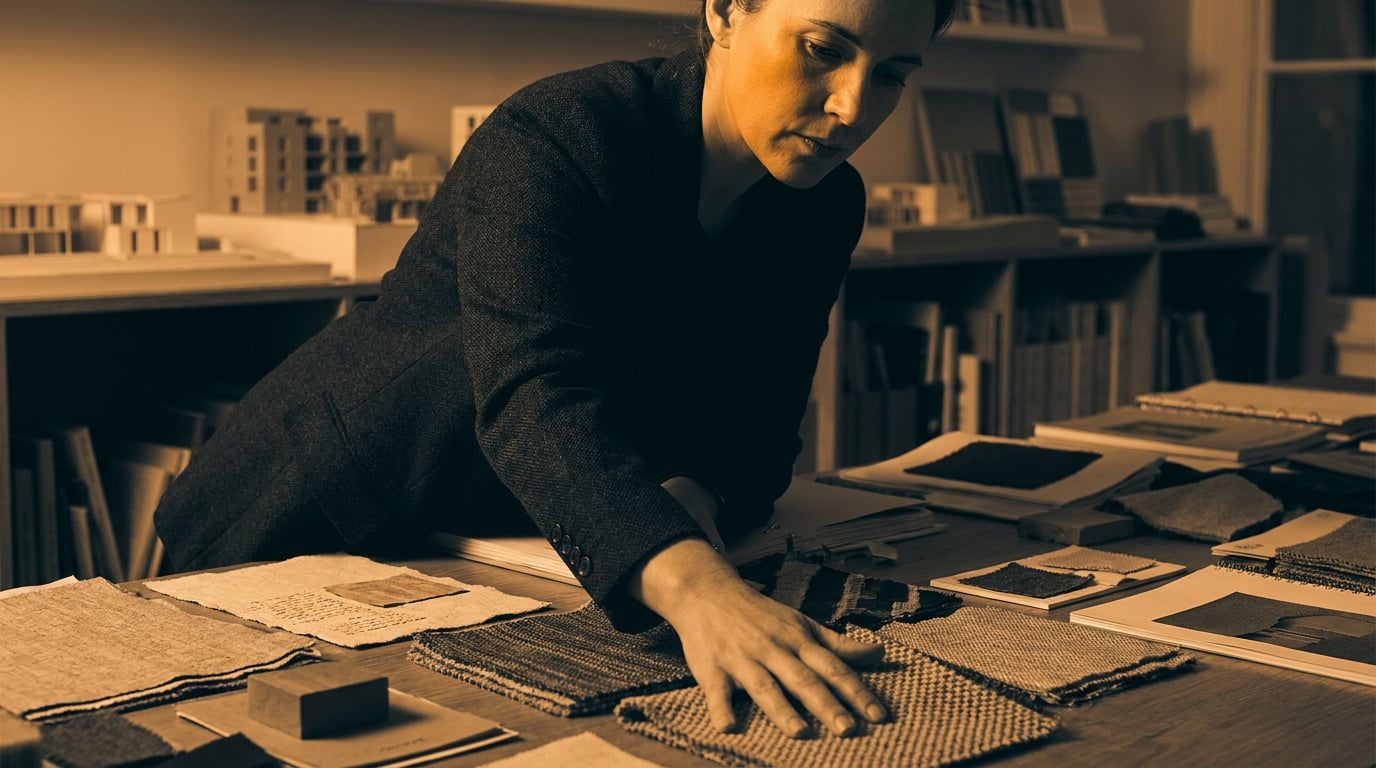
Interior designers are using AI to cut moodboard time in half and walk into client meetings with sharper visual arguments. Here is how.
Where Interior Design Workflows Actually Slow Down

Three tasks eat a disproportionate share of an interior designer's week, and none of them require the judgement that makes a designer worth hiring. Sourcing visual references, iterating on material palettes, and reformatting assets for client presentations are high-volume, low-creative-leverage work. They are also where most studios quietly lose two to three days per project cycle.
A 2026 Rapid Renders survey found that 70% of designers cite visual referencing and iteration as their highest-volume tasks, yet these are precisely the tasks that benefit most from AI assistance. They are repetitive, format-dependent, and largely separable from the creative decisions that actually define a scheme.
The goal here is not to automate design judgement. A designer's reading of a client brief, their material knowledge, and the trust they build in a room remain irreplaceable. The goal is to compress the distance between a concept and a presentation-ready artefact, so that more time is spent on the work that matters.
The same logic applies beyond interiors. Exhibition designers building sponsor decks face identical bottlenecks: sourcing references, producing visualisations, and packaging them into something a non-designer can respond to. Set designers pitching a director on a visual language for a period drama go through the same cycle. The tools and workflows described here translate directly across those disciplines.
Sourcing references, iterating palettes, and reformatting for presentations account for the majority of non-billable hours in an interior design studio. These are the tasks AI handles well.
Building Moodboards Faster with Stensyl's Moodboard Surface

Stensyl's Moodboards surface (/moodboards) sits within the Create section of the platform. It functions as a visual reference board where imagery can be gathered, arranged, and annotated without leaving the workspace. The practical difference from a Pinterest board or a folder of screenshots is that it sits inside the same platform where you generate, write, and organise project deliverables.
A typical workflow for a hospitality brief requesting a warm Nordic aesthetic might run as follows. The designer opens the Research surface (/research), backed by Perplexity, and pulls current material trend context: what characterises Nordic hospitality interiors in 2025 and 2026, which finishes are emerging, what the reference projects are. That research feeds directly into the moodboard process rather than sitting in a separate browser window.
From there, the Generate surface (/generate) handles any imagery that doesn't exist yet in the reference pool: a specific lighting scenario, a custom furniture arrangement, a texture at a scale that no stock photograph captures. Those generated images feed straight into the Moodboards surface. The board populates without a single tab switch.
Compare this to the traditional route: Pinterest for mood, Houzz for spatial references, manufacturer PDFs for finish options, a Google Images search for the project type, all downloaded, renamed, and dragged into a Keynote slide or an InDesign layout. The content is roughly equivalent. The overhead is not.
Spacely AI and Homevisualizer.ai remain popular standalone tools for photo-based redesigns, with Apartment Therapy's 2026 tests ranking Homevisualizer.ai second among professional tools for prompt-driven room variants. These are useful for quick photorealistic renders from an uploaded room photograph. What they don't offer is a connected workspace: the render sits in their platform, and the designer must still export, file, and reintegrate it elsewhere. Stensyl's value is not that the Generate surface necessarily outperforms a specialist render tool in every scenario, but that the output stays inside the project from the moment it exists.
Generating and Iterating Material Palettes with AI Image Tools
The Generate surface handles image generation across a range of output types relevant to interior work: spatial renders, texture close-ups, material swatches, and finish studies. For a designer specifying upholstery for a hospitality project, the workflow is straightforward. Prompt for a linen fabric swatch in a warm flax colourway, evaluate the undertone, and iterate: cooler grey-beige, warmer amber, matte versus slightly sheen. Each iteration takes seconds rather than the days a physical sample request requires from a supplier.
This is not a replacement for physical sampling. A screen cannot communicate hand, weight, or how a fabric behaves under specific artificial lighting. What it does is compress the ideation stage: a designer can arrive at a shortlist of three or four credible directions before committing to sample requests, which reduces both supplier back-and-forth and client confusion during early presentations.
For designers who work through material palette development as a repeatable process across multiple projects, the Canvas surface (/canvas) offers a node-based workflow that can chain image generation steps into a structured sequence. A palette-building process that moves from brief keywords to generated swatches to a formatted palette document can be mapped as a canvas and reused. The Canvas surface also includes an LLM Chat node, which means written direction and image generation can be wired together in the same workflow.
The Graphics surface (/graphics) handles the output end of that process: vector swatches, colour palette exports, and specification-adjacent documents that can accompany a proposal. A material board that started as a set of generated textures can be resolved into a clean, print-ready PDF through Graphics without a separate design application.
Adobe Firefly, available within Creative Cloud at approximately £50 per month, is capable of similar texture and swatch generation and integrates naturally for designers already inside the Adobe ecosystem. Midjourney v7 produces high-quality material imagery but requires prompt expertise and sits outside a connected workflow. Both are legitimate tools. The trade-off is always the same: specialist output quality versus workflow continuity.
AI-generated material visuals are ideation tools, not specification tools. Use them to narrow the shortlist before physical samples arrive, not to replace them.
Writing Briefs and Concept Narratives with the Right Model
The Write surface (/write) includes a multi-model picker, and the choice of model genuinely changes what you get back. For interior design, where concept copy often needs to carry emotional weight alongside visual references, this choice matters more than in disciplines where structured output is the priority.
Claude Sonnet 4.6 and Claude Opus 4.7, both available from the Pro tier, are the better choices for evocative concept narratives. They produce language with descriptive texture rather than specification language dressed up as prose. For a Nordic hospitality brief, Claude Sonnet 4.6 might describe a material direction as "aged oak with a surface that reads warm in candlelight and cool at noon", which is the kind of language that lands in a client presentation. The same prompt put to GPT-5.4 mini (available from Lite tier) tends toward structured enumeration: finish category, colourway reference, application context. Both are accurate. One reads better in a pitch deck.
GPT-5.4 mini and GPT-5.5 (Starter tier) earn their place for structured documents: specification lists, scope summaries, room-by-room breakdowns, and meeting follow-up notes. These are documents where clarity and consistency matter more than voice. Using the right model for the right document type, within the same Write surface, is more efficient than switching between platforms.
The same logic applies across disciplines. A graphic designer using the Write surface for brand narrative copy benefits from the same Claude models for the same reason: the language needs to carry a position, not just list attributes. A marketer writing campaign rationale for a presentation to a client's board reaches for GPT-5.5 when the document needs to be structured and scannable. The model picker is discipline-neutral; the use case determines the choice.
Claude Sonnet 4.6 and Claude Opus 4.7 are the right models for concept narratives where language needs to earn its place alongside visuals. GPT-5.5 handles the structured documents that surround them.
Assembling Client Presentations Without Leaving the Platform

The practical value of a connected platform is most visible at the point where a presentation needs to go out. A designer working across Stensyl has moodboard references, generated material visuals, concept copy, and project files all inside the Projects surface (/projects). Version control becomes straightforward: there is one location, one set of assets, and a clear record of what was generated when.
Projects supports brand identity settings and team-shared workspaces, which matters for a studio with two or more designers working on the same client deliverable. A lead designer can set the visual direction and share the project; a junior can populate the material board or draft the room-by-room specification without duplicating files or working from a different version of the brief.
For remote or international clients, the Web surface (/web) produces a microsite-style presentation: a polished, shareable link rather than a PDF attachment. This is particularly useful for clients who will share the presentation internally before a decision meeting, where a well-formatted web page reads more professionally than a downloaded file with broken image paths. The Web surface generates landing pages and microsites, which means a project presentation can look considered without requiring a web designer's involvement.
The Social surface (/social-studio) handles the second use of that same project work. A completed client scheme is also a new-business asset. Carousel-format posts summarising the material direction, the spatial concept, and the final renders can be produced from project assets already inside the platform. The studio's own marketing benefits from the same workflow that served the client.
Decorilla and similar full-service platforms bundle moodboards, renderings, and presentations as a managed output. They are useful for designers who want a complete outsourced workflow. The trade-off is cost per project and less control over the visual output. Stensyl is a production tool, not a managed service: the designer retains full control and the assets stay theirs.
Choosing the Right Stensyl Tier for an Interior Design Studio
Four tiers, four realistic studio contexts. The decision is simpler than it looks once the bottleneck is identified.
| Tier | Price | Credits | Concurrent Generations | Best for |
|---|---|---|---|---|
| Lite | £10/mo | 1,000 | 1 | Solo designer testing the platform, occasional moodboard use |
| Starter | £22/mo | 2,500 | 1 | Regular moodboard and writing use, GPT-5.5 and Gemini Pro access |
| Pro | £42/mo | 6,000 | 2 | Concept-heavy studios needing Claude models and material generation volume |
| Studio | £84/mo | 12,500 | 4 | Small teams with multiple active projects and shared workspaces |
Lite at £10 per month covers a solo designer who wants to test the moodboard and generate surfaces without committing to a full workflow change. The 1,000 credits and single concurrent generation are limiting for production use but sufficient for evaluation.
Starter at £22 per month is where regular use becomes viable. The 2,500 credits cover consistent moodboard and writing work, and GPT-5.5 becomes available for structured documents. This is a reasonable tier for a sole practitioner with a steady project flow who is not primarily bottlenecked by writing quality.
Pro at £42 per month is the decision point for most working designers. The 6,000 credits handle material generation volume, two concurrent generations reduce wait time during iterative sessions, and Claude Sonnet 4.6 and Claude Opus 4.7 become available. If a designer's highest-stakes deliverable is a concept narrative for a competitive pitch, Pro unlocks the models that make that copy worth the effort. At £42 per month it also sits below what Canva Pro plus a separate AI render tool plus a standalone LLM subscription would cost combined.
Studio at £84 per month is a small-team decision. Four concurrent generations, 12,500 credits, and shared project workspaces make sense for a studio with three or four designers handling multiple client projects simultaneously. The per-seat cost relative to the volume of deliverables it supports is the relevant calculation, not the headline price.
A useful heuristic: if the bottleneck is the volume of visual assets generated per week, Pro's credit headroom is the deciding factor. If the bottleneck is the quality of concept writing for high-stakes client presentations, Pro is still the answer, but for the model access rather than the credits.
The platform handles production. The brief-reading, the client relationship, the material specification, and the design judgement: those remain yours. No tier changes that.
Interior design is a discipline where the quality of a presentation directly influences whether a scheme gets approved, which is why the tools that sit between a concept and a client deserve as much attention as the concept itself. Stensyl does not generate the idea. It compresses the distance between the idea and the moment a client can respond to it.
```Keep reading.
Try Stensyl for yourself
Image, video, 3D, chat, and document drafting. Every AI model, one studio. Plans from £10/month.