Why Designers Need a Multi-Model AI Platform, Not Five Subscriptions.
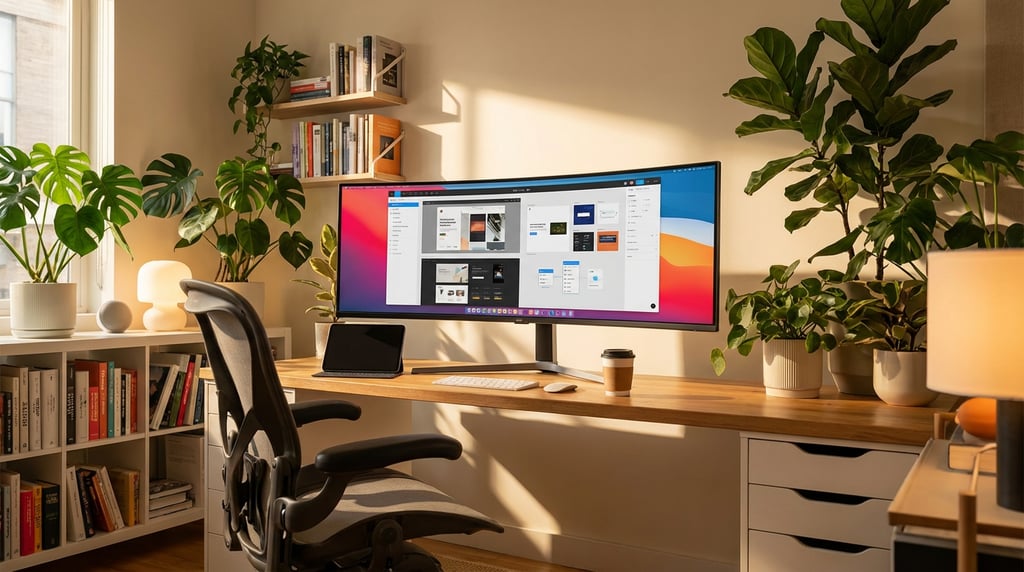
Managing five separate AI subscriptions costs more than money. Here is what a unified multi-model platform actually does for your design workflow.
Why Designers Need a Multi-Model AI Platform, Not Five Subscriptions
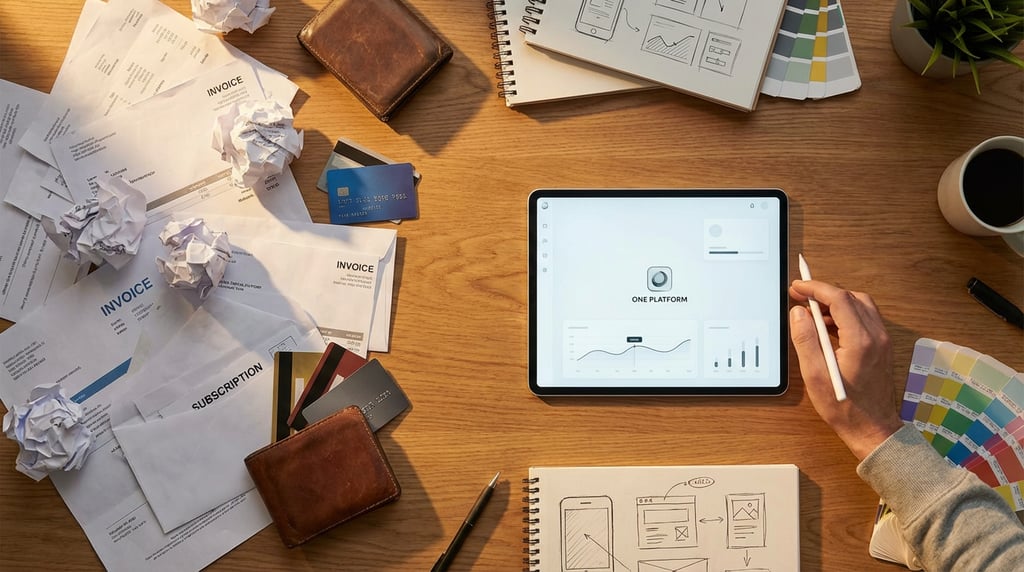
The average design professional using AI tools in their daily workflow is now spending more on software subscriptions than on most other professional expenses combined. That cost is not just financial, it is structural, and it is quietly undermining the productivity gains those tools were supposed to deliver.
The Real Cost of Subscription Sprawl
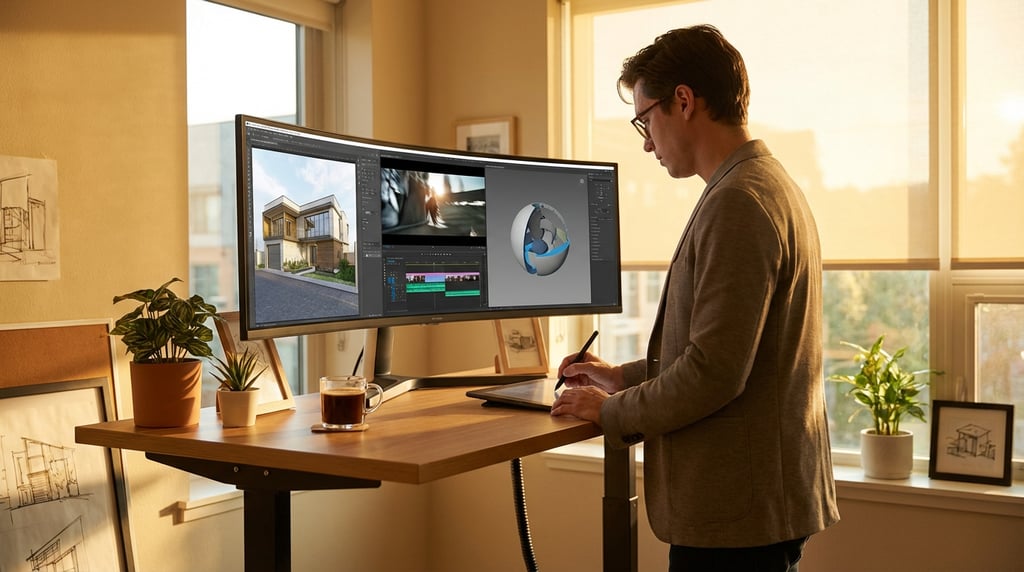
Stack up the monthly fees and the numbers become uncomfortable quickly. ChatGPT Plus sits at around £20 per month. Midjourney's standard tier runs £24. Claude Pro adds another £18. Runway's standard plan is £12. Add a code assistant, a presentation tool or a specialist image editor and you are comfortably past £150 per month per designer before accounting for any team seats or annual commitments.
For a studio of three designers, that is potentially £450 per month, over £5,000 per year, on tools that frequently duplicate each other's capabilities.
"Most designers paying for five AI subscriptions are actively using the distinct capabilities of perhaps two or three of them. The rest persist through inertia and the fear of needing them on a deadline."
The financial overhead is only part of the problem. The cognitive overhead of maintaining a mental map of which tool handles which task erodes the focused attention that good design work actually requires. Every time you pause to think "should this go to Claude or ChatGPT," you are spending decision-making capacity that should be going toward the brief.
Separate billing cycles, separate logins, separate usage limits and separate support channels create administrative friction that compounds weekly. Some designers spend a meaningful portion of every Monday morning just managing tool access, resetting API limits and reconciling invoices for client reimbursement. None of that is billable time.
Many designers are paying for overlapping capabilities without realising it. Both ChatGPT and Claude handle long-form copy, strategic reasoning and structured document drafting. Paying for both without a deliberate reason to use both is straightforward waste.
Why Switching Between Models Breaks Creative Flow
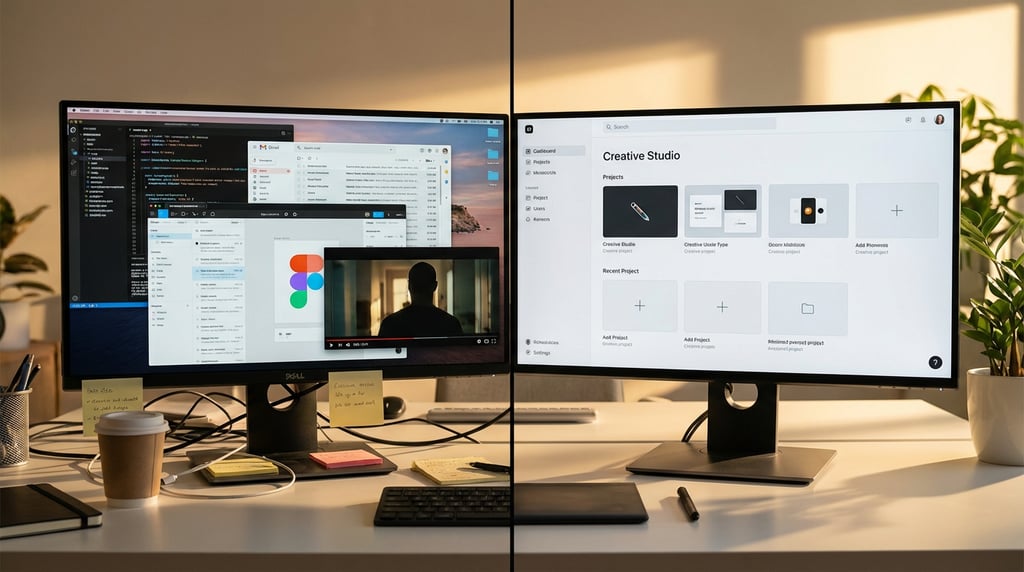
Subscription cost is a measurable problem. The damage that platform-switching does to creative flow is harder to quantify but arguably more damaging in practice.
When you move from one AI platform to another mid-project, you do not carry context with you. Every platform starts blank. That means re-establishing your tone of voice, re-explaining the client brief, re-defining the constraints and re-uploading reference materials every single time you open a new tool. For a project that touches copy, visuals, motion and code, you might repeat yourself four or five times across a single working day.
There is no shared memory, no persistent project history and no way to say "use what you already know about this client" when that knowledge lives in three separate browser sessions. The result is that designers spend significant time acting as translators between their own tools rather than making creative decisions.
Output formats add another layer of friction. Midjourney delivers images inside Discord. Runway exports video files through its own download system. ChatGPT produces text in a web interface. Claude formats documents differently to GPT-4. Every transition between platforms introduces a conversion step, a file rename, a resolution check or a format incompatibility that interrupts the actual work.
Comparing outputs from different models, which is something designers need to do regularly to find the strongest result, requires manually copying content between browser tabs, saving files to a desktop and toggling back and forth through separate interfaces. It is the kind of low-grade friction that individually feels minor but collectively accounts for hours every week.
Context switching between AI platforms is not just inconvenient. It actively degrades output quality, because every fresh session produces results calibrated to a generic brief rather than the specific, nuanced project parameters you have been refining across the day.
What a Multi-Model Platform Actually Gives You
A multi-model platform solves these problems not by building its own models but by bringing best-in-class existing models together inside a single, coherent interface. The distinction matters. You are not trading capability for convenience. You are getting access to the same language models, image generators and video tools you already use, but accessed through one place rather than five.
The practical implications are significant.
- Unified project context: Every model you work with inside the platform has access to the same project brief, the same reference materials and the same history of decisions made in that session. You establish context once.
- Single subscription and invoice: One monthly payment, one usage dashboard, one login to manage. For studios billing AI costs to clients, one line item is considerably cleaner than five.
- Intelligent task routing: Well-built platforms route your request to the most appropriate model based on what you are asking for. A copy task goes to the strongest language model. An image generation task routes to the appropriate visual model. You describe what you need rather than deciding which tool to open.
- Consistent file handling: Outputs land in one place, in consistent formats, without manual file management between platforms.
| Approach | Monthly Cost (solo designer) | Logins to manage | Context persistence | Billing admin |
|---|---|---|---|---|
| Five separate subscriptions | £150+ | 5 | None across tools | 5 separate invoices |
| Multi-model platform | Typically £40–£80 | 1 | Persistent per project | 1 invoice |
The cost comparison above is illustrative rather than precise, because platform pricing varies and your specific model usage will affect actual spend. The structural difference, however, is consistent regardless of pricing tier.
Practical Workflow Gains for Design Professionals
The theoretical benefits of consolidation only matter if they translate into real changes to how you work day to day. For design professionals specifically, the gains cluster around three areas: session continuity, model selection and time recovered from tool management.
Inside a multi-model platform, a single working session can move fluidly from drafting client-facing copy to generating visual concepts to producing the outline for a presentation deck. Each step draws on the same established context. The copy you drafted in the first ten minutes informs the visual direction generated in the next twenty. The presentation structure reflects both. Nothing is lost in translation between platforms because there is no translation happening.
Model selection becomes a strategic choice rather than an administrative one. Stronger reasoning models are well-suited to strategy work: competitive analysis, brief interpretation, stakeholder communication. Faster, lighter models handle rapid iteration on copy variants or quick image explorations without burning through credits on heavyweight processing. A good multi-model platform makes this distinction transparent, letting you dial up or down based on the task rather than defaulting to one model for everything.
Project-level prompt libraries that persist across model types are one of the most underrated benefits. Your brand voice guidelines, your preferred output formats, your client's specific constraints: these can live in the platform and be available to every model you use within that project, without pasting them into each new conversation from scratch.
"The time most designers spend managing AI tools rather than using them productively is typically between 20 and 40 minutes per working day. Across a year, that is the equivalent of two to four working weeks spent on tool administration rather than billable work."
How to Evaluate Whether a Platform Is Worth It
Not every multi-model platform delivers what it promises, and the market is developing quickly enough that quality varies considerably. Before committing, apply a straightforward evaluation framework.
Check the model roster carefully
The specific models available inside the platform matter more than the headline claim of "access to leading AI models." If your current workflow depends on a particular image generation model or a specific language model for client copy, confirm that exact model is included rather than a version of it or an alternative. Platform integrations sometimes lag behind direct access, meaning you might be using an older model version than you would get from a direct subscription.
Validate output quality before cancelling existing subscriptions
Run the platform on real work before you commit. Take a current or recently completed project brief and use the platform to produce the same outputs you would normally generate through your existing tools. Compare directly. If the quality is equivalent or better, the case for switching is strong. If it is noticeably weaker on the tasks that matter most to you, that is important information before you cancel anything.
Demand transparent usage data
A platform that shows you aggregate usage without breaking it down by model is not giving you enough information to manage your spend. You should be able to see exactly how many tokens, images or video seconds you have consumed per model, so you can understand where your usage is concentrated and whether your subscription tier is correctly calibrated to your actual needs.
Platforms built specifically for creative professionals handle output formats, visual assets and iterative design workflows differently to platforms built primarily for enterprise productivity or developer use. The distinction is visible in the interface design, the default output handling and the features prioritised in product updates.
Consider who the platform is built for
A platform built for enterprise legal teams will prioritise different features to one built for design studios. Look at the product roadmap, the default templates and the community around the platform. If the example use cases are all pitch decks and legal document review, it was not built with your workflow in mind and you will feel that friction in daily use.
Making the Switch Without Disrupting Active Projects
Migrating AI tools during active client work is a real risk if approached carelessly. The following approach keeps the transition controlled.
Audit before you act
Before you open a new platform or cancel anything, document exactly what you use each current tool for. Not what it is capable of, but what you actually use it for regularly. This audit typically reveals that two or three tasks account for the majority of your usage and that several subscriptions exist primarily as insurance against occasional edge cases.
Run a parallel trial on a low-stakes project
Identify a project with real parameters but lower stakes, an internal piece, a speculative brief or a past project you can rework, and run it entirely through the new platform. This gives you a genuine comparison of output quality and workflow integration without putting a live client deliverable at risk.
- Use the same brief you would normally brief to your existing tools
- Attempt the same outputs in the same sequence
- Note where the platform performs well and where it requires adjustment
- Document any gaps in model availability or output quality
Migrate your prompt assets before cancelling existing plans
Your prompt libraries, style guides, tone of voice documents and client-specific parameters represent accumulated value that should move with you. Import or recreate these inside the new platform before you cancel anything. Losing access to a well-developed prompt library because you cancelled a subscription before migrating it is an avoidable setback.
Set a 30-day review date
Commit to reviewing the switch properly at the 30-day mark against a defined baseline. That baseline should include your previous monthly subscription cost, the number of tool management interruptions you were tracking, and your subjective assessment of creative flow during sessions. Thirty days gives you enough data to make a considered decision rather than reacting to early friction that would have resolved with familiarity.
The designers who get the most from AI tools are not the ones with access to the most platforms. They are the ones who have reduced the friction between intent and output to the minimum. A multi-model platform, chosen carefully and set up properly, does exactly that, and it costs less than the subscriptions it replaces.
The Practical Conclusion
Subscription sprawl across AI tools is a structural problem, not a cost-cutting opportunity. It fragments your attention, breaks the continuity of your creative sessions and generates administrative work that has no business being part of a design professional's week.
A well-built multi-model platform does not ask you to compromise on model quality or capability. It asks you to stop managing five separate relationships with five separate platforms and to work instead from a single, coherent environment where the right model is available for the right task, your project context persists across every interaction, and your monthly spend reflects what you actually use.
Audit your current tools honestly. Test an alternative on real work before you commit. Migrate your prompt assets carefully. Review the results after 30 days with clear metrics. That process takes a few hours spread across a couple of weeks, and if the platform performs as it should, it will recover that time within the first month.
Keep reading.



Try Stensyl for yourself
Image, video, 3D, chat, and document drafting. Every AI model, one studio. Plans from $11/month.