Nano Banana Pro vs Flux 2 Pro: Best for Arch Viz?.
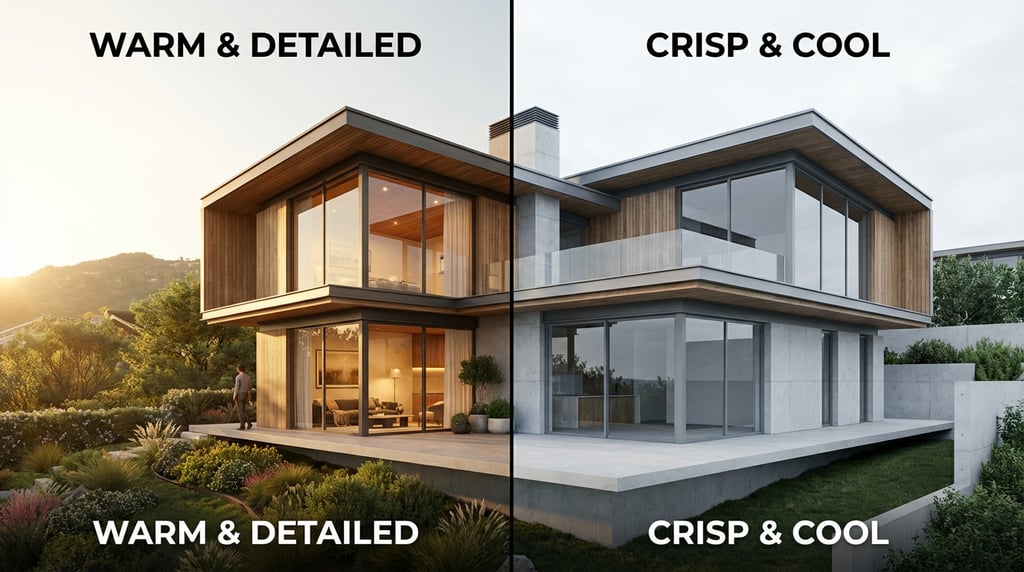
Two capable image models, one specific use case. We put Nano Banana Pro and Flux 2 Pro through their paces on architectural visualisation tasks to find the stronger tool.
Nano Banana Pro vs Flux 2 Pro: Best for Arch Viz?

If you are choosing between Nano Banana Pro and Flux 2 Pro for architectural visualisation, the decision has real consequences for your output quality, pipeline complexity, and client outcomes. This comparison puts both models through their paces across the full range of arch viz use cases, from early concept imagery to client-facing presentation renders.
How We Tested Both Models
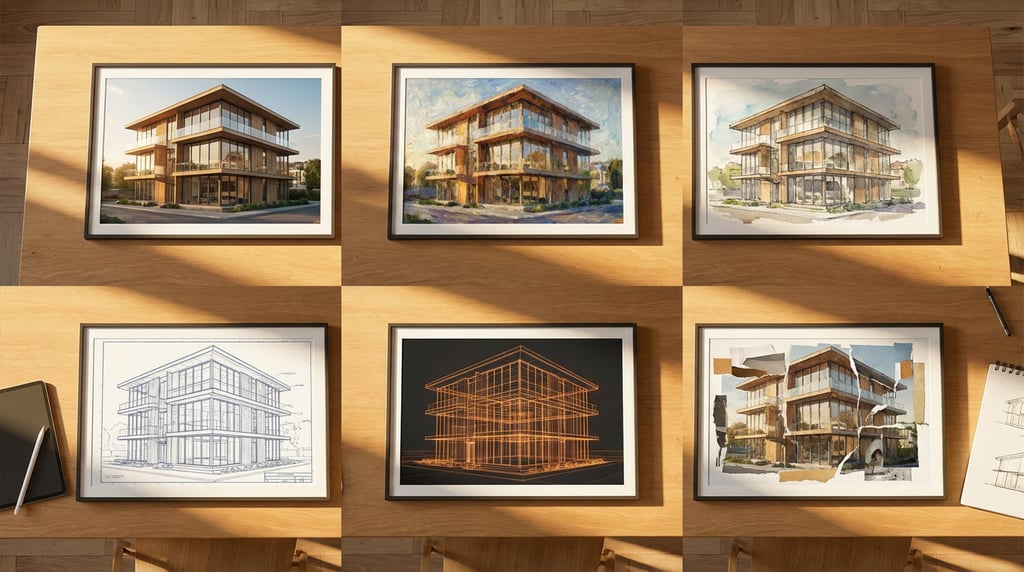
Testing used identical prompt sets covering three primary architectural categories: exterior elevations and massing studies, interior spatial compositions, and construction detail imagery including material close-ups and junction conditions. Every prompt was written once and fed to both models without adjustment, establishing a clean baseline for direct comparison.
Lighting conditions were varied systematically across each category. Tests included midday direct sunlight, overcast diffused sky, golden hour, artificial interior lighting, and mixed dusk conditions. This range reflects the scenarios architectural practices encounter most frequently across project phases.
Evaluation focused on four criteria:
- Material fidelity: how convincingly each model renders surface properties including texture, reflectivity, and weathering
- Spatial accuracy: the plausibility of depth, scale, and proportional relationships within a scene
- Geometric consistency: how well straight lines, vanishing points, and structural elements hold together
- Prompt adherence: how reliably each model delivers what was actually specified
Each model was run first at default settings, then with progressively refined prompting techniques including negative prompts, weighted terms, and material-specific descriptors. Results below reflect both baseline and refined outputs unless stated otherwise.
Rendering Materials and Surface Detail
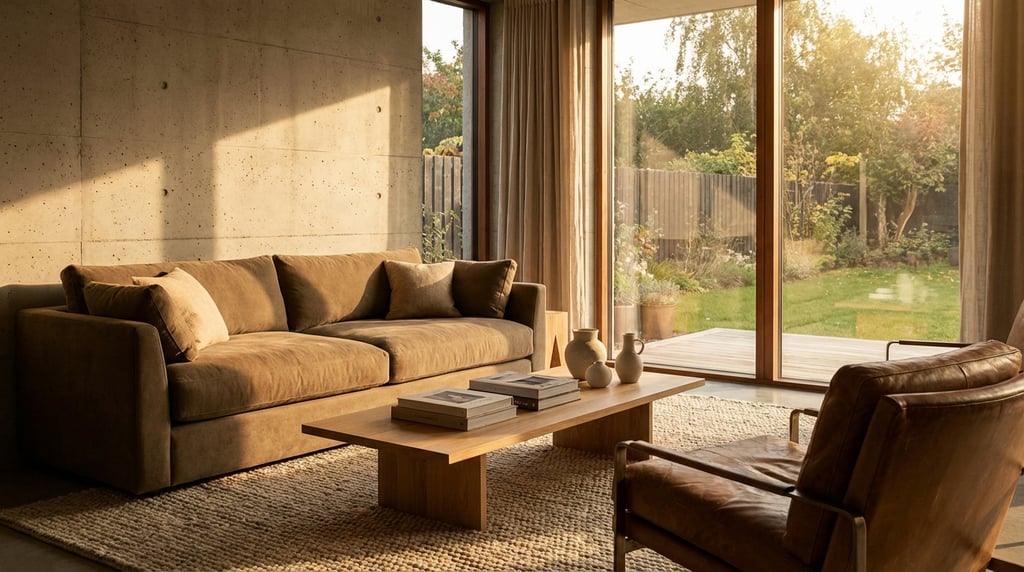
Material rendering is where architectural images either earn or lose credibility. Clients and planning committees read surfaces instinctively, and a concrete wall that reads as painted plaster or a glazed facade that looks like a flat colour fill can undermine an otherwise strong visualisation.
Flux 2 Pro produces more convincing results for the materials most common in contemporary architecture. Concrete in particular benefits from the model's handling of surface variation, board-marked formwork, aggregate exposure, and weathering streaks all appear with a degree of specificity that holds up at closer inspection. Glass behaves well in most conditions, with plausible reflections and transparency. Weathered steel and Corten surfaces also render with reasonable authenticity out of the box.
Nano Banana Pro struggles when surfaces become highly reflective. Glazed curtain walls are a consistent problem area, with the model introducing artefacts, fragmented reflections, geometry bleeding through glass planes, and inconsistent transparency, that require significant post-processing to resolve. For a building typology where extensive glazing is the norm, this is a meaningful limitation.
Both models handle timber cladding and brick well when prompts include specific material descriptors. Terms like "sawn larch cladding with silver-grey weathering" or "handmade stock brick with raked mortar joints" consistently improve output quality in both models.
Where Flux 2 Pro pulls ahead most clearly is in consistency across iterative generations. When producing multiple frames of the same building, varying angle, time of day, or interior view, material properties remain stable. Nano Banana Pro drifts noticeably between iterations, with concrete changing character, brick courses shifting in scale, and cladding tones varying in ways that make it difficult to present a coherent set of images to a client.
| Material Type | Flux 2 Pro | Nano Banana Pro |
|---|---|---|
| Fair-faced concrete | Strong, good surface variation | Acceptable, less texture specificity |
| Glazed curtain wall | Reliable with prompt refinement | Artefacts on reflective surfaces |
| Timber cladding | Good with specific prompting | Good with specific prompting |
| Brick | Consistent across iterations | Consistent per image; drifts across sets |
| Weathered steel / Corten | Strong tonal and texture range | Flatter, less convincing oxidation |
Handling Spatial Geometry and Perspective
Perspective accuracy is non-negotiable in architectural work. A slightly tilted horizon, converging verticals on a tall facade, or a distorted floor plane reads immediately as wrong to anyone with spatial training, and to many clients who could not articulate why an image feels off. This is one of the clearest differentiators between the two models.
Nano Banana Pro introduces subtle perspective distortion on long facade elevations with some regularity. This is most visible on horizontal banding, window grid repetition, and parapet lines that should resolve cleanly to a single vanishing point. The distortion is rarely dramatic, but it is persistent enough to require checking every output before use. On shorter or more complex massing, the problem is less pronounced.
Flux 2 Pro holds vanishing points more reliably across both one-point and two-point perspective scenes. Street-level views with strong receding lines, aerial perspectives, and worm's-eye views of tall buildings all maintain geometric plausibility more consistently. This does not mean Flux 2 Pro is geometrically perfect, it is not, but the error rate is lower and the corrections required in post are less significant.
Neither model should be trusted for technical drawing accuracy without manual correction. These are visualisation tools, not drafting instruments. Any output intended for planning submissions or client approval documents needs human review of perspective geometry before use.
Interior spatial depth is a particular strength of Flux 2 Pro. In narrow corridors, double-height voids, and rooms with complex ceiling geometries, the model maintains plausible depth cues, floor reflections, shadow recession, and scale relationships between furniture and structure all read convincingly. Nano Banana Pro tends to flatten interior space, compressing depth in a way that makes rooms feel smaller or proportionally ambiguous.
Lighting and Atmosphere
Lighting is where the two models diverge most strongly in character, and where the right choice depends heavily on what you need an image to do.
Flux 2 Pro handles directional sunlight with sharper shadow casting and more realistic bounce light behaviour. On south-facing elevations with pronounced overhangs or deep window reveals, shadows read with the kind of specificity that communicates architectural depth and materiality clearly. Bounce light from light-coloured ground planes and adjacent surfaces contributes warmth without washing out shadow detail. These are qualities that matter when an image needs to communicate design intent precisely.
Nano Banana Pro produces softer, more diffused results by default. This is not without value, early concept imagery and mood boards often benefit from a less technical quality, and the model's output in overcast conditions has a painterly quality that some clients respond well to. The limitation is that this diffused character is difficult to override. Even with prompts explicitly specifying hard directional light, Nano Banana Pro softens the result in ways that reduce technical conviction.
Golden hour and dusk renders strongly favour Flux 2 Pro for client-facing presentation quality. The model handles the combination of warm directional light, long shadows, and ambient sky colour with considerably more sophistication. These lighting conditions are often chosen for hero images in planning applications and marketing materials, where the render needs to carry genuine visual authority.
There is one clear area where Nano Banana Pro performs better: artificial interior lighting. Flux 2 Pro consistently struggles with ceiling-mounted light sources, producing blown-out halos, inconsistent illumination spread, and artefacts around recessed downlights and pendant fittings. Nano Banana Pro handles artificial lighting more cleanly, distributing illumination with more plausible fall-off and maintaining ceiling detail around light sources.
| Lighting Condition | Flux 2 Pro | Nano Banana Pro |
|---|---|---|
| Midday direct sunlight | Strong shadow definition | Softer, less technical |
| Overcast diffused sky | Reliable, even tone | Painterly quality, good for mood boards |
| Golden hour / dusk | Excellent for presentation renders | Adequate but lacks warmth control |
| Artificial interior lighting | Ceiling artefacts common | More convincing light fall-off |
| Complex sky / HDRI replacement | Requires prompt engineering | Requires prompt engineering |
Neither model reliably handles complex HDRI-style sky replacements without deliberate prompt engineering. Sky drama, layered cloud formations, storm light, dramatic sunset gradients, needs to be built into the prompt carefully in both cases. Treating sky replacement as an automatic capability of either model will result in inconsistent outputs.
Workflow Integration for Design Professionals
Image quality matters, but so does how a model fits into the way an architecture studio actually works. Pipeline integration, batch processing, pricing, and the technical overhead required to get good results are all practical factors that affect which tool is the right choice for a given practice.
Flux 2 Pro integrates more cleanly with ComfyUI and the standard API pipelines that established architecture studios tend to use. Node-based workflows, custom conditioning, and connection to existing asset libraries are all better supported. If your studio already has a production pipeline built around ComfyUI or similar tooling, Flux 2 Pro will slot in with less friction.
Nano Banana Pro offers a simpler onboarding experience. The interface is more approachable, the documentation is written for users without a dedicated technical resource, and the path from prompt to usable output is shorter for someone new to AI image generation. For smaller practices or sole practitioners who need results without building a complex workflow, this is a genuine advantage.
Flux 2 Pro is the stronger choice for studios producing high-volume client presentation imagery where material accuracy and geometric consistency are priorities. Nano Banana Pro is the more practical choice for freelance architects and smaller practices where cost, simplicity, and speed of concept exploration matter more than technical precision.
Batch processing reliability is a significant operational factor for studios working on large residential schemes or multi-building masterplans where dozens of views need to be produced consistently. Flux 2 Pro handles large batch jobs with greater stability, maintaining quality across long runs without the output degradation that Nano Banana Pro shows when processing at volume.
Pricing is where Nano Banana Pro holds a real advantage. Its cost structure is more accessible for freelance architects and sole practitioners who need capable AI image generation without committing to the usage costs that Flux 2 Pro accumulates at scale. For low-volume use, the quality difference may not justify the price difference.
Both models support ControlNet-style conditioning, which is important for arch viz workflows where you need to drive outputs from sketch geometry, massing models, or depth maps. Implementation quality varies by use case. Flux 2 Pro responds more reliably to edge conditioning from clean line drawings, which is particularly useful when you want to maintain a specific massing while varying material or lighting. Nano Banana Pro's conditioning response is less precise but performs adequately for looser concept work.
Verdict: Which Model Should Architects Use?
The answer depends on where you are in the project and what you need the image to achieve.
Flux 2 Pro is the stronger choice for client presentation visuals where material fidelity and spatial accuracy carry professional weight. Planning presentations, design review imagery, and marketing-grade exterior renders all benefit from the model's more reliable geometry, sharper lighting, and better material consistency. If you are producing images that need to represent a specific design with clarity and authority, Flux 2 Pro is the more capable tool.
Nano Banana Pro suits early-stage concept exploration and mood board production where speed and cost outweigh precision. When you need to generate twenty spatial options in an afternoon to inform a design conversation, the model's simpler workflow and lower cost make it a practical choice. The images are not presentation-ready, but that is not what early-stage work requires.
Studios producing high-volume exterior renders across large residential or commercial projects will see a measurable quality difference with Flux 2 Pro, particularly in material consistency across a full image set. The investment in pipeline setup and higher processing costs is justified when image quality directly affects client confidence and planning outcomes.
Neither model replaces a dedicated renderer like Enscape or V-Ray for construction-stage documentation. When accuracy, measurability, and contractual reliability matter, traditional rendering pipelines remain the appropriate tool. AI image generation sits alongside those tools as a faster, less precise option for earlier project stages.
The right choice is determined by three factors: project phase, budget, and the technical capability of your team. A studio with a strong ComfyUI pipeline, consistent client presentation demands, and volume output requirements should use Flux 2 Pro. A freelance architect doing early-stage residential concept work should start with Nano Banana Pro and move up when the project warrants it.
Use Flux 2 Pro when the image needs to represent a design with professional authority. Use Nano Banana Pro when you need to explore and communicate ideas quickly at low cost. Knowing which situation you are in before you start will save you time and money on every project.
Keep reading.
Try Stensyl for yourself
Image, video, 3D, chat, and document drafting. Every AI model, one studio. Plans from $11/month.