How to Build Client-Ready Moodboards with AI in Stensyl.
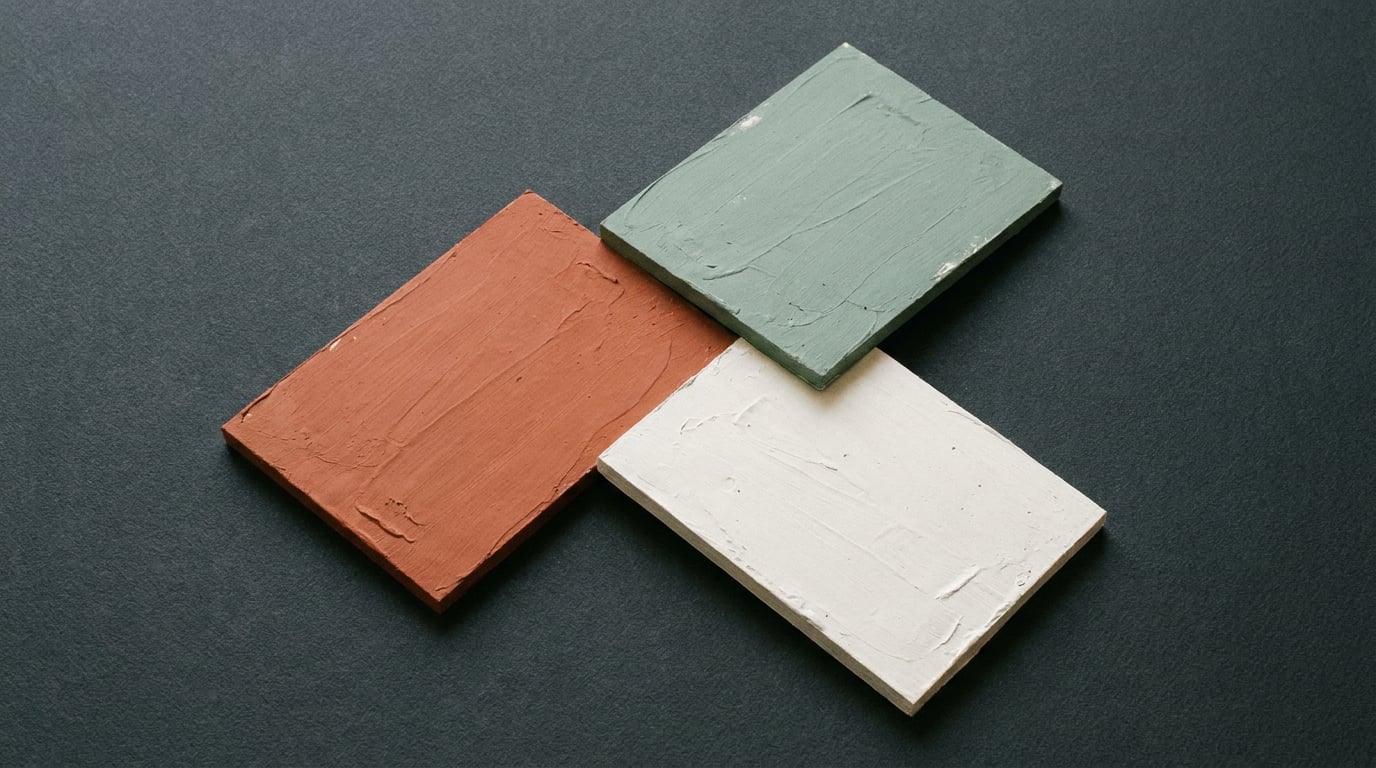
Stensyl's Boards surface combines visual references and scene framing in one canvas. Here's how to use it to build moodboards clients actually approve.
What Boards Actually Does (and Why It Replaced Two Surfaces)

On 2026-06-01, Stensyl merged its Moodboards and Storyboards surfaces into a single canvas at /boards. Old routes redirect automatically, so nothing you built before is lost. What changed is the logic: instead of toggling between two tools mid-presentation, you now have one surface that handles both visual reference curation and frame sequencing for video generation.
That distinction matters. Boards is not a generation surface in isolation. It works alongside Image (/generate/image), Ray (/ray), and Write (/write) to pull generated assets into a curated canvas. The generation happens elsewhere. Boards is where you make editorial decisions: which images stay, how they group, what story they tell to someone who didn't write the brief.
The feature that separates Boards from every other AI moodboard tool on the market is the start/end scene pairing. Group frames into scene pairs and you can hand them directly to Video (/generate/video) or Film (/film) for first/last-frame video generation. Most tools in this space — Miro AI's moodboard generator, Adobe's Firefly workflow, Microsoft Copilot's campaign boards — stop at the static board or, at best, a slide deck export. Boards closes the loop between reference and deliverable by treating each scene pair as a motion brief waiting to be animated.
For creative directors managing a brand identity project, interior designers presenting spatial concepts, or marketing teams building campaign territories, this means the moodboard is no longer the end of the ideation phase. It's the bridge into production.
Boards replaces two separate surfaces with one canvas that does more than either did alone: curate references and frame scenes for video generation in the same workspace.
Step One: Generate the Raw Material Before You Curate

The quality of a moodboard is determined before you open the canvas. Curating from three images forces compromise. Curating from twelve gives you genuine editorial control. Start in Image (/generate/image), where 20+ models are available on every plan, and choose the model whose aesthetic fits the brief rather than defaulting to the first option.
That choice is not arbitrary. Midjourney v6 produces the kind of stylised, high-fidelity stills that concept artists and game environment designers reach for when they need evocative mood rather than literal accuracy. Flux, from Black Forest Labs, is gaining traction for product and automotive work because of its consistency across batches — critical when you're generating six colourway explorations of the same vehicle form and need them to feel like a coherent set. Ideogram handles typography-correct outputs that graphic and brand designers need when prototyping poster territories or social templates where legible type is part of the aesthetic, not an afterthought.
Before generating anything, use Ray (/ray) as a creative director. Ray runs on Claude Sonnet 4.6 or Opus 4.8 with web search, and with context windows large enough to ingest a full client brief, a research pack, and a competitor reference list in a single session. Ask it to suggest which image model suits the brief's aesthetic, recommend colour palette descriptors, or propose three conceptual territories to explore. That conversation is not a detour from the workflow — it's the editorial thinking that separates a deliberate board from a random collection of generated images.
For text-heavy projects — a brand positioning deck, an exhibition concept, a campaign territory document — draft the mood language first in Write (/write) using Claude Opus 4.8 or GPT-5.5. A tight paragraph describing the tonal register, the visual references you're working toward, and what you're deliberately avoiding becomes a significantly stronger image prompt than a six-word descriptor. Carry those descriptors into Image and generate in batches.
Discipline-specific examples of what "raw material" looks like in practice:
- Product design: lifestyle context shots showing the object in use, with varied lighting environments and surface textures to test how it reads across contexts.
- Automotive design: colourway explorations across the same vehicle silhouette, generated as a consistent batch to let stakeholders compare palette directions side by side.
- Graphic design: brand territory visuals — typographic compositions, pattern systems, and colour field studies — that establish the visual language before a single layout is touched.
- Game development: environment mood references for a specific biome or level, testing how different lighting temperatures and colour grading affect the emotional register of a space.
Generate more than you think you need. The editing happens in Boards, not in the generation queue.
Step Two: Arrange and Frame the Board for Client Logic
A generated image is not a moodboard. Dragging assets onto a canvas and calling it done is the mistake that makes clients ask for a third revision. The arrangement is the argument. It tells the client not just what you're proposing, but why these references belong together and what they collectively mean for the project.
In Boards, group by territory, mood, or scene rather than by generation order. Generation order is an artefact of your workflow and means nothing to the person approving the direction. Territory grouping — "Restrained / Expressive", "Urban / Domestic", "Clinical / Tactile" — makes the editorial logic visible without requiring a verbal walkthrough.
Label sections clearly. Clients are not designers. A board section titled "Tone A: Restrained" communicates the intent faster than visual placement alone, and it gives clients the vocabulary to respond specifically rather than vaguely. "I prefer Tone A" is a more useful piece of feedback than "I'm not sure about this one."
The start/end scene framing feature in Boards adds a structural layer that most moodboard tools lack entirely. Pairing frames to define a visual arc gives the board a narrative structure — a beginning state and an end state — that clients can follow without you in the room. For a film or set design project, this maps directly onto how a sequence moves. For an interior designer presenting a spatial journey through a retail environment, grouping by zone (entrance, transition, dwell, exit) mirrors how the client will actually experience the space. The board stops being a collection of images and starts being a argument about how something feels over time.
The strongest boards make a decision easy, not impressive. Fewer, stronger images beat a wall of options that stall the approval process.
Keep the canvas uncluttered. This is the hardest discipline to maintain when you've generated forty good images. Resist. A client faced with twenty competing references will defer the decision. A client shown six images, clearly grouped into two territories, can choose. The editorial restraint you exercise in Boards directly affects the speed of sign-off.
Structure the board for the client's question — "Is this the right direction?" — not for your own visual satisfaction. Every grouping, label, and image selection should make that question easier to answer yes or no.
Step Three: Use Research to Ground Aesthetic Choices

Visual gut-feel is not enough for a client-ready board. The strongest moodboards pair aesthetic conviction with strategic rationale — the ability to say not just "this is what it looks like" but "this is why this direction is right for this moment, this market, and this audience."
Stensyl's Research (/research) surface is Perplexity-backed and available on every plan. Use it before finalising your board territories, not after. Pull current campaign benchmarks, material trend references, competitor visual audits, or category norms for the specific sector the project lives in. That research becomes the skeleton on which the aesthetic choices hang.
For marketing and advertising teams, grounding a moodboard in current campaign data lifts the presentation above pure taste. If the board references a visual direction that is emerging in adjacent categories but not yet saturated in the client's own, that's a strategic argument, not just an aesthetic one. Research (/research) surfaces that context in minutes.
For game developers, research can validate tonal direction before significant resource is committed to concept art. Surfacing visual references from released titles that occupy the same emotional register — confirming that the palette and lighting language resonates with an established audience — is a faster and cheaper validation than commissioning a full concept pass.
For exhibition designers building a client-facing board for a stand or installation, research into the event context, the competing exhibitors, and the spatial norms of the sector gives the aesthetic choices a competitive logic that purely intuitive moodboards lack.
Once the research is done, paste the relevant outputs into Write (/write) and draft the explanatory copy that accompanies the board. A one-paragraph rationale per territory, written in Claude Opus 4.8 or GPT-5.5, bridges the gap between what the client sees and what it means. That copy travels with the board into the client PDF or the shared workspace in Projects (/projects).
The full sequence looks like this:
- Research: pull market context and trend references relevant to the brief.
- Write: draft territory rationales and mood descriptors informed by the research.
- Image: generate visual assets using those descriptors as prompts.
- Boards: curate, group, and frame the assets into a client-facing canvas.
Each step feeds the next. The Research → Write → Image → Boards pipeline turns a collection of images into a defensible creative direction with a clear rationale the client can interrogate and approve.
From Moodboard to Motion: Extending the Board into Video
Most AI moodboard tools stop at the static board. Miro AI outputs a collaborative canvas. Adobe Firefly's workflow ends at an arranged image set. Microsoft Copilot's moodboard examples stay within Microsoft 365 and export to decks. None of them treat the board as a brief for motion.
Boards does. Once scenes are framed with start/end pairs, hand them to Video (/generate/video) or Film (/film) to animate a territory. The first/last-frame pairs you've defined in Boards become the input parameters for video generation: a defined visual starting state, a defined visual end state, and the generation model filling the motion between them.
This is particularly useful for motion designers who need to show a client how a static reference translates into movement — whether that's a graphic system animating across a title sequence or a colour palette breathing through a brand film. It's equally valuable for film and set designers presenting an environment concept: a short animated proof of a lighting mood or colour grade is a fundamentally different communication tool than a static image, and it answers a different client question.
For social and content teams, a short animated moodboard loop is a deliverable in itself. A five-second loop showing the visual language of an upcoming campaign — palette, texture, pacing — can be shared in a client review before a single piece of content is produced. Refine it in Editing (/editing) with captions or pair it with a music bed from Audio (/generate/audio) and it becomes a reference asset the whole production team can align against.
Treating a Boards canvas as a motion brief — not just a visual reference — is the step that transforms a moodboard from a sign-off document into a production-ready direction.
The credit cost of extending a moodboard into a short video proof is low relative to the alignment value it creates in a client meeting. Plans range from Lite at £10/month (1,000 credits) through to Studio at £84/month (12,500 credits). Free accounts receive 150 one-time credits, enough to test the full workflow from image generation through to a first video render before committing to a paid plan. This makes short video proofs a low-risk extension of a moodboard workflow rather than a separate production decision requiring a separate budget conversation.
| Plan | Price | Monthly Credits | Concurrent Generations |
|---|---|---|---|
| Free | £0 | 150 (one-time) | 1 |
| Lite | £10/mo | 1,000 | 1 |
| Starter | £22/mo | 2,500 | 2 |
| Pro | £42/mo | 6,000 | 3 |
| Studio | £84/mo | 12,500 | 4 |
Presenting the Board: What Makes a Client Actually Approve It
A moodboard is a communication tool. Its job is to make a decision possible, not to demonstrate the range of your aesthetic knowledge or the volume of images the AI can produce. Structure it to answer the single question the client is sitting with: Is this the right direction?
Present no more than three territories in a single session. Decision fatigue is a more common cause of delayed approvals than weak creative. Three clearly differentiated directions, each with a written rationale and a curated visual set, give the client enough to choose between without overwhelming them into deferral.
Use Write to draft a one-paragraph rationale per territory. Keep it non-technical. Name the emotional register, the cultural references the direction draws from, and the practical implication for how the finished work will feel to its audience. A graphic designer presenting brand territories might frame one direction as "precision and restraint — minimal type, high white space, the visual language of Swiss editorial design applied to a contemporary product context." A client doesn't need to know the design history. They need to understand what they're choosing.
Pair the written rationale with the board in an exported PDF or share the workspace via Projects (/projects). Projects supports brand identity and team-shared workspaces, meaning a board built collaboratively — across a creative director, a strategist, and a visual designer — doesn't live on one person's screen or in one person's account. The client link is stable. The board is intact. The rationale travels with it.
The strongest client presentations pair a curated Boards canvas with a written rationale from Write and a short animated proof from Video or Film. Each piece answers a different question the client is silently asking: Does it look right? Does the reasoning hold? Does it move the way I need it to?
The animated proof is the piece most often omitted, and it's the piece most likely to convert a hesitant client into a confident one. Static images ask the client to imagine. A five-second animated loop of a colour palette and texture system moving across screen removes the imagination gap entirely. For motion designers presenting title sequence territories, film designers presenting environment moods, or content teams presenting social campaign languages, that gap is where approvals get lost.
Build the board in Boards. Write the rationale in Write. Generate the proof in Video or Film. Present all three together. That's the workflow that turns a moodboard session into a signed brief.
Three surfaces, one outcome: Boards for the visual argument, Write for the strategic rationale, Video or Film for the animated proof. Together they answer every question a client brings into a creative review.
Keep reading.

Try Stensyl for yourself
Image, video, 3D, chat, and document drafting. Every AI model, one studio. Plans from $11/month.