Runway Video-to-Video
Transform existing footage with AI. Style transfer, scene reimagining, material override.
Upload a video and describe what you want it to become. Runway Video-to-Video uses the Aleph 2.0 architecture to restyle, retexture, and reimagine footage while preserving the original motion, timing, and composition. The source video provides the structure. Your prompt provides the new look. The result is a transformed clip that moves identically to the original but exists in a completely different visual world. Edit clips up to 30 seconds long at 1080p.
Example outputs
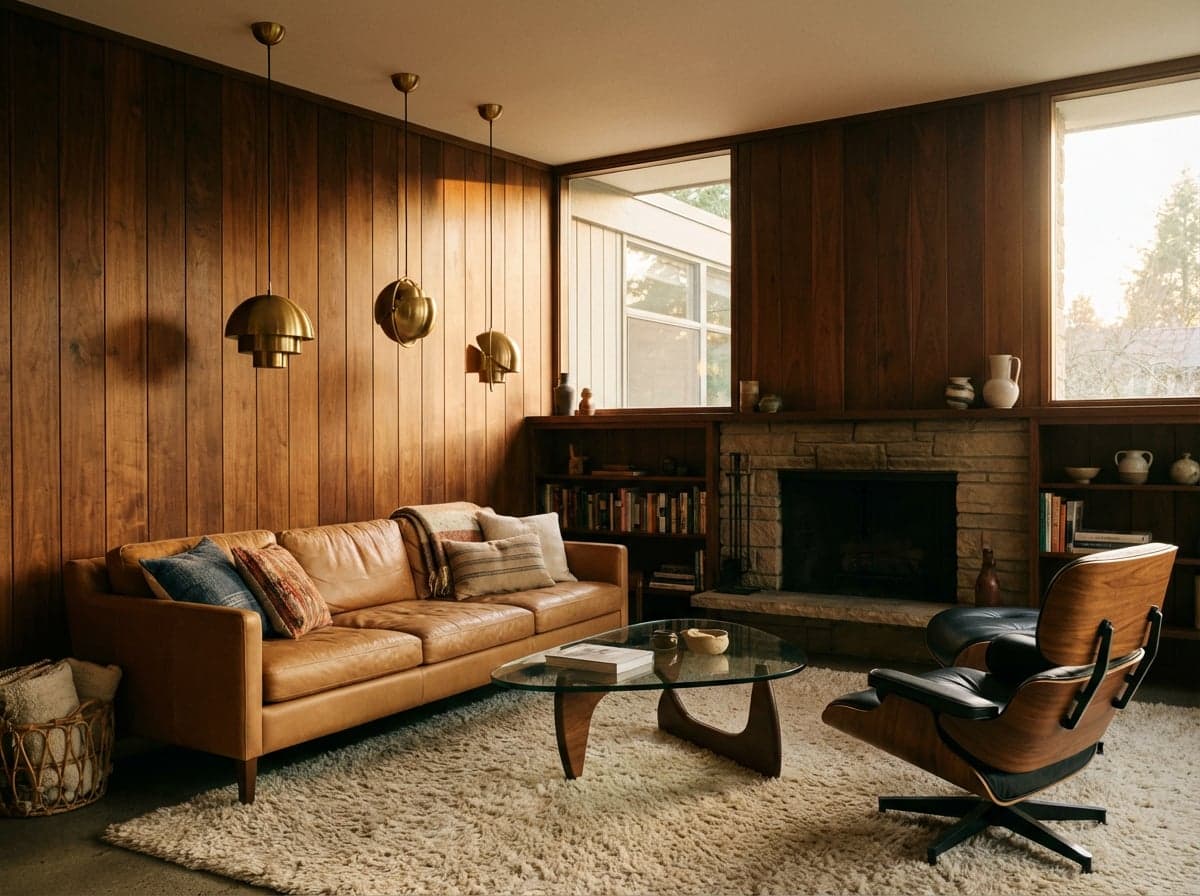
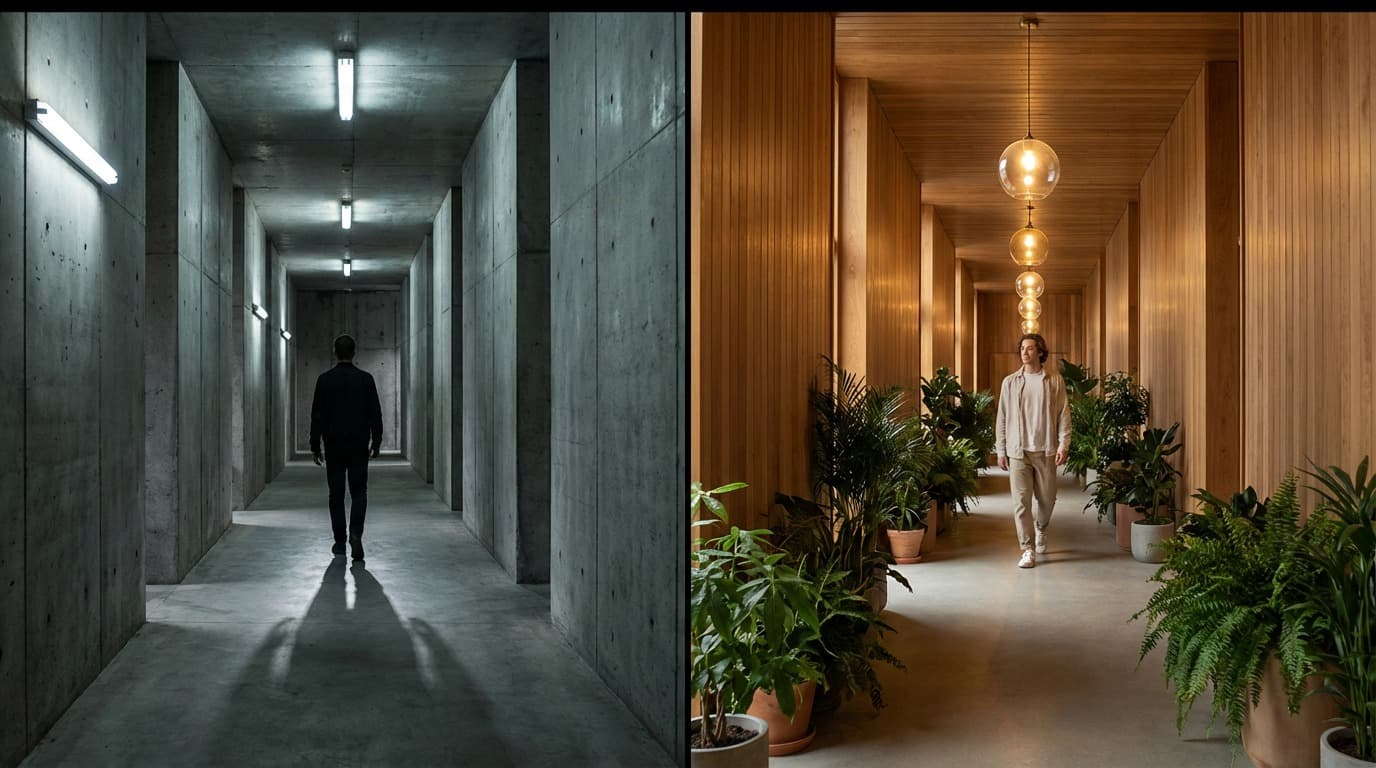
“Transform this office walkthrough into a warm mid-century modern interior with walnut panelling, brass fixtures, and soft pendant lighting”
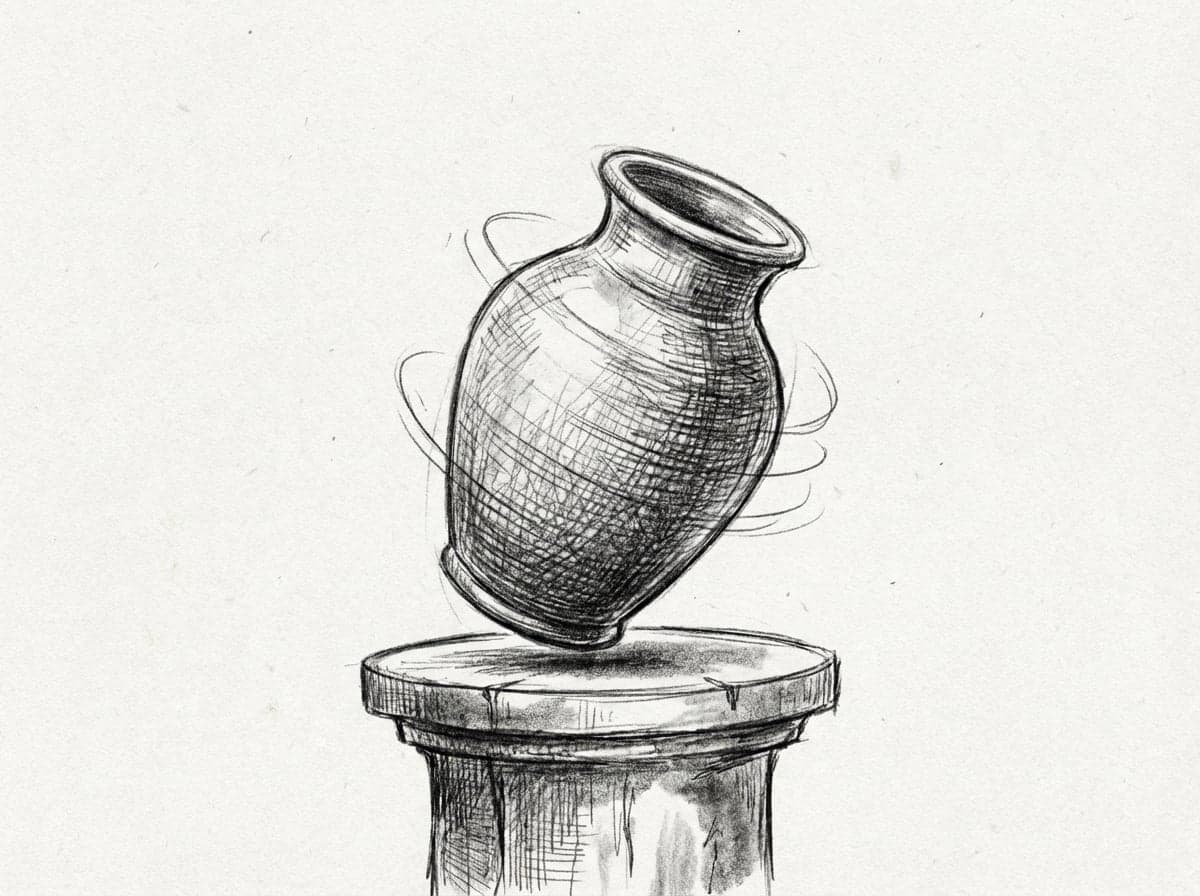
“Restyle this product video as a hand-drawn pencil animation with visible cross-hatching and paper texture, keep the rotation timing”
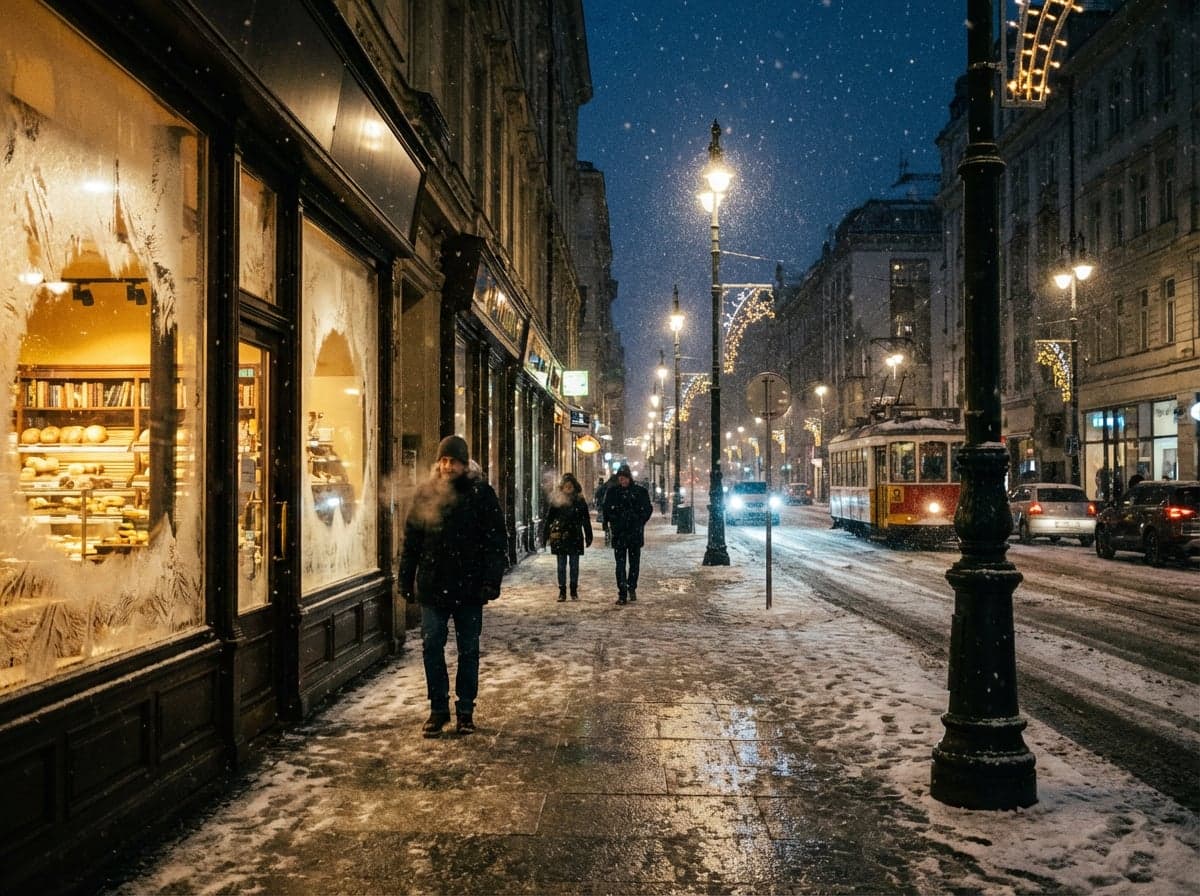
“Convert this urban street footage into a snowy winter scene with frost on windows, breath visible, warm shop lighting spilling onto wet pavement”
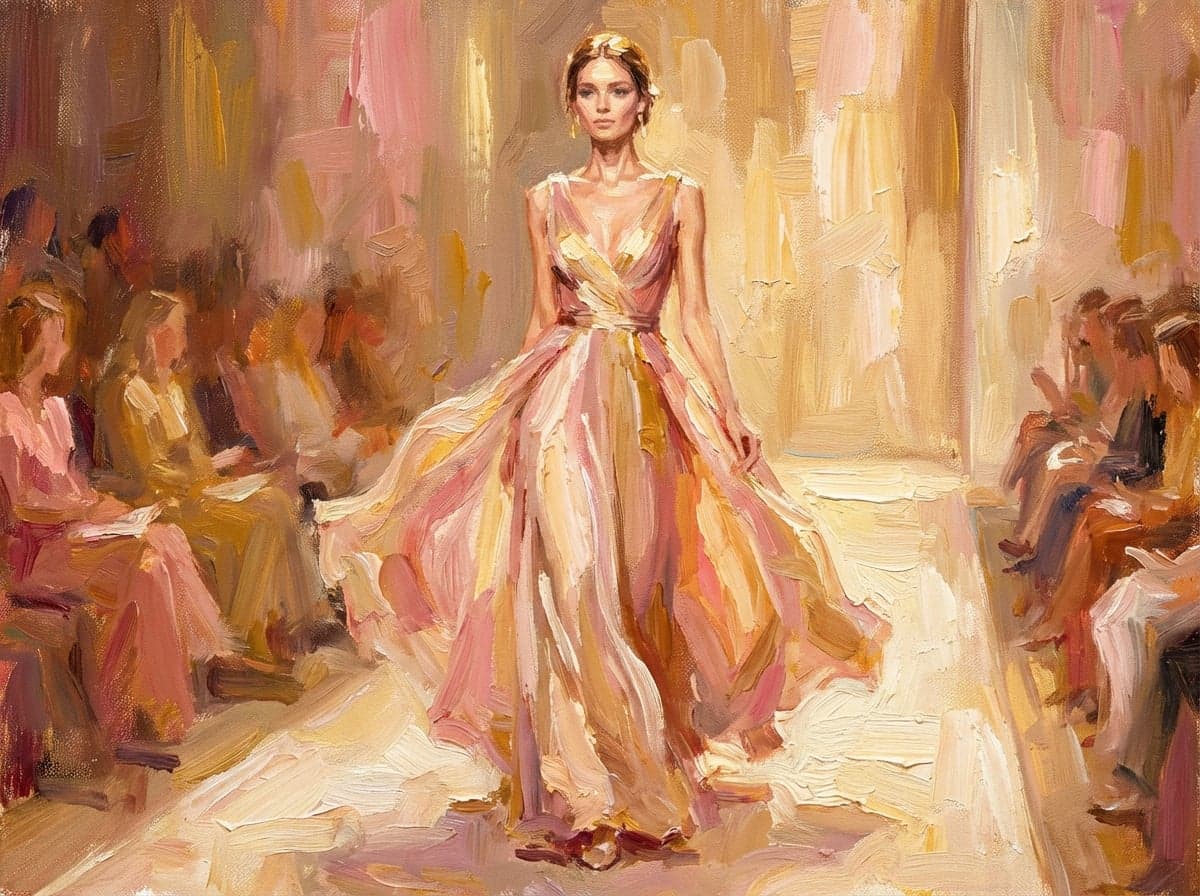
“Transform this fashion runway clip into a painterly oil painting style with visible brushstrokes, warm gallery lighting, impressionist palette”
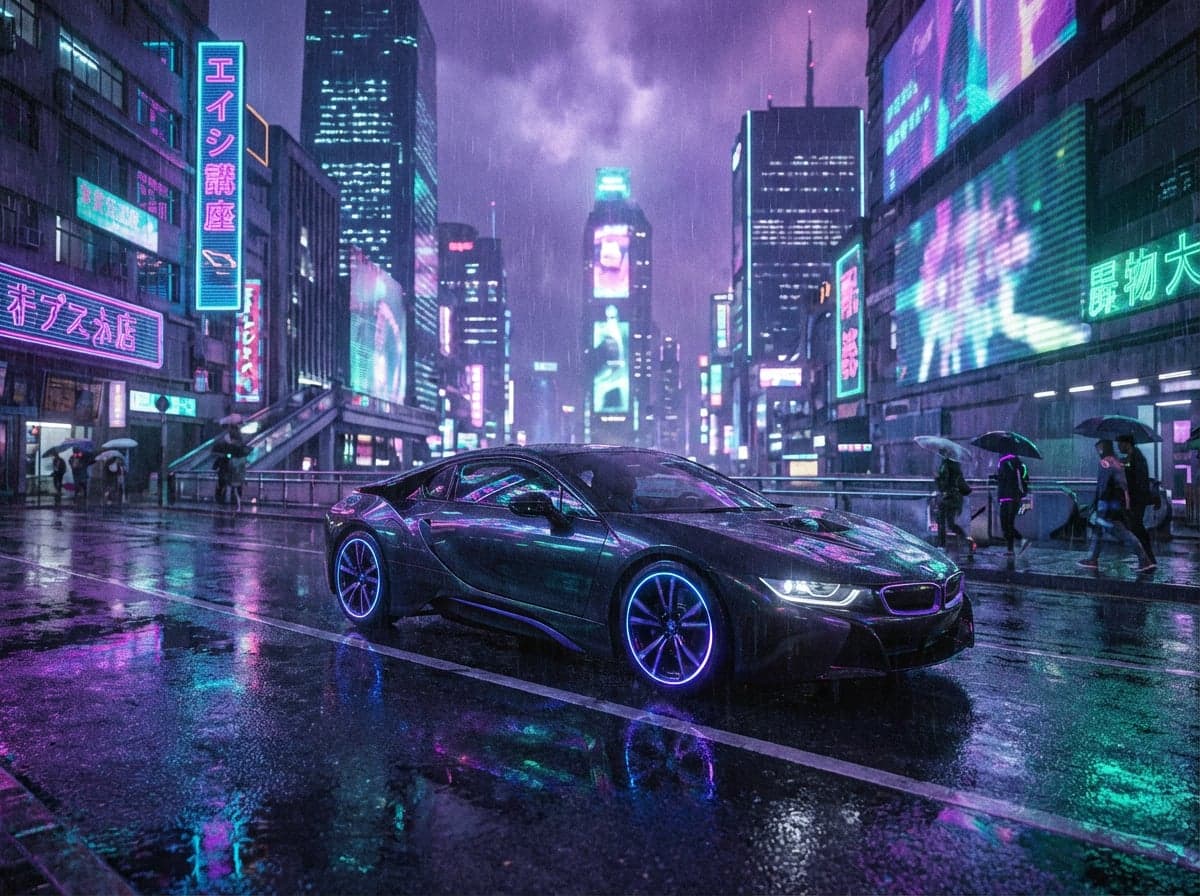
“Restyle this car driving footage as a cyberpunk night scene with neon reflections on wet roads, holographic billboards, purple and teal colour grade”
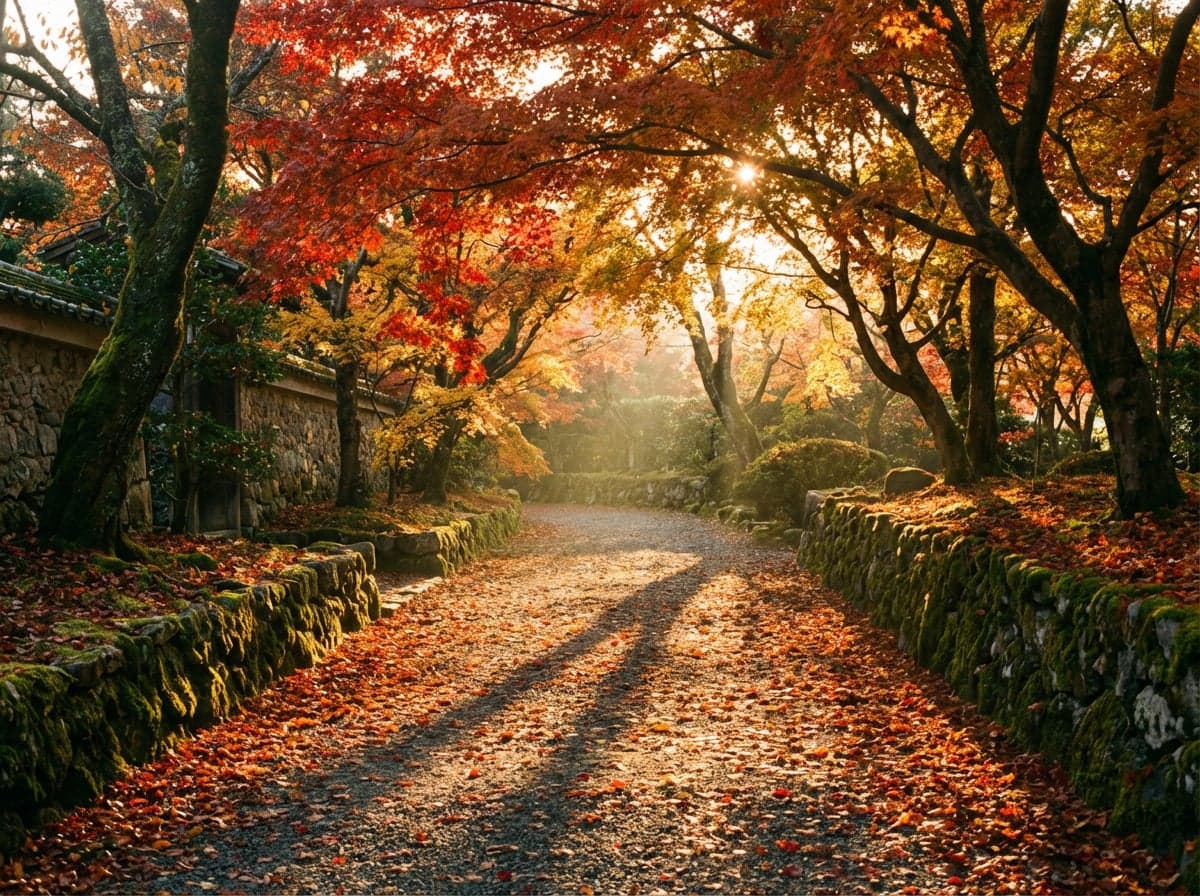
“Convert this garden walkthrough into an autumn version with golden and red foliage, long shadows, warm low-angle sunlight, fallen leaves on paths”
“Transform this office walkthrough into a warm mid-century modern interior with walnut panelling, brass fixtures, and soft pendant lighting”
“Restyle this product video as a hand-drawn pencil animation with visible cross-hatching and paper texture, keep the rotation timing”
“Convert this urban street footage into a snowy winter scene with frost on windows, breath visible, warm shop lighting spilling onto wet pavement”
“Transform this fashion runway clip into a painterly oil painting style with visible brushstrokes, warm gallery lighting, impressionist palette”
“Restyle this car driving footage as a cyberpunk night scene with neon reflections on wet roads, holographic billboards, purple and teal colour grade”
“Convert this garden walkthrough into an autumn version with golden and red foliage, long shadows, warm low-angle sunlight, fallen leaves on paths”
How it works
Describe your scene
Type a detailed prompt describing the video you want, or upload a reference image as a starting frame.
Choose your settings
Pick your resolution and duration. See the credit cost before you generate.
Generate your video
Your video is ready in 1-3 minutes. Download, iterate, or extend the sequence.
Ready to create with Runway Video-to-Video?
Jump into the Studio and start generating. Plans from $11/month.
Same motion, completely different world.
Video-to-Video solves a problem that text-to-video cannot. When you already have footage with the right motion, timing, and composition but need it in a different visual style, generating from scratch means losing all of that choreography. V2V preserves it. Upload a walkthrough of a space and restyle it from concrete brutalism to warm timber. Take a product video and shift the lighting from cold studio to warm editorial. Convert a live-action reference into a stylised animation. The motion stays. The world changes.
The Aleph 2.0 architecture analyses your source video frame by frame, extracting motion vectors, depth relationships, and compositional structure. It then regenerates every frame according to your text prompt while locking to the original timing. Camera movements track identically. Subject positions hold frame for frame. The result is not a filter applied on top of footage. It is a full regeneration that happens to follow the same choreography as your source material.
For design professionals, V2V opens workflows that were previously impossible without a full reshoot. An architect can show the same walkthrough in three material palettes. An interior designer can present a room tour in summer and winter lighting. A product designer can show the same prototype video in brushed aluminium, matte ceramic, and painted wood. Each version takes minutes and a text prompt instead of a new production day.
Questions about Runway Video-to-Video.
Why Stensyl?.
Ready to create with Runway Video-to-Video?
Professional video generation. Plans from $11/month.