
Vidu Q3
Reference-based video generation. Up to 7 subject references for multi-character consistency.
Vidu Q3 solves a problem most video models dodge: keeping multiple characters consistent across shots. Upload up to 7 reference images and the model maintains identity, clothing, and features across the generated video. Text-to-video and image-to-video modes.
Example outputs
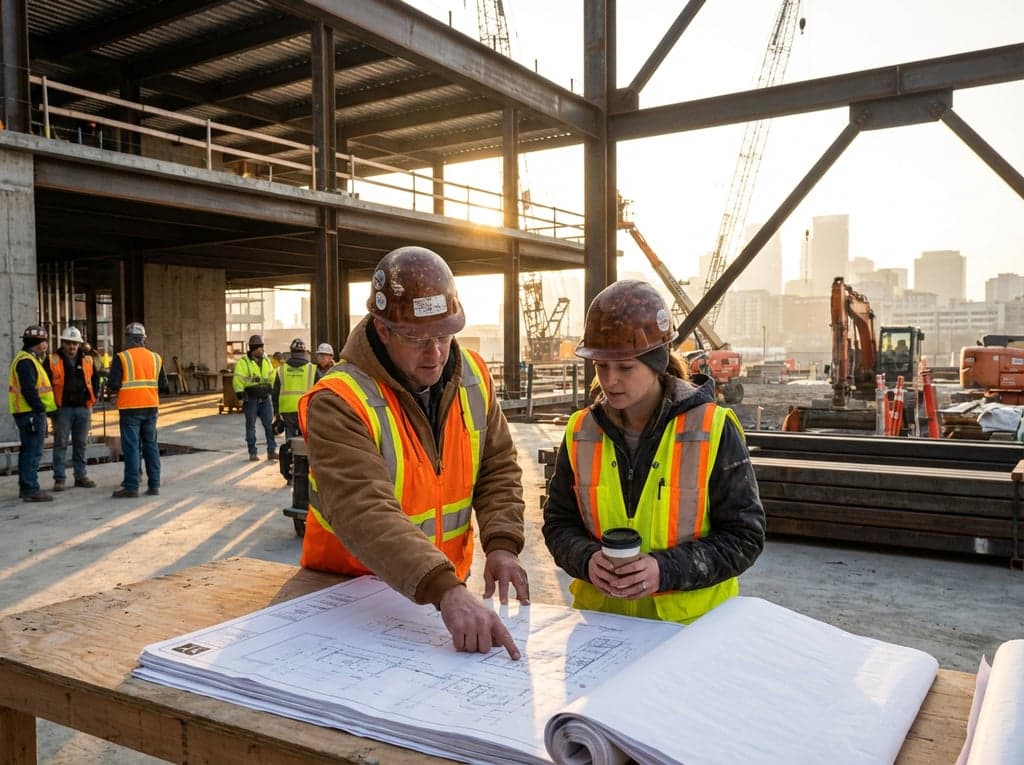
“Two architects reviewing blueprints at a construction site, hard hats and high-vis vests, morning light, documentary style”
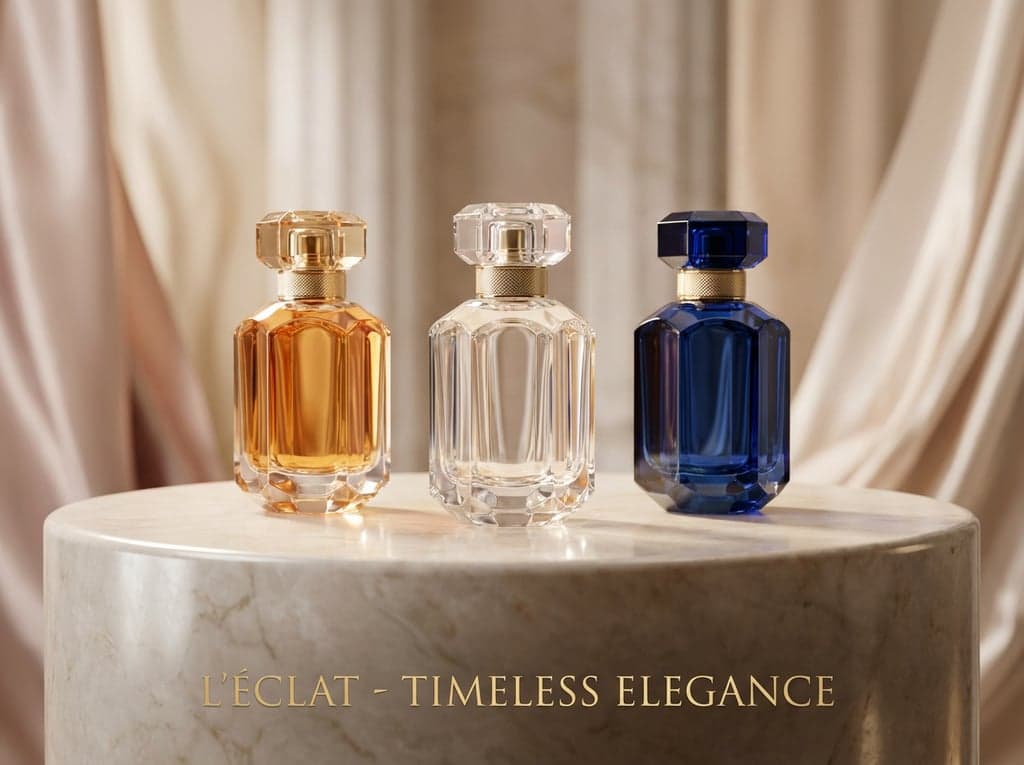
“A product showcase: three perfume bottles rotating slowly on a marble surface, studio lighting, luxury brand commercial”
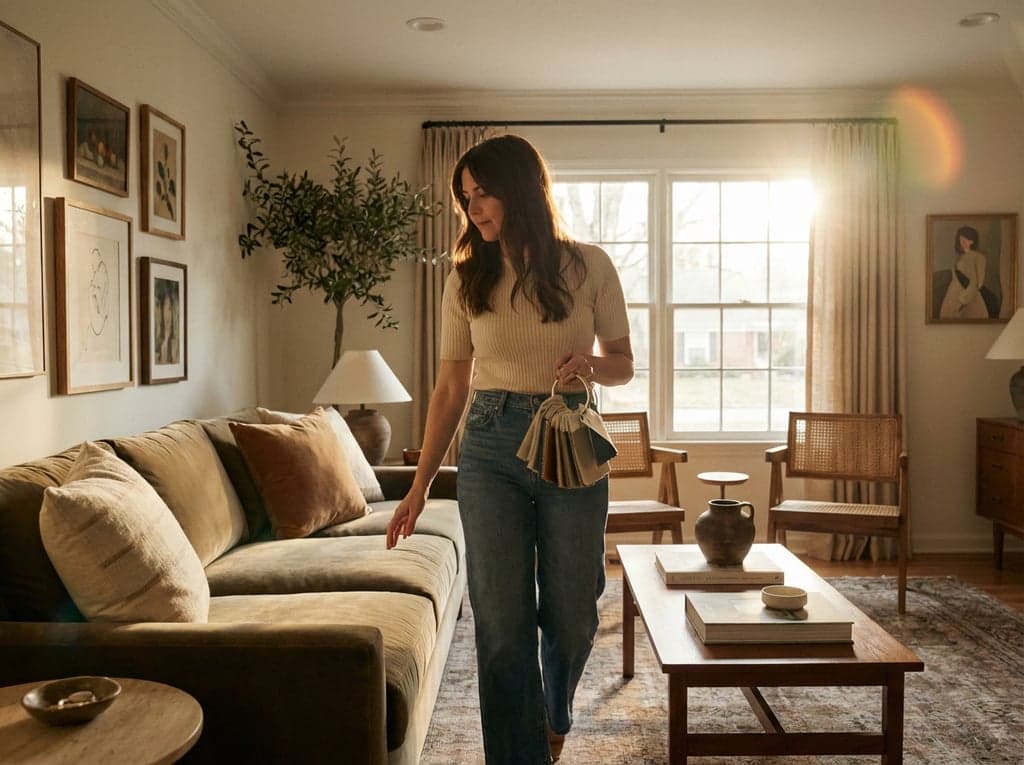
“An interior designer walking through a completed living room, touching fabric samples, soft afternoon light, editorial video”
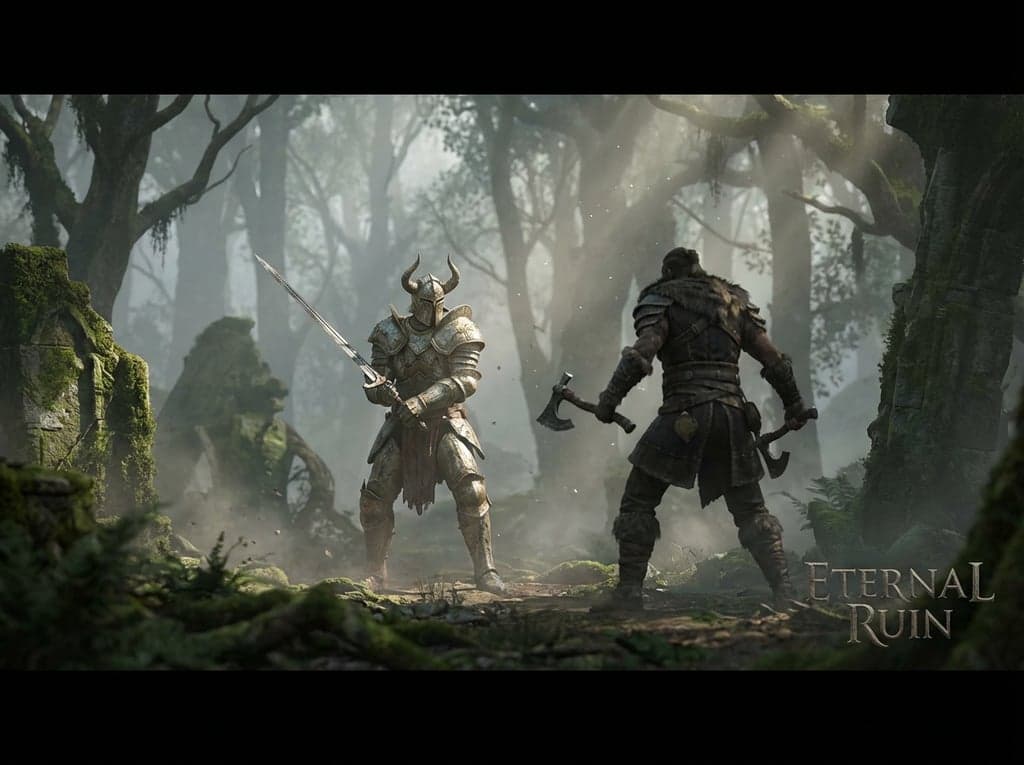
“A game cinematic: two warriors facing each other in a misty forest clearing, armour detail, slow camera orbit, fantasy epic”
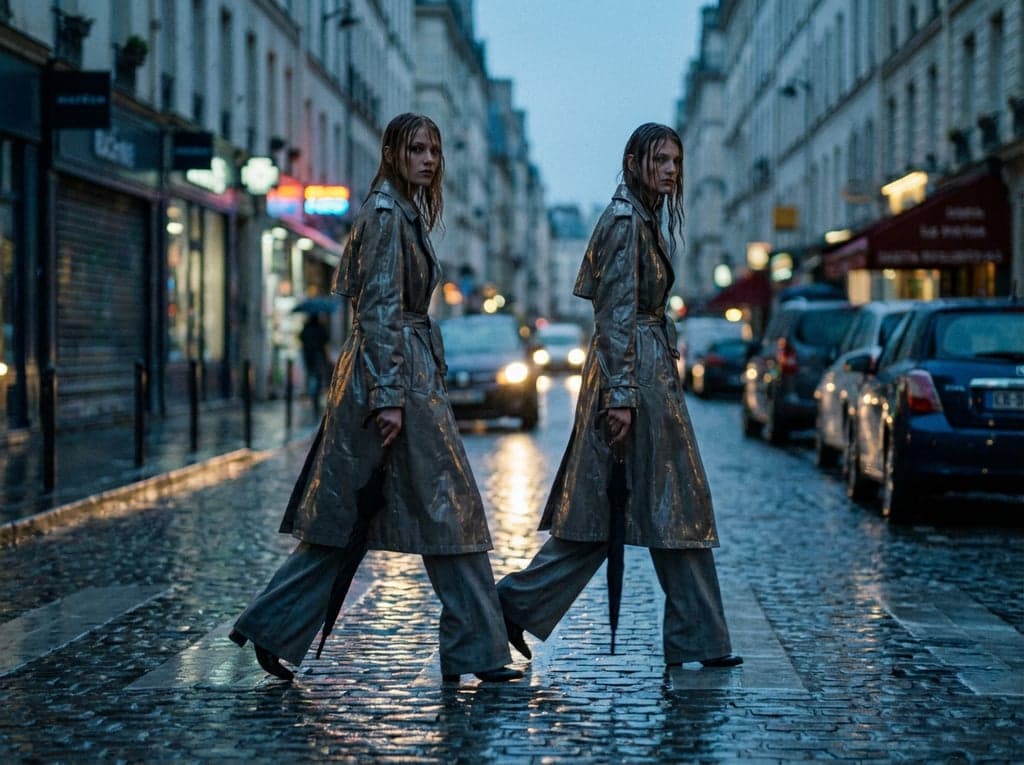
“A fashion editorial: two models walking side by side down a rain-wet city street at dusk, matching outfits, cinematic slow motion”
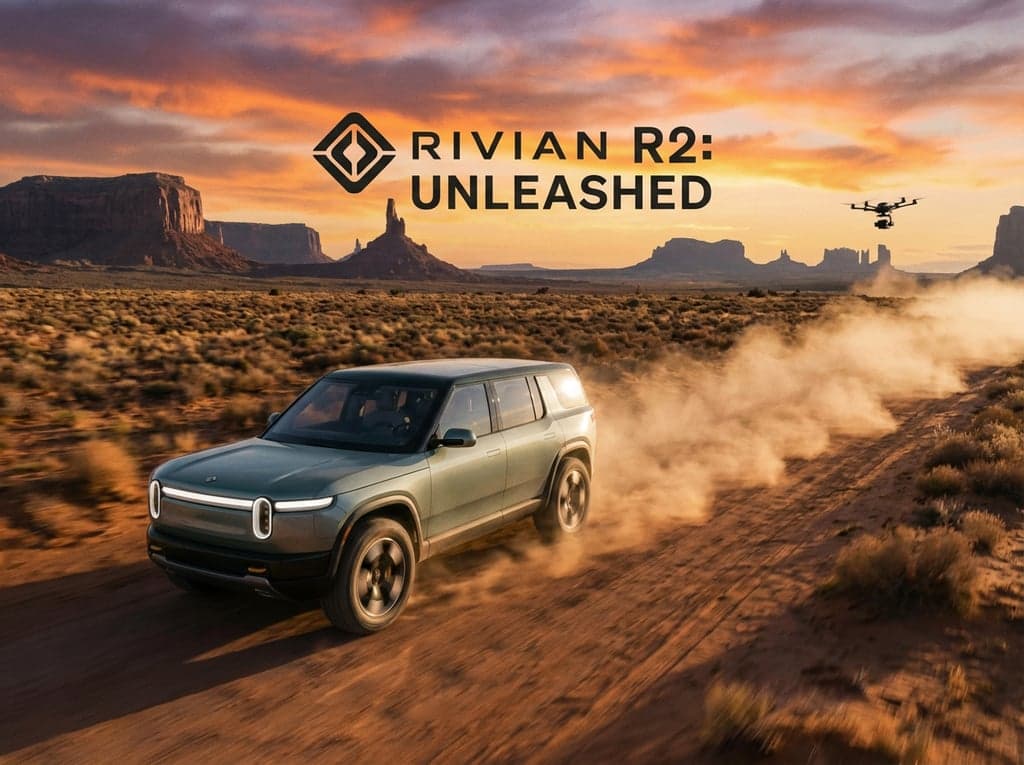
“An automotive reveal: an electric SUV driving through a desert landscape, drone tracking shot, golden hour, commercial quality”
“Two architects reviewing blueprints at a construction site, hard hats and high-vis vests, morning light, documentary style”
“A product showcase: three perfume bottles rotating slowly on a marble surface, studio lighting, luxury brand commercial”
“An interior designer walking through a completed living room, touching fabric samples, soft afternoon light, editorial video”
“A game cinematic: two warriors facing each other in a misty forest clearing, armour detail, slow camera orbit, fantasy epic”
“A fashion editorial: two models walking side by side down a rain-wet city street at dusk, matching outfits, cinematic slow motion”
“An automotive reveal: an electric SUV driving through a desert landscape, drone tracking shot, golden hour, commercial quality”
How it works
Describe your scene
Type a detailed prompt describing the video you want, or upload a reference image as a starting frame.
Choose your settings
Pick your resolution and duration. See the credit cost before you generate.
Generate your video
Your video is ready in 1-3 minutes. Download, iterate, or extend the sequence.
Ready to create with Vidu Q3?
Jump into the Studio and start generating. Plans from $11/month.
Multi-character consistency in AI video.
Most AI video models handle a single subject well, but fall apart when you need two or more characters to look consistent. Vidu Q3 is built around reference-based generation: upload images of your characters, products, or locations, and the model keeps them visually consistent throughout the generated video. Up to 7 reference subjects per generation.
This makes it practical for workflows that other models cannot handle. A product launch video with multiple products maintaining their exact design. A storyboard animatic with two recurring characters. An architectural walkthrough where both the building exterior and interior furniture stay consistent. A brand campaign with a team of models who all need to look like themselves across multiple scenes.
Vidu Q3 supports both text-to-video and image-to-video modes. It sits in the mid-range alongside Kling O3 and Hailuo 2.3 Pro. The trade-off is clear: you pay slightly more for multi-reference consistency that no other model in the roster can match.
Questions about Vidu Q3.
Why Stensyl?.
Ready to create with Vidu Q3?
Professional video generation. Plans from $11/month.