AI for Product Designers: Sketch to Manufacturable Concept.
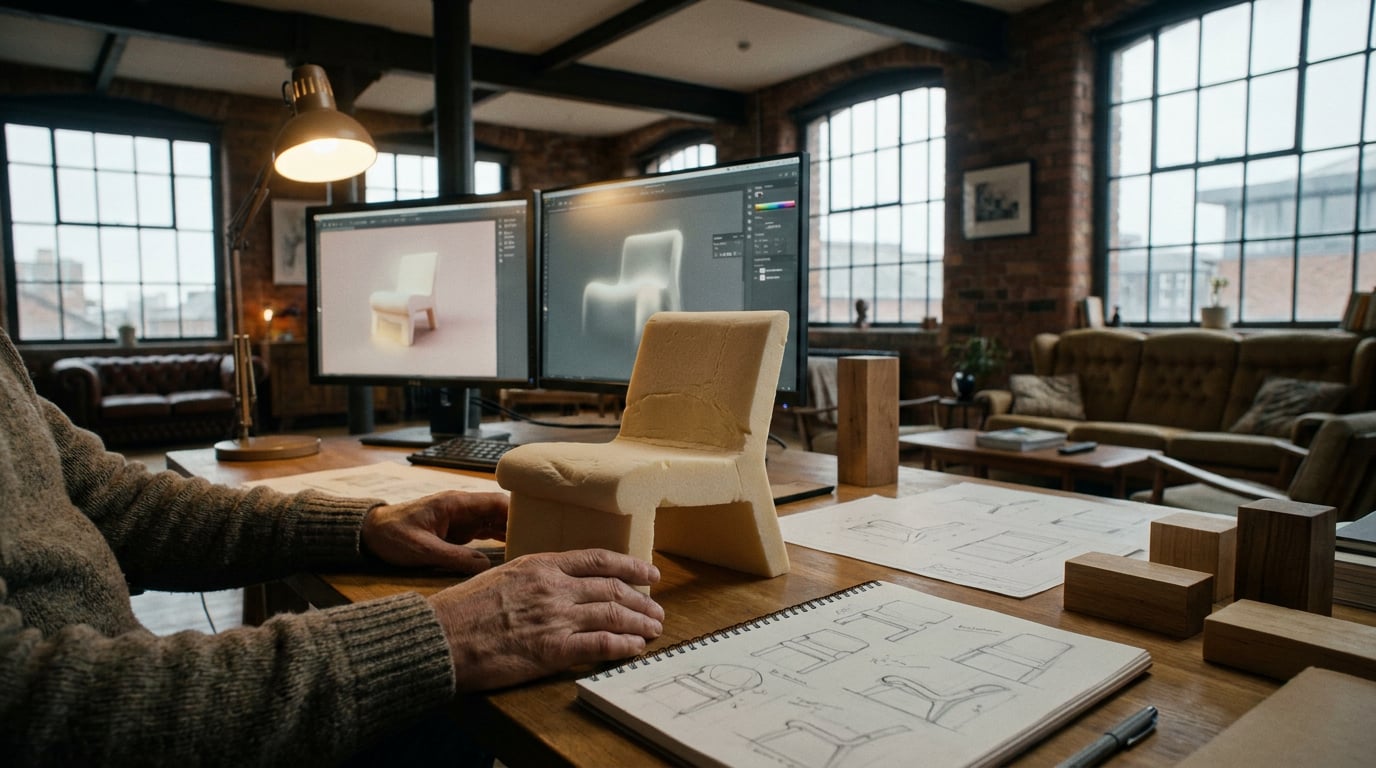
How product designers can use Stensyl to move from rough brief to production-ready concept in a single focused session.
Why Most AI Workflows Stall Before the Concept Is Buildable

Seventy per cent of AI-generated product concepts fail their first design-for-manufacturability check. That figure comes from practitioner surveys and documented workflow breakdowns, and it points to a consistent problem: the generation step is happening before the brief is solid enough to constrain it.
The failure mode is predictable. A product designer opens an image model, types something like "sleek portable medical device, white and grey, clean minimal aesthetic," and gets back something that looks compelling in a thumbnail. The render has implied undercuts that no injection-mould tool could pull. The wall sections are visually plausible but physically impossible at ABS tolerances. The geometry suggests a weld line running straight through the primary grip surface. None of this is visible in the image. All of it becomes apparent the moment an engineer looks at it.
This is the core tension in AI-assisted product design, and it does not exist in the same way for other visual disciplines. A graphic designer's output is the artefact. When the poster looks right, it is right. A product designer's output is a specification for something that will be physically manufactured, stress-tested, and held in a human hand. The image is not the deliverable. The image is evidence of a direction. That distinction changes everything about how AI tools should be sequenced.
The other structural problem is iteration debt. Jumping to generation before the brief is fixed means you are refining the wrong direction faster. Every generation pass that uses an under-specified prompt compounds the problem: you accumulate visually polished assets that are pointed at a target nobody has precisely defined. Changing the brief after ten generation passes does not cost ten passes worth of rework. It costs everything, because the entire visual language has been established around incorrect assumptions.
The gap between "looks good in AI" and "survives a DFM conversation" is not closed by a better image model. It is closed by doing the brief work first.
Front-loading constraint work before any generation pass is not slower. It is the only approach that produces a buildable concept rather than a visually impressive dead end.
Stage One: Sharpening the Brief Before a Single Image Is Generated

The Research surface in Stensyl runs on Perplexity's search infrastructure, which makes it the right starting point for a product design session. Before opening Generate, use Research to pull material datasheets, competing product teardowns, relevant manufacturing process overviews, and any applicable regulatory references for your category. A portable IV-drip stand and a consumer coffee grinder are both physical products, but their constraint envelopes are completely different. The stand needs to consider load tolerances, clinical hygiene standards, and aluminium extrusion profiles. The grinder needs to address motor housing heat dissipation, food-contact material compliance, and assembly complexity for consumer repair. Neither brief can be written from memory alone.
Once the research layer is in place, move to the Write studio. Use a model suited to constraint-aware reasoning for this step. Claude Sonnet 4.6 (available from Pro tier) handles structured brief drafting well, particularly when you need it to hold multiple competing constraints in tension — material choice against assembly cost against ergonomic requirement, for example. GPT-5.5 (available from Starter tier) is strong for structured specification formats and PRD-to-brief conversion if you are working from an existing requirements document.
A well-structured product design brief covers: the use case and user context, the physical constraints (dimensions, weight, load, thermal range), the material envelope and why, the assembly method and its implications for geometry, and any regulatory or compliance flags the concept needs to respect. Writing this document in the Write studio before touching Generate is the single most effective thing you can do to improve the quality of what comes out of generation.
If you are unsure which generation approach suits the output type — whether to start with 3D volumetric exploration, flat renders, or form sketches — use Ray, Stensyl's creative-decision assistant. Ray is built to advise on model and surface selection before you commit credits. It takes a description of your output goal and returns a recommendation on where in the platform to start and which generation approach fits the constraint profile. That thirty-second conversation saves materially on wasted generation passes.
A structured brief written in the Write studio before any generation pass is the constraint document your whole session works against. Every prompt you write afterward should be checkable against it.
Stage Two: Concept Generation That References Constraints, Not Just Aesthetics
With a brief locked, the Generate surface becomes genuinely useful. The difference between a generation prompt that produces buildable outputs and one that produces impressive dead ends comes down to whether the prompt contains physical constraints or only aesthetic references.
Compare two prompts for the same product category:
- Aesthetic-only: "Compact coffee grinder, premium feel, matte black finish, clean lines."
- Constraint-grounded: "Compact consumer coffee grinder, injection-moulded ABS housing, single-parting-line geometry, no undercuts on exterior surface, wall thickness 2mm, recessed grip panels, matte texture, dark grey."
The second prompt constrains the geometry. It forces outputs toward forms that a toolmaker can actually quote. It will still produce images, not CAD files, but the images will represent directions that are manufacturable rather than directions that only look as if they might be.
For volumetric exploration, the 3D surface in Stensyl gives you a different type of information than flat renders. Once you have a base form — whether generated from a text prompt or uploaded as a reference mesh — you can use the retexture function to test surface finishes, colourways, and material reads on the same geometry without regenerating the entire form. Testing a soft-touch rubber overmould versus a hard gloss finish on the same grip profile takes seconds. Testing both on three colourway variants takes less than a minute. This is faster and more economical than generating new images for each combination.
The Moodboards surface serves a specific function in a constraint-grounded session: it is not just visual inspiration, it is a reference document. Build a moodboard that mixes form references (existing products with geometries you want to reference), material swatches (actual material photography, not renderings), and manufacturing process imagery (injection-moulding tool photography, extrusion cross-sections). Every generation prompt you write can be checked against this board for alignment.
The Canvas surface adds a step that most product designers overlook. Canvas is a node-based workflow editor. You can pipe a generated image directly into an LLM Chat node and ask the language model to critique it against your brief constraints. Set up a node that takes the generation output and runs it through Claude Sonnet 4.6 or GPT-5.5 with a system prompt grounded in your brief: ask it to flag potential weld line positions, identify grip ergonomics concerns, note any geometric features that suggest undercut risk. This is not a substitute for an engineer's review, but it surfaces structural issues before the concept hardens into a direction.
Baking manufacturing constraints into generation prompts — not just aesthetic references — is the single change that moves AI product design from visually impressive to physically credible.
Stage Three: Iterating Toward a Presentation-Ready Concept

Generation produces raw directions. Moving those directions into something a client, engineer, or manufacturer can act on requires a different set of tools — and Stensyl's publishing and editing surfaces handle this without requiring you to move files into another platform.
The Editing surface (desktop only) gives you frame-level control over hero renders. Crop to presentation aspect ratios, adjust the lighting read, and clean up generation artefacts that would undermine credibility in a client deck. This is not heavy retouching — it is the kind of refinement that makes the difference between a concept that reads as considered and one that reads as raw output.
The Graphics surface handles annotation work that product presentations require: exploded-view callout graphics, specification panels, material annotation overlays, dimension indicators. These can be generated from text prompts or built from reference images, and they sit alongside your render imagery in the same workflow. A concept deck that shows the form and labels the material choices, key dimensions, and assembly logic is categorically more useful to an engineering handoff than renders alone.
In the Write studio, write the concept rationale. This is the document that explains the choices: why polypropylene rather than ABS for this application, why a single-axis hinge rather than a multi-pivot mechanism, what the wall thickness specification is and what tolerance it implies, which compliance standard the concept is designed to meet. The rationale is what separates a presentation that impresses from one that persuades. Use Claude Opus 4.7 (available from Pro tier) for this step if the rationale needs nuanced reasoning across multiple constraint types — material compatibility, ergonomic justification, and cost-tier positioning simultaneously.
The Storyboards surface was built for video sequencing, but its scene-by-scene structure adapts naturally to a concept walkthrough presentation. Use it to sequence: a form rationale slide, a material choice slide with physical justification, a use-scenario slide showing the product in context, and a manufacturing note slide that flags the DFM considerations the concept has been designed around. This gives you a structured presentation order before you move anything into slide software.
Keeping the Session Focused: Credit and Workflow Discipline
Credit management in a product design session follows a clear principle: analytical tasks are cheap, generation tasks are expensive. Research queries and Write sessions consume far fewer credits than 3D generation and image generation passes. This means the sequence described in this article is also the economical sequence: front-load Research and Write, where credit costs are low, and spend generation credits on directions that are already constrained by a solid brief.
| Task Type | Stensyl Surface | Credit Weight | Recommended Sequence |
|---|---|---|---|
| Material research, competitor teardowns | Research | Low | First |
| Brief drafting, spec writing, rationale | Write | Low | Second |
| Constraint critique of generated images | Canvas (LLM Chat node) | Low | After each generation pass |
| Form exploration, render generation | Generate | Medium | Third |
| Volumetric exploration, retexturing | 3D | Medium–High | Third (parallel with Generate) |
| Frame editing, annotation graphics | Editing, Graphics | Low–Medium | Fourth |
For a solo product designer working through a single concept session, the Pro tier at £42 per month provides 6,000 credits and 2 concurrent generations. Running Generate and 3D in parallel during a constrained exploration pass is viable at this tier, and 6,000 credits is sufficient for a complete session — research through to presentation-ready assets — with discipline applied to the generation phases.
When a team is running multiple concept directions simultaneously for a competitive pitch, the Studio tier at £84 per month makes more sense. Four concurrent generations means two designers can each run Generate and 3D passes in parallel without queuing. At 12,500 credits, a full competitive pitch session — four concept directions, each taken through research, generation, 3D exploration, and annotation — is achievable within a single billing cycle.
The practical rule that saves the most credits is the simplest one: lock the brief before opening Generate. Changing direction mid-generation session does not just waste the credits already spent — it creates concept drift, where subsequent passes are trying to reconcile two different briefs in the same visual language. The discipline of treating the brief as fixed for a session is what keeps a product design workflow from becoming an expensive exploration of adjacent ideas that nobody has validated.
What a Finished Session Actually Produces
A complete Stensyl session for a product design concept produces a specific set of deliverables. Not a polished CAD file — that is not what this workflow is for. What it produces is the material a CAD modeller or engineer needs to begin that work without a lengthy briefing call.
Concretely: a Research-backed constraint document, a structured design brief with material envelope and assembly method defined, two to four concept directions with constraint-grounded render imagery, a 3D-informed understanding of form and surface finish options, and a written concept rationale that explains the choices in terms an engineer can verify. All of this comes from a single platform session, without switching between five tools in five browser tabs.
The multi-model access is what makes the quality consistent across steps. Using Claude Opus 4.7 for nuanced brief critique — where the reasoning needs to hold material science, ergonomics, and manufacturing method in tension simultaneously — and GPT-5.5 for structured specification writing, where format consistency and completeness matter, means neither step is compromised by using a model that is not suited to the task. This is the practical value of aggregated model access: not switching platforms, but choosing the right tool for each step within a single workflow.
The session boundary is clear. Stensyl takes a product concept from an unstructured idea to a validated, presentable, physically credible direction. The handoff to CAD software is sharper because the concept arrives there with real constraints attached — material specified, geometry constrained to manufacturable forms, and a written rationale that explains why those choices were made. That is a different kind of handoff than arriving with a folder of attractive renders and an open brief.
The deliverable from a well-run AI product design session is not visual polish. It is a manufacturable concept direction with enough written and visual specificity that an engineer can act on it immediately.
Stensyl's value in a product design workflow is not any single generation tool. It is the ability to move from material research through brief drafting, constrained generation, 3D exploration, and annotated presentation without changing platforms or compromising on model quality at any step.
Keep reading.

Try Stensyl for yourself
Image, video, 3D, chat, and document drafting. Every AI model, one studio. Plans from £10/month.