Claude Sonnet for Design Documents: A Working Guide.

Claude Sonnet handles the writing work designers hate: briefs, specs, proposals, and client copy. Here's what it does well and where it falls short.
What Claude Sonnet Actually Is (and Isn't)

Claude Sonnet sits in the middle of Anthropic's model family, and that position is exactly where most design work lives. It's faster and cheaper than Opus, meaningfully more capable than Haiku, and calibrated for the kind of sustained, structured thinking that turns rough client inputs into usable professional documents.
What designers call "reasoning" in AI models is, in practice, the ability to hold context across a long document, sequence ideas logically, and make decisions that reflect earlier constraints. Sonnet does this well. Feed it a two-page client brief and ask it to draft design principles that respond to the stated business problem, and it will pull the thread correctly. That's not magic. It's pattern recognition applied to professional communication at a level that actually saves time.
Where does Sonnet sit against the alternatives? For writing tasks specifically, it competes closely with GPT-4o and Gemini 1.5 Pro. GPT-4o tends to be snappier and more conversational. Gemini 1.5 Pro handles very long context windows well, making it strong for summarising research documents. Sonnet's advantage is tone. It produces prose that reads like a senior designer wrote it, not like a chatbot trying to sound professional. That distinction matters enormously when the output goes to a client or into a design system that a development team will live with for years.
The one thing no image model, 3D tool, or motion generator can do is write a brief that a whole studio can align around. That's Sonnet's territory.
Sonnet's real edge isn't raw intelligence. It's the quality of professional prose it produces without heavy editing, which is where designers actually lose time.
Design Briefs and Creative Frameworks
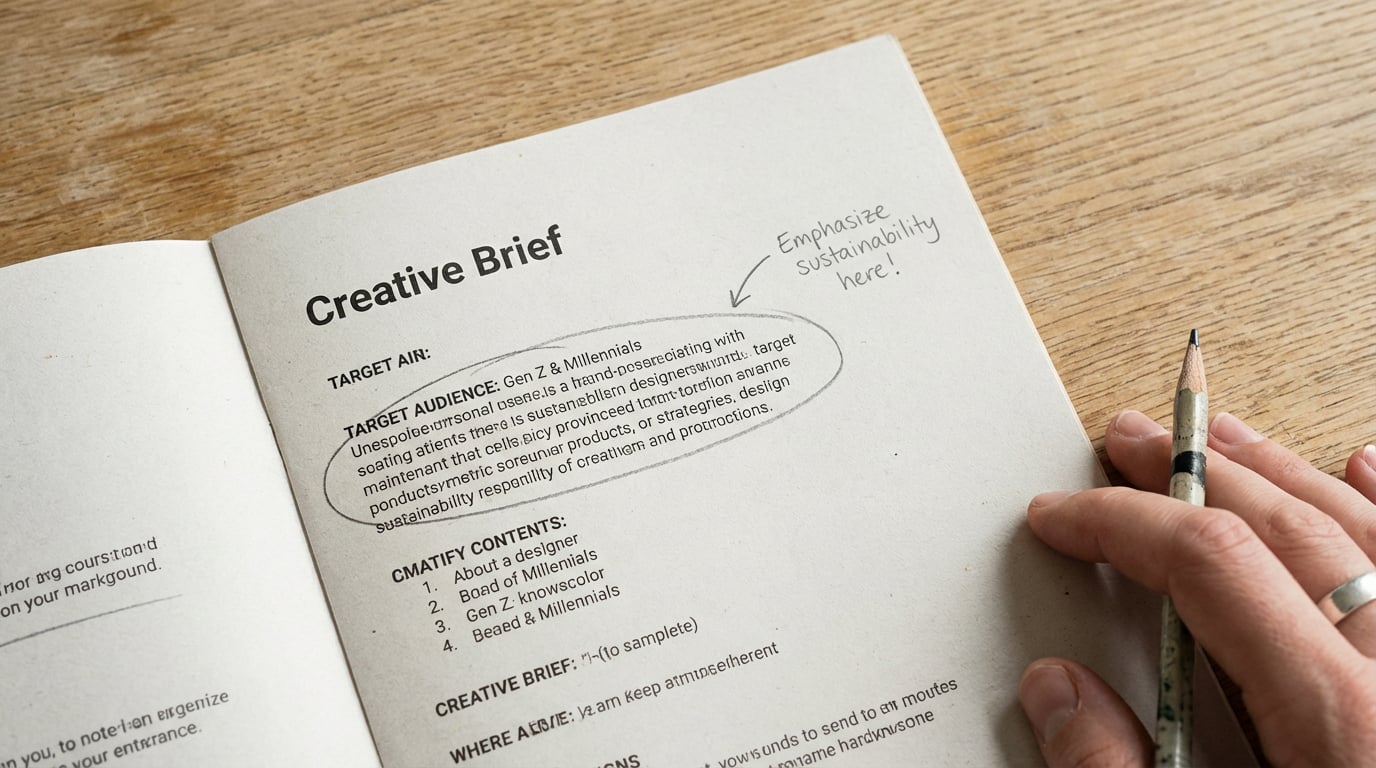
A client sends you three paragraphs about a retail rebrand. The language is vague, the goals are tangled, and there's no clear hierarchy of priorities. This is the most common starting point in client work, and it's exactly where Sonnet earns its keep.
Turning a Client Email into a Full Brief
Paste the client email into Sonnet with a prompt structured like this: explain that you're a brand designer working on a retail client brief, provide the raw email text, and ask Sonnet to produce a structured brief with a problem statement, three to five design principles, key constraints, stakeholder considerations, and success criteria. The output will need editing, but it will be structurally sound and cover angles that a rushed designer might skip, particularly around stakeholder tensions and measurable outcomes.
Here's a practical example. A client email reads: "We need a fresh look for our women's fashion brand. It feels outdated. We want something modern but still recognisable. Our customers are 30-45, professional women. We've been losing ground to newer brands."
Sonnet will extrapolate a competitive repositioning problem, flag the tension between "modern" and "recognisable" as a creative constraint worth naming explicitly, and suggest success criteria around customer perception shift and brand recall. A junior designer working alone might spend an hour producing something of similar quality. Sonnet does it in seconds, leaving the designer to make the judgement calls rather than draft the scaffolding.
Where Sonnet Adds Most Value in Briefing
The highest-value use is synthesis. When a client has sent five emails, attended two discovery calls, and filled in a questionnaire, those inputs rarely cohere. Sonnet can ingest all of it and produce a single document the team can work from. The alternative is a project manager spending half a day writing it up manually.
The common mistake is under-specifying the prompt. If you ask Sonnet to "write a brief from these notes," you'll get generic output. The fix is to tell Sonnet who the audience is (internal team, client sign-off, or both), what format you need, and what constraints are non-negotiable. Specificity in, quality out.
The more context you give Sonnet about who will read the document and what decisions it needs to support, the less editing the output needs.
Technical Specifications and Design Documentation
Specification writing is one of the most time-consuming, least-celebrated parts of design work. It's also where unclear language causes the most downstream damage when developers build the wrong thing because a spec said "slightly rounded corners" instead of "border-radius: 8px."
Component Specs and Design System Documentation
Sonnet handles this well when you give it structured input. Describe a Figma component in plain language, including its states, variants, spacing, and intended behaviour, and ask Sonnet to produce developer-ready spec language. The output will follow a consistent format, use precise terminology, and flag gaps in your description. For example, if you describe a button component without mentioning the disabled state, Sonnet will note the omission.
For accessibility documentation, Sonnet is genuinely useful. It knows WCAG 2.1 and 2.2 criteria well enough to draft conformance notes, reference relevant success criteria by number, and describe interaction states in the language auditors and screen reader users will recognise. This is not a substitute for real accessibility testing, but it's a strong foundation for documentation that would otherwise take hours.
Sonnet vs GPT-4o on a UI Specification Task
The difference shows clearly on a practical test. Ask both models to write a specification for a modal dialogue component, including keyboard interaction, focus management, and ARIA roles.
| Criteria | Claude Sonnet | GPT-4o |
|---|---|---|
| Structure and formatting | Consistent, hierarchical, clean | Consistent, slightly more verbose |
| ARIA role accuracy | Correct, with role="dialog" and aria-modal | Correct, additional notes on aria-labelledby |
| Keyboard interaction detail | Complete: Tab, Shift+Tab, Escape, focus trap | Complete, with extra context on screen reader announcements |
| Prose quality | Precise, reads like internal documentation | Readable, slightly more instructional in tone |
| Gaps flagged unprompted | Yes, noted missing scroll behaviour | Yes, noted missing animation/transition spec |
Both are capable. Sonnet edges ahead on documentation that needs to feel authoritative and internally consistent, which matters when it's going into a design system that multiple teams will reference. GPT-4o is a reasonable alternative, particularly if you're already using it elsewhere in a workflow.
When to Use Sonnet vs Dedicated Docs Tools
Notion AI and Confluence AI are optimised for editing and organising content that already exists in those platforms. Sonnet is better at generating structured content from scratch, especially when the inputs are unstructured. Use Sonnet to draft, then move the output into Notion or Confluence for version control and team collaboration. The two approaches complement each other.
Client Proposals and Presentation Copy
Proposals are where designers lose money and time in roughly equal measure. The brief is clear in your head, but translating it into a document that justifies your fee and builds client confidence takes writing skill that has nothing to do with design skill. Sonnet shortens that gap significantly.
Structuring a Proposal from Scratch
A solid proposal prompt includes: your studio's positioning, the client context, the project scope as you understand it, your working methodology, the deliverable list, the timeline, and the fee. Feed all of this to Sonnet and ask it to produce a three to four page proposal with an executive summary, a scope section, a methodology narrative, a deliverables table, a phased timeline, and a fee rationale paragraph.
The fee rationale paragraph is where Sonnet earns particular credit. Most designers either underwrite it (one line about "investment") or overwrite it defensively. Sonnet tends to produce measured, professional language that contextualises the fee against the value delivered without sounding apologetic or salesy.
Matching Your Studio's Tone
Sonnet's default voice is professional and clear, but it's generic. To shift it toward your studio's specific tone, paste two or three paragraphs of your best existing copy into the prompt and ask Sonnet to match that style. The difference is immediate. Sonnet picks up sentence length patterns, vocabulary preferences, and the level of formality quickly, and it sustains that tone across a long document in a way that GPT-4o sometimes doesn't.
A Real Example: Scope to Proposal in Ten Minutes
A product designer working on a SaaS dashboard redesign had a clear project scope but no time to write the proposal. Using NDA-safe language, the scope included: an audit of existing UI, a three-round design process, a component library handoff, and developer annotations. Feeding this into Sonnet with a brief style reference and a prompt asking for a three-page proposal produced a usable first draft in under ten minutes. The only revision required was adjusting the timeline section, which Sonnet had formatted by week rather than by phase. One follow-up prompt fixed it.
That's the other thing worth noting: Sonnet responds well to revision prompts. Rather than starting over, a single specific instruction ("reformat the timeline as three named phases rather than a week-by-week breakdown") produces a clean second draft. Multi-turn editing is faster than reprompting from scratch.
Don't treat Sonnet's first draft as the final output. Treat it as a strong first draft, then use a single targeted revision prompt to close the gap.
Prompting Sonnet for Design Work: Patterns That Hold Up
The quality gap between a weak Sonnet prompt and a strong one is larger than most designers expect. Getting consistently usable output requires a structure, not just good intentions.
Role + Context + Format
The most reliable prompting pattern is: define Sonnet's role, provide the relevant context, and specify the output format. In practice this looks like: "You are a senior brand strategist at an independent design consultancy. I'm going to give you a client discovery summary. Produce a creative brief with the following sections: [list sections]. The brief will be used for internal team alignment, not direct client delivery. Tone: professional but direct." That structure, applied consistently, produces output that needs editing rather than rewriting.
The persona instruction matters more than it sounds. "You are a senior brand strategist" changes the vocabulary, the confidence of the assertions, and the strategic framing compared to a neutral prompt. Sonnet doesn't become a different model, but it calibrates its output to match professional expectations in the specified context.
Multi-Turn Refinement
Designers who get the most from Sonnet treat it as a collaborator in a conversation, not a one-shot generator. Start with a broad prompt to get the structure, then use follow-up prompts to tighten specific sections, adjust tone, or add details that weren't in the original brief. This mirrors how good editing actually works, iteratively, section by section, rather than trying to specify everything upfront.
Using Stensyl's Write Pillar
In Stensyl, Sonnet sits within the Write pillar alongside GPT-4o and Gemini, which means you can run different models on different parts of the same project without switching platforms or managing separate subscriptions. A practical workflow: use Sonnet to draft a full proposal, then switch to GPT-4o to write the social copy that will accompany the project launch, then use Gemini to summarise a long research document for the brief appendix. One credit system, one interface, no context lost between tasks.
When to Switch Models
Sonnet is not always the right choice within a writing workflow. For short, punchy copy where personality matters more than structure, GPT-4o often produces better first drafts. For tasks requiring synthesis of very long documents, say a 50-page client research report, Gemini 1.5 Pro's context window gives it a practical advantage. Knowing which model to reach for is a skill, and Stensyl makes that switch frictionless because the models are already in the same place.
Honest Verdict: Where Sonnet Earns Its Place
The document types where Sonnet consistently leads are long-form, structured, and tone-sensitive. Full project briefs, design system documentation, client proposals, presenter notes for pitch decks, and stakeholder communication all benefit from Sonnet's combination of structural logic and professional prose quality. These are also the document types that take designers the most time relative to their creative value.
Where Sonnet underperforms: highly technical engineering specifications where precision requires domain knowledge Sonnet doesn't reliably have, code-heavy design token documentation where a purpose-built tool like Style Dictionary is more appropriate, and anything requiring real-time data such as live pricing, current WCAG updates, or recent competitive positioning. Sonnet's training data has a cutoff, and it doesn't always flag when it's working near the edge of what it knows.
Cost-to-Output in Practical Terms
On Stensyl's Starter plan at £22 per month, a typical design document workflow uses a modest credit allocation per generation. A full project brief runs to roughly 800 to 1,200 words of output. A three-page proposal is typically 1,500 to 2,000 words. For a solo designer running three to four client projects per month, the Starter plan comfortably covers the writing workload alongside usage across Stensyl's other pillars. For a small studio team generating proposals, briefs, and spec documentation regularly, the Pro plan at £42 per month gives meaningful headroom.
Time Saving: Solo Designer vs Studio Team
For a solo designer, the realistic saving is two to four hours per project on documentation work. That's not a small number across a year. For a studio team, the multiplier is the consistency benefit: everyone working from documents produced through the same structured prompting approach means briefs read the same way, proposals have the same quality floor, and spec language doesn't vary by who wrote it last week. That consistency has value that's hard to quantify and easy to underestimate.
Sonnet belongs in the workflow of any designer who writes more than they'd like to. The time it saves on structuring and drafting is time that goes back into the design work itself.
The designers who can skip Sonnet are those whose practice is almost entirely visual with minimal client documentation requirements, or those already embedded in a studio with dedicated writers or strategists handling briefs and proposals. For everyone else, particularly independent designers, small studios, and in-house teams producing regular client-facing documentation, Sonnet running through a platform like Stensyl is one of the more practical additions to a working toolkit.
Keep reading.



Try Stensyl for yourself
Image, video, 3D, chat, and document drafting. Every AI model, one studio. Plans from £10/month.