Flux 2 Pro vs Ideogram v3 for Product Visualisation.
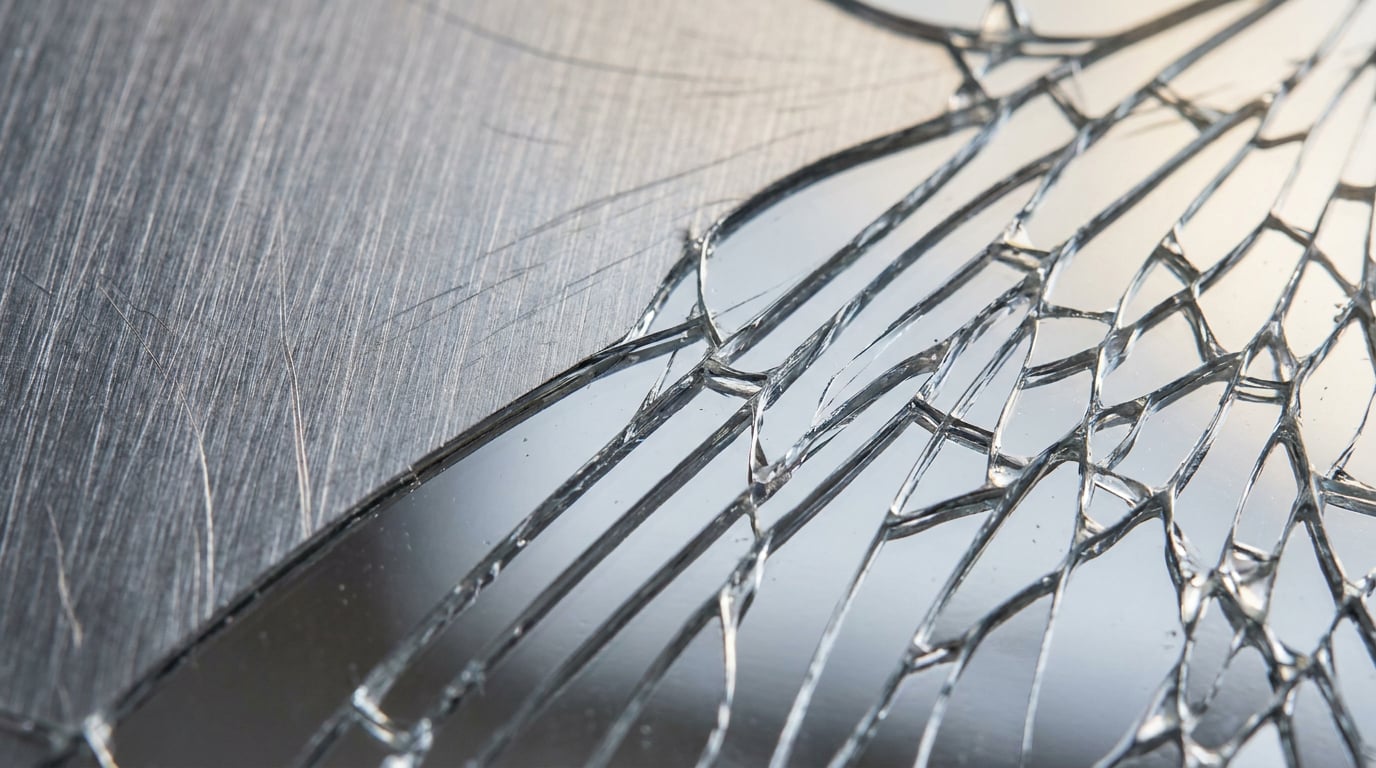
Two leading image models, one material test. We compare Flux 2 Pro and Ideogram v3 across metal, glass, fabric, and more for product designers.
What the Material Rendering Test Actually Measures

Material rendering is not about resolution. A 4K image of a brushed steel panel is worthless if the reflection gradient is flat, the micro-scratches run in the wrong direction, or the highlights bloom without a clear light source. The real test is whether the material behaves correctly under light. That means specular highlights that follow surface geometry, subsurface scattering that gives depth to ceramics and resin, surface grain that reads as tactile rather than painted, and contextual lighting response that changes as the implied environment changes.
These criteria matter differently depending on what you are designing. A product designer visualising a perfume bottle needs convincing glass caustics and refraction through a curved wall. An automotive designer specifying a car interior needs leather grain with sheen variation across a folded surface. An exhibition designer presenting a trade stand needs brushed aluminium that reads as real metal under venue lighting, not a silver gradient. The same word, "realistic," describes three completely different technical requirements.
To keep the comparison grounded, both models were tested on the same four objects: a matte ceramic vessel, a brushed steel enclosure, a translucent resin component, and a woven textile swatch. These four objects cover the main material categories that appear regularly in product design, packaging, automotive, and exhibition work. They also stress-test the properties where AI image models diverge most visibly: specular control, subsurface depth, surface grain definition, and soft-material dimensionality.
One thing this comparison does not measure: raw resolution, prompt adherence scores, or generation speed. Those benchmarks exist elsewhere. The question here is strictly which model produces more credible material rendering for professional briefs, and which workflow makes the most sense given the output type.
Flux 2 Pro: Where It Wins and Where It Struggles

Flux 2 Pro from Black Forest Labs is the stronger model for photorealism in 2026 comparisons, and that reputation holds up under material-specific scrutiny. Its handling of hard surfaces is its clearest advantage.
Metals and Hard Surfaces
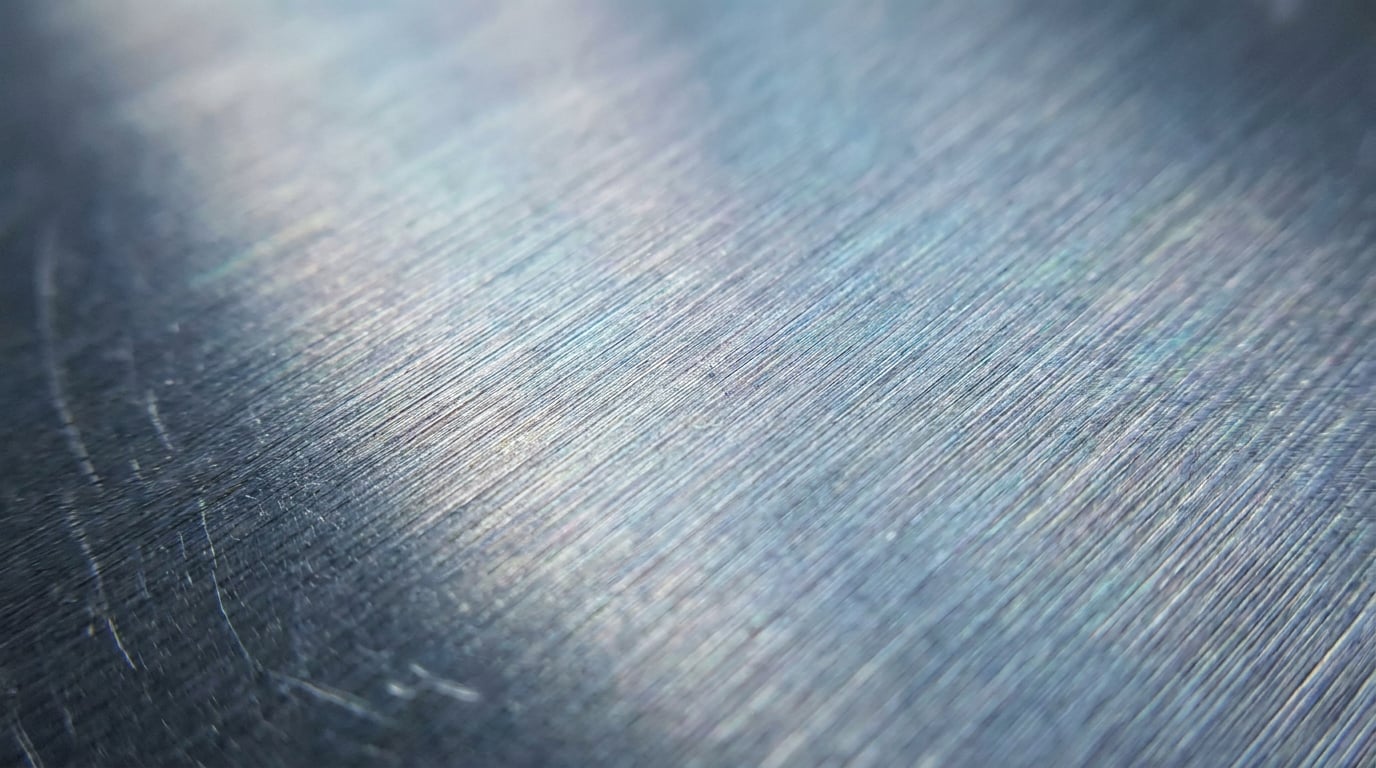
On the brushed steel enclosure, Flux 2 Pro produces directional micro-scratches that align consistently with a single light source. The reflection gradient is smooth but not uniform — it picks up ambient variation the way real metal does. Anodised aluminium comes out with a comparable level of conviction: the oxide layer creates a slight colour cast in the highlights, which is physically correct. For product designers presenting hardware concepts, or automotive designers blocking out interior trim materials, this is the level of fidelity that makes the difference between a render a client trusts and one they question.
Glass and Translucency
The translucent resin component is where Flux 2 Pro's photorealism training becomes most visible. Refraction reads as physically plausible rather than decorative: light bends at the correct angles through curved walls, and internal scatter gives the material actual depth. It is not perfect — complex caustics require careful prompt engineering to avoid dissolving into generic glowing effects — but the baseline output is substantially more convincing than a flat transparency layer.
Soft Materials
The woven textile swatch is where Flux 2 Pro is competent but less commanding. Thread structure appears, and sheen variation across a folded surface is present. The depth across the fold reads as three-dimensional. However, at specific weave types — tight twills, textured bouclé, open-weave linen — the distinction between structures can blur. The results are usable for early-stage concepts but may require additional prompt specificity for a textile designer or fashion-adjacent product brief.
Prompt Sensitivity
Flux 2 Pro rewards precise material language. Prompts that specify lighting direction, surface finish, and environmental context produce substantially better outputs than general descriptions. "Brushed steel, directional studio light from upper left, fine horizontal scratches, no colour cast" outperforms "metal product shot" by a visible margin. Where prompt engineering lapses, the model defaults to competent but generic outputs: smooth surfaces, centred compositions, neutral lighting. The ceiling is high, but it requires effort to reach.
Flux 2 Pro is the default choice for metals, glass, and any product brief where physical material behaviour needs to be credible under scrutiny. Precise prompts are required to realise that ceiling.
Ideogram v3: Where It Wins and Where It Struggles

Ideogram v3 is not trying to compete with Flux 2 Pro on photorealism, and it does not need to. Its advantage is specific and valuable: no other model renders typographic elements in imagery with the same reliability.
Typography and Surface Embossing
For packaging designers and brand identity work, this matters enormously. Ideogram v3 produces legible, correctly spaced text on product labels, embossed letterforms on packaging surfaces, and engraved hardware markings with a level of accuracy that other models — including Flux 2 Pro — cannot match consistently. A perfume brand presenting three label variants, or an industrial designer showing a serial number plate on a device enclosure, will save significant iteration time by using Ideogram v3 for these assets. The text does not blur, scramble, or float incorrectly relative to the surface.
Matte and Ceramic Surfaces
The matte ceramic vessel is where Ideogram v3 performs most evenly with Flux 2 Pro. Diffuse, low-specular materials — unglazed ceramics, powder-coated enclosures, raw concrete finishes — do not require the complex specular modelling that favours Flux. Ideogram v3 handles these surfaces credibly: the light response is soft and consistent, and the surface texture reads as real rather than painted. For a product designer working on matte-finish homeware or a packaging designer presenting an uncoated paper box, Ideogram v3 produces clean, usable outputs without heavy prompt engineering.
Translucency and Glass
On the translucent resin component, Ideogram v3 is capable but less convincing than Flux 2 Pro. Refraction is present but reads as more decorative than physical. Internal light scatter is flatter. For social and marketing outputs where the material needs to look appealing rather than technically accurate, this is acceptable. For a client presentation requiring a convincing visualisation of an optical component or a cosmetic bottle, it falls short.
Compositional Framing
Ideogram v3 consistently produces more styled, editorial compositions than Flux 2 Pro. Objects are placed with graphic intent; negative space is handled confidently. This is a genuine advantage for social media assets, marketing banners, and branded product shots. It is less useful for a technical client presentation where the brief requires a specific camera angle or a neutral product-on-white composition, because Ideogram v3's editorial tendency can override prompt instructions for plain setups.
Ideogram v3 is the correct choice whenever text appears on or near the product surface — labels, embossing, engravings, and printed packaging. No other model is close on this capability.
Side-by-Side: The Same Brief, Both Models
Running identical prompts through both models clarifies where each one earns its place.
Brushed Steel Enclosure
Prompt: "Brushed steel rectangular enclosure, directional studio lighting from upper left, fine horizontal surface scratches, dark grey background, product photography, shallow depth of field."
Flux 2 Pro: Highlights follow the surface geometry accurately. Micro-scratches are consistent and directional. Shadow softness reads as studio strobe rather than ambient diffusion. The enclosure looks like it was photographed, not generated.
Ideogram v3: Surface finish is clean and competent. Highlights are present but broader and less controlled. Micro-scratches are either absent or finer than the prompt specifies. The result is a good product illustration but not a convincing product photograph. The composition is slightly more editorial, with more styled negative space.
Winner: Flux 2 Pro.
Translucent Resin Component
Prompt: "Translucent amber resin disc, internal light scatter, edge refraction, backlit, white studio background, macro product photography."
Flux 2 Pro: Internal scatter is visible and gives the material apparent depth. Edge refraction bends light in a physically consistent direction. The amber colour is distributed unevenly through the volume, as it would be in a real casting. The result reads as a macro photograph of a real material.
Ideogram v3: The amber colour is attractive and the composition is clean. Internal light effects are present but flatter, without the volumetric depth Flux achieves. Edge refraction is softer and less directional. For a social image advertising a resin product, this works. For a client presentation on material properties, it does not.
Winner: Flux 2 Pro.
Woven Textile Swatch
Prompt: "Close-up woven wool textile swatch, natural off-white, slightly folded, soft directional window light, visible thread structure, shallow depth of field."
Flux 2 Pro: Thread structure is present and the fold reads as three-dimensional. Sheen variation across the surface is subtle but correct. The material looks physically real at inspection distance.
Ideogram v3: The result is warmer and more styled. Thread structure is visible but slightly softened. The composition frames the swatch attractively, with better use of negative space. For a lifestyle or marketing context, this output has an advantage. For a product design review where the material specification matters, Flux 2 Pro's version is more informative.
Winner: Flux 2 Pro for technical briefs. Ideogram v3 for marketing-destination outputs.
Prompt Sensitivity Across Both
Both models respond to more specific prompts with better outputs. The key difference: Flux 2 Pro's outputs degrade more visibly on vague prompts, collapsing into generic, smooth-surfaced results. Ideogram v3's outputs remain compositionally attractive even on thin prompts, but the material accuracy does not improve as dramatically with additional detail. Specificity helps both. It is more essential for Flux.
For photorealistic material rendering — metals, glass, and complex surface textures — Flux 2 Pro is the stronger model in 2026. Ideogram v3 wins whenever typographic elements or diffuse matte surfaces are the primary requirement, and it is the correct default for marketing and social-destination product shots.
Choosing the Right Model for Your Brief
| Material / Surface Type | Recommended Model | Notes |
|---|---|---|
| Metals and hard industrials | Flux 2 Pro | Directional light, micro-scratch accuracy, consistent gradients |
| Glass and translucent resin | Flux 2 Pro | Physical refraction and internal scatter; Ideogram usable for lifestyle |
| Matte and ceramic surfaces | Either (Ideogram v3 slightly cleaner) | Low specular demands suit both models |
| Soft goods and textiles | Flux 2 Pro (technical); Ideogram v3 (lifestyle) | Depends on destination: presentation deck vs. social post |
| Packaging with labels or embossing | Ideogram v3 | No other model matches text accuracy on product surfaces |
| Engraved hardware markings | Ideogram v3 | Correct letterform geometry on angled surfaces |
Decision by Output Destination
The same product can require different models depending on where the output is going. A client-facing render for a product pitch — shown in a boardroom, printed at A2, scrutinised by an engineering team — needs the material accuracy that Flux 2 Pro provides. A social carousel promoting the same product, destined for a brand's Instagram, benefits from Ideogram v3's editorial instincts and text-handling. Early-stage ideation, where a product designer needs ten material variants quickly, favours Flux Dev (available at 1 credit per image on Stensyl) for lower-cost iteration before committing to Flux 2 Pro finals at 2 credits per image.
Automotive and Exhibition Designers: The Two-Pass Approach
For automotive designers presenting interior material specifications — leather grain, brushed aluminium trim, piano black panels — Flux 2 Pro handles the technical renders. For the same project's marketing deck, where those materials need to appear alongside branded copy or within a styled lifestyle scene, Ideogram v3 handles the typography and editorial framing. Neither model is sufficient alone for a full deliverable set. Running both within the same project on Stensyl's Generate surface means neither pass requires a tab change or a credit system switch. The outputs collate in one place, ready for comparison.
Exhibition designers working on trade stands face the same split: Flux 2 Pro for the structural material renders of brushed aluminium frames and backlit panels, Ideogram v3 for the signage and branded surface graphics on those same structures. A two-pass workflow is faster and cleaner than trying to find one model that does both convincingly.
Iteration Speed and Credit Cost
When a product designer needs ten material variants in a session — testing five metal finishes and five colour ways on the same form — Flux Dev at 1 credit per image keeps that iteration affordable. Ideogram v3 at 1 credit per image offers comparable cost for the same volume. At scale across a 2,500-credit Starter plan, the difference between using Flux 2 Pro (2 credits) and either of the 1-credit options matters. Hero images go through Flux 2 Pro. Exploration goes through Flux Dev or Ideogram v3.
Running Both Models Without Switching Tabs
The practical obstacle with a two-model workflow is not knowing which model to reach for. It is the overhead of managing outputs across separate platforms, separate accounts, and separate credit systems. Stensyl's Generate surface resolves this by putting Flux 2 Pro and Ideogram v3 under one credit system, within the same project workspace.
Generate: One Surface, Both Models
From the Generate surface, a product designer can run a brushed steel prompt through Flux 2 Pro and the corresponding label variant through Ideogram v3 in the same session. The outputs sit together in the project, not split across two browser tabs. Credits are drawn from the same pool, so there is no context-switching around billing or accounts.
Moodboards: Side-by-Side Review
Once both models have produced outputs, Stensyl's Moodboards surface is the practical place to collate them. Outputs from both Flux 2 Pro and Ideogram v3 can be pinned to the same board, allowing a product design team — or a client — to compare material results side by side without exporting files or assembling a separate deck. For a packaging designer presenting two finishes (embossed matte versus brushed metal) to a client, this removes a step that typically involves at least one export and a round of email.
Ray: Model Selection Before a Credit Is Spent
When the brief is less clear — a product designer starting a new material study and uncertain whether the primary deliverable is a technical render or a marketing hero — Ray on Stensyl is designed for exactly this decision. Describe the brief to Ray: the material type, the surface finish, and where the output is going. Ray will identify which model fits the task before a single credit is committed. For a team running multiple concurrent material studies, that front-end decision saves more time than the generation itself.
Projects: Keeping Material Studies Organised
Product design teams running multiple material studies simultaneously — different finishes for the same form, different forms for the same material specification — benefit from Stensyl's Projects surface. Brand assets, reference photography, prompt libraries, and generation outputs from both Flux 2 Pro and Ideogram v3 sit in one shared workspace. Team members reviewing outputs do not need to reconstruct which prompt produced which result, or request exports from whoever ran the session.
The practical case for a multi-model platform is not about convenience. It is about not losing material decisions to workflow friction. When the fastest path to the right output requires two models, the cost of managing them separately accumulates quickly across a project. Flux 2 Pro and Ideogram v3 are complementary, not competing. The question is not which one to subscribe to. It is how to use both without doubling the overhead.
Keep reading.
Try Stensyl for yourself
Image, video, 3D, chat, and document drafting. Every AI model, one studio. Plans from £10/month.