Nano Banana Pro for Automotive Designers: Studio Renders, No Shoot.
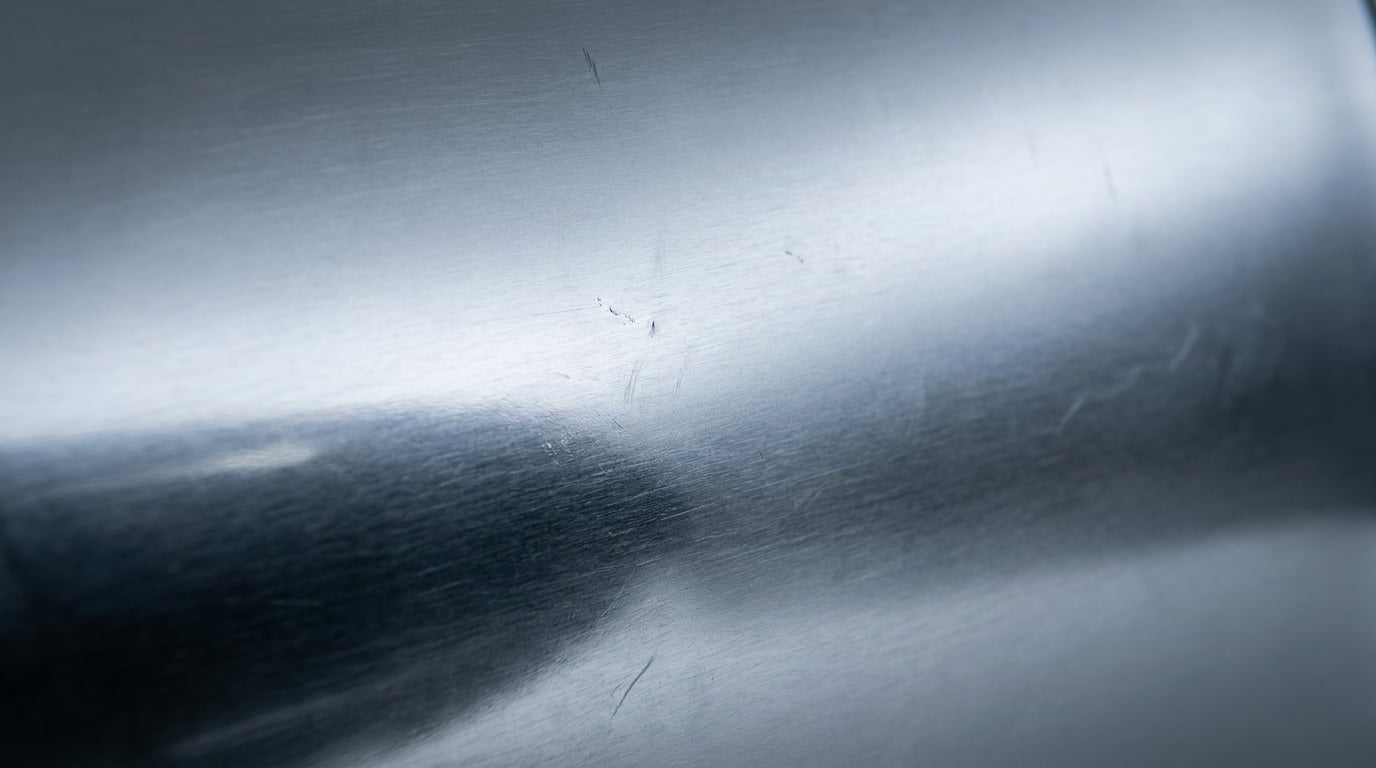
Skip the physical photo shoot. See how automotive designers use Nano Banana Pro to generate studio-quality colourway and environment renders from a single reference.
Why automotive design still leans on physical photo shoots
The traditional pipeline for a vehicle launch runs long before a camera ever comes out. Design teams sign off a clay model or high-end CAD visualisation in Alias, VRED or KeyShot, then book a studio shoot for every colourway, wheel package and trim line that needs to appear in a deck, a brochure or a social post. Each new paint finish or backdrop typically means another lighting setup, another rigging day, another retouch pass.
That bottleneck shows up in both time and budget. A single-day studio car shoot, once you account for studio rental, rigging, crew and post-production, routinely runs into five-figure territory. And that's for one configuration. Add a matte finish, a different wheel spec, or a market-specific trim, and you're often looking at a second setup rather than a quick edit.
Here's the thing: most of what design, colour-and-trim, and marketing teams need in the early stages isn't certification-grade catalogue photography. It's a pitch-ready hero shot. Something that holds up in an internal review, a comp deck, or a teaser post, well before the vehicle needs to appear in a dealer catalogue with exact production colour matching.
This is where Nano Banana Pro, Google's Gemini 3 Pro Image model, fits into the automotive workflow. It's built to take reference images and transform them consistently, meaning a single CAD render or clay-model photo can become the seed for an entire range of colour, material and environment variants, without a second shoot day.
The real cost of a physical shoot isn't the first setup. It's every variant after it.
What Nano Banana Pro does well for vehicle renders

Reflective, metallic surfaces are historically where generative image models fall apart. Chrome smears, glass goes flat, and paint loses the subtle gradient that makes a colourway read as premium rather than plastic. This is a specific strength of Nano Banana Pro: independent testing on car-focused prompts found layered material descriptions (think "deep metallic blue with pearl effect, chrome trim, transparent glass with environmental reflections") produced photorealistic paint in roughly eight out of ten generations, with the model delivering the richest surface rendering and most accurate global illumination under complex studio lighting compared to earlier versions.
Geometry consistency is the second piece. A render that changes colour but subtly reshapes the wheel arch or flattens the character line isn't usable. Nano Banana Pro is built to transform surface materials and textures while preserving the underlying object geometry and form, so panel lines, proportions and silhouette hold steady even when you're pushing significant material or lighting changes. In practical terms: prompt for "midnight blue paint, maintaining reflections and body lines" and the car underneath stays the same car.
Environment swaps follow the same logic. Studio cyclorama, urban night scene, desert location: the model supports in-context generation, meaning you prompt with text plus a reference image to place the same vehicle in a new setting while keeping its identity and geometry intact. No reshoot, no new rig, no new crew call.
Compare that to a general-purpose image model asked to do the same job. Weaker models tend to warp the body when you push a strong material change, softening the beltline or distorting wheel spokes. In head-to-head testing on chrome trim, wheel spokes and grille mesh, Nano Banana Pro held sharp detail and accurate reflections in around nine out of ten cases, a clear step up from prior-generation output at roughly six out of ten.
One clean CAD render or clay-model photo, fed through Nano Banana Pro, can become a full colourway set. That's the shift: from one shoot per variant to one reference for the whole range.
A working workflow: from one reference to a full colourway set

In practice, the workflow starts with a single, clean base. Upload a CAD render or a photo of the clay model as your reference in Image (/generate/image), where Nano Banana Pro sits among the 20+ models available. That reference becomes the anchor for everything that follows.
From there, run material variants one prompt at a time: gloss black, matte grey, pearlescent white, a metallic red with pearl effect. Each generation keeps the same body, same proportions, same camera angle, just a different finish. This is faster to iterate through than booking lighting setups, and it means a design review can compare six colourways side by side before anyone commits to a physical sample.
As the set grows, pull everything into Boards. It's a single canvas for collecting the full range of references and generated variants together, useful when a colour-and-trim team needs to lay out an entire palette for a stakeholder review rather than scrolling through a folder of exports.
Once a shortlist is picked, push the selected renders into Canvas for further compositing work, background cleanup, or combining with other assets, or send them straight into a deck via Write, where the multi-model picker (including Claude Sonnet 5, Gemini Pro, GPT-5.6 Sol and others) handles the surrounding copy and structure.
If you're unsure which material brief or prompt structure will get the cleanest result for a specific finish, whether it's a satin wrap or a two-tone split, Ray can act as a creative director in the project, helping pick the right approach before you burn credits on trial and error.
The workflow isn't one tool doing everything. It's one reference feeding a chain: Image for the render, Boards for the set, Canvas or Write for what comes next.
Where this replaces (and doesn't replace) a real shoot
Be precise about the boundary here, because it matters. Nano Banana Pro is a genuine fit for early-stage concept reviews, internal colourway approvals, social teasers and marketing mockups ahead of a launch. Its native 2K and up-to-4K output, wide aspect ratio support, and material accuracy under studio-style lighting make it more than adequate for a pitch deck or a teaser carousel.
It is not a substitute for certified product photography or dealer-facing catalogue shots that require exact production colour accuracy. Those still depend on calibrated photography and colour management pipelines that generative models aren't built to guarantee. A brochure that needs to match a paint code to a legal tolerance is a different job to a render that needs to look right in a design review.
The practical middle ground is where most studios are already heading: use AI renders to narrow the field before committing budget to a physical shoot. Generate the full colourway range, take it to the review, let the room agree on the two or three finishes that actually matter, then book the studio day for those. You've replaced ten lighting setups with two, not replaced the shoot entirely.
| Use case | Nano Banana Pro fit |
|---|---|
| Internal colourway review | Strong fit |
| Social teaser or launch mockup | Strong fit |
| Pitch deck hero shots | Strong fit |
| Dealer catalogue, exact colour match | Still needs physical shoot |
| Regulatory or warranty documentation | Still needs physical shoot |
Beyond the still image: motion and campaign use

A still render is often just the starting point. Once a colourway is approved, feed the selected render into Film for a multi-scene walkaround or reveal-style clip, building out the sequence a launch video needs beyond a single frame.
For the graphic layer, use Motion to build title cards and spec callouts, the kind of overlay work that turns a render into something that looks like a finished launch asset rather than a raw image. This is where a motion designer on the team would naturally pick up the thread, layering typography and callouts over the approved plates.
Once the assets are locked, route them through Marketing Studio to build the launch social carousels and ad formats, all pulling from the same colourway set that started as a single CAD reference. There's no toggle between "post" and "ad" here, it's one studio treating both as creative to be built from research-backed copy and the approved renders.
The practical advantage across all of this is structural, not just aesthetic: one credit system means the render, the walkaround clip and the ad copy all sit inside the same project, rather than being assembled across five separate subscriptions and re-uploaded between tools each time someone wants to make a change.
A colourway set built once in Image can carry through Boards, Canvas, Film, Motion and Marketing Studio without leaving the project.
The bottleneck automotive design has lived with for decades wasn't the design work, it was the reshoot. Nano Banana Pro doesn't remove photography from the process entirely, but it does mean the ten variants that used to require ten lighting setups can now start from one clean reference and a well-built prompt. Save the studio day for the finishes that survive the review.
Keep reading.
Try Stensyl for yourself
Image, video, 3D, chat, and document drafting. Every AI model, one studio. Plans from $11/month.