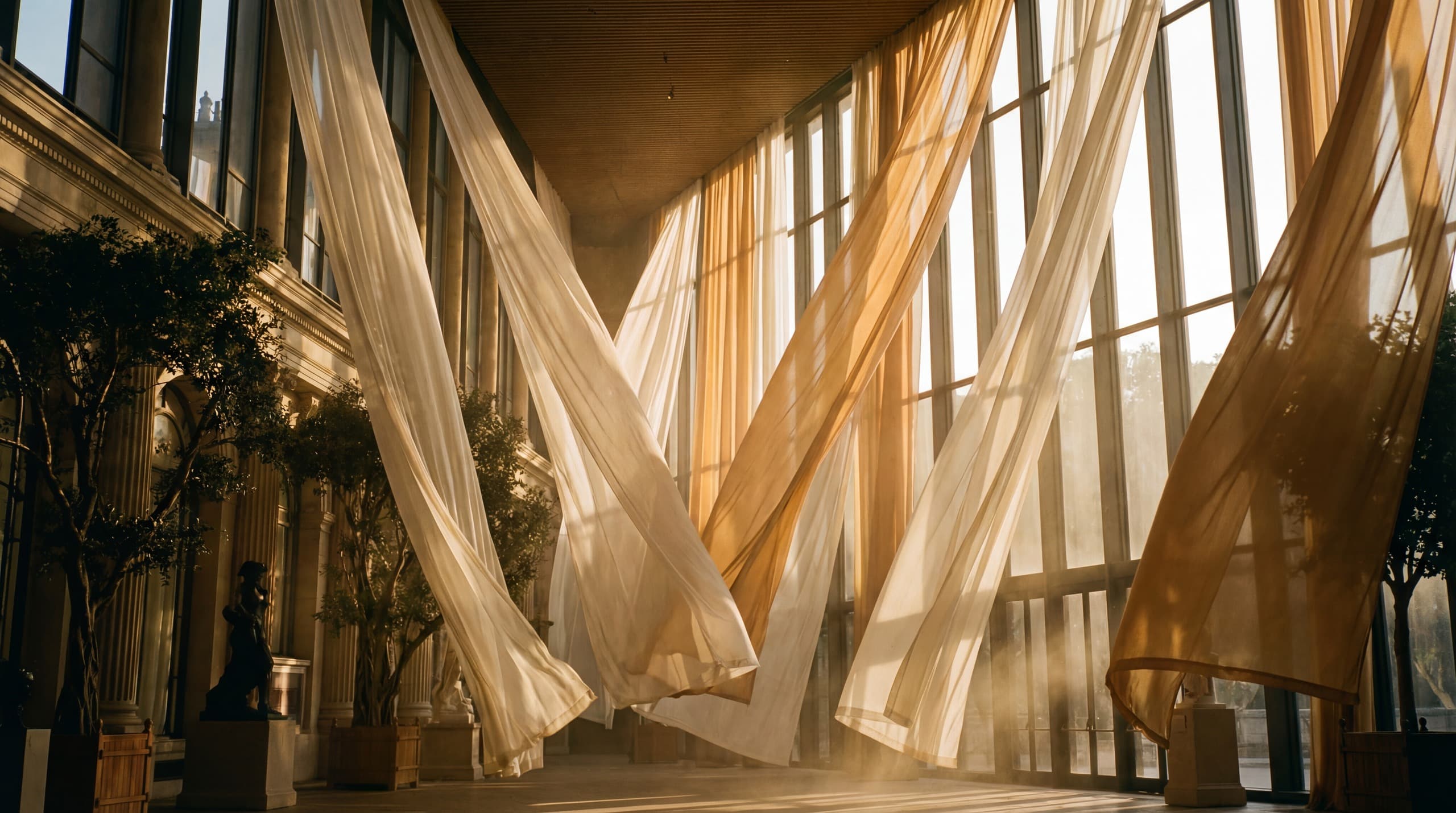
Luma Ray 2
Physics-first video generation. Keyframe control. 6 native aspect ratios.
Luma Ray 2 is built on a multi-modal architecture trained directly on video data, not individual frames. The result is motion that obeys real physics: objects fall with weight, fabrics swing with inertia, and light reacts correctly as subjects move through space. Supports text-to-video and image-to-video at up to 1080p with loop mode and start/end keyframe control.
Example outputs
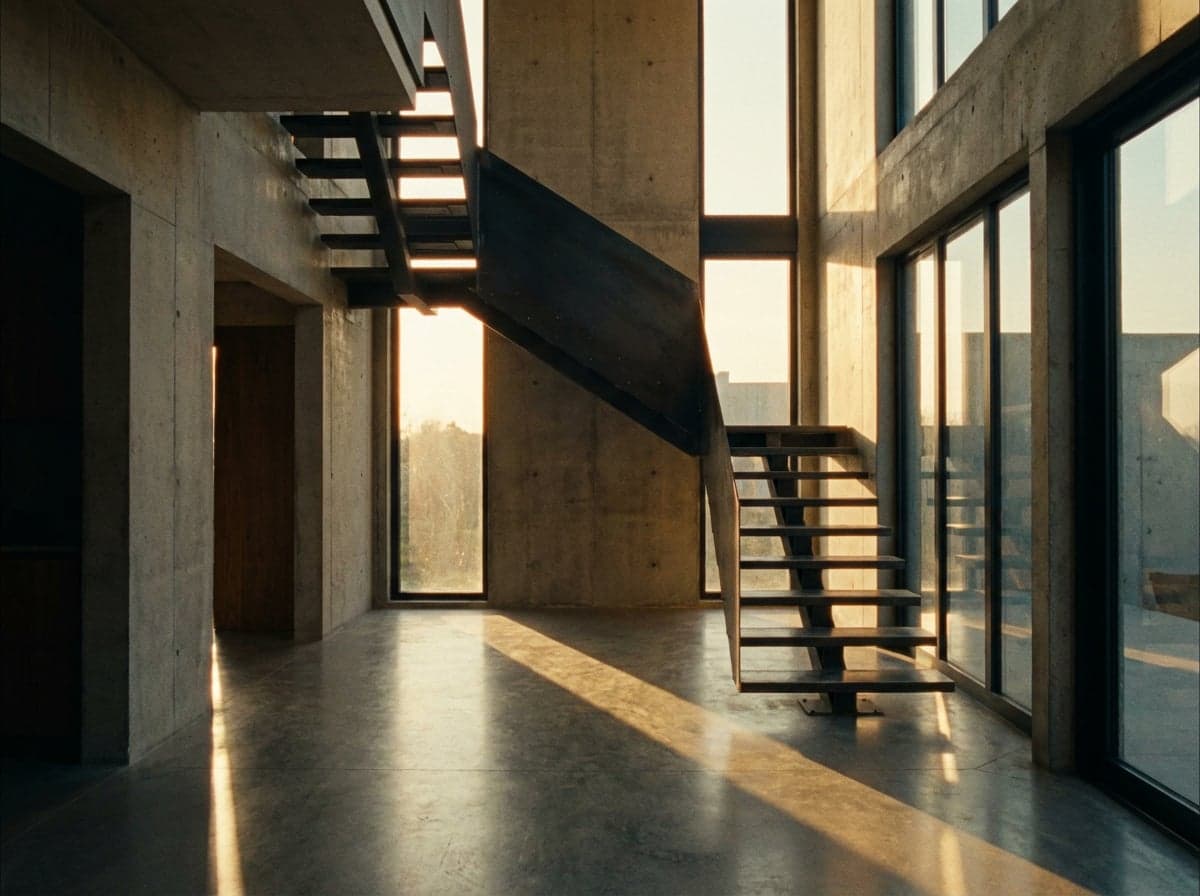
“A slow camera push through a double-height concrete foyer with a suspended steel staircase, late afternoon light casting geometric shadows across polished floors”
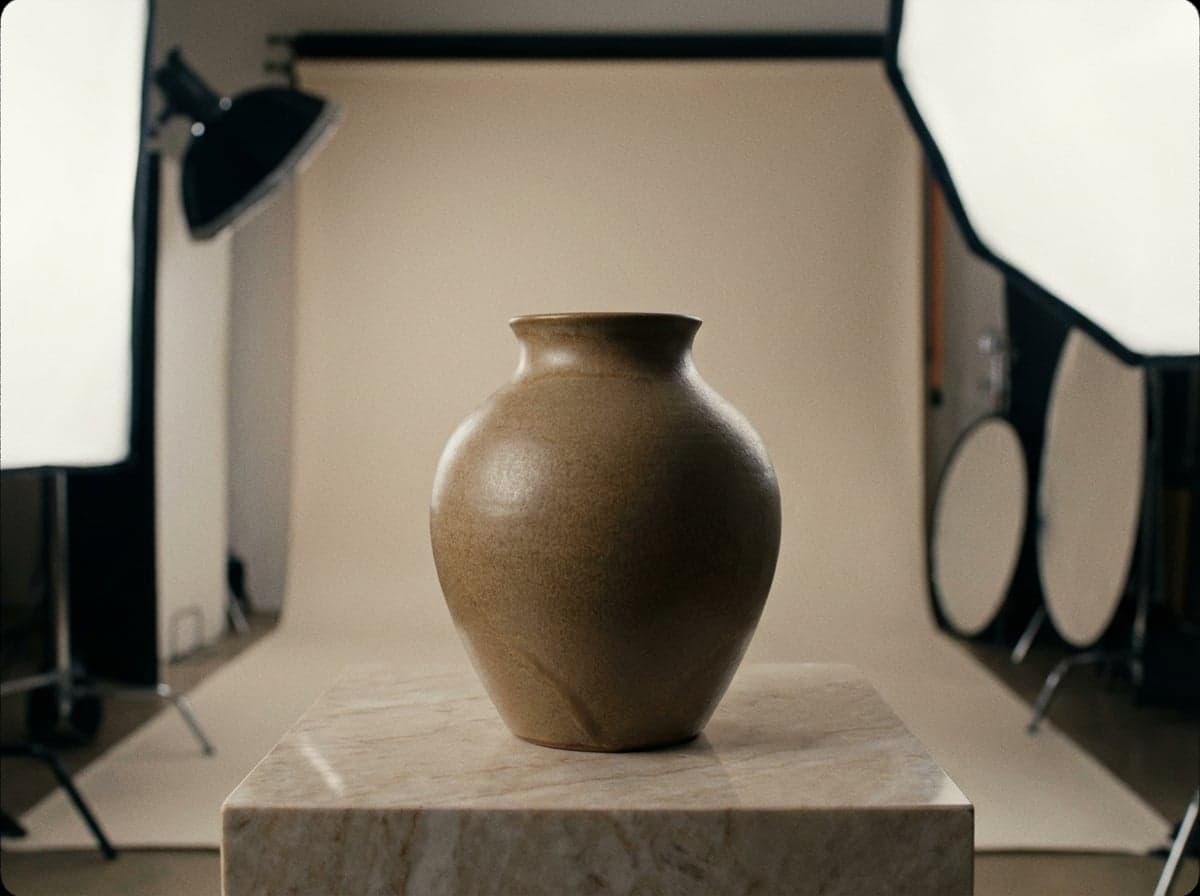
“A matte ceramic vase rotating on a marble plinth, soft diffused studio lighting revealing the glaze texture, product turntable pacing”
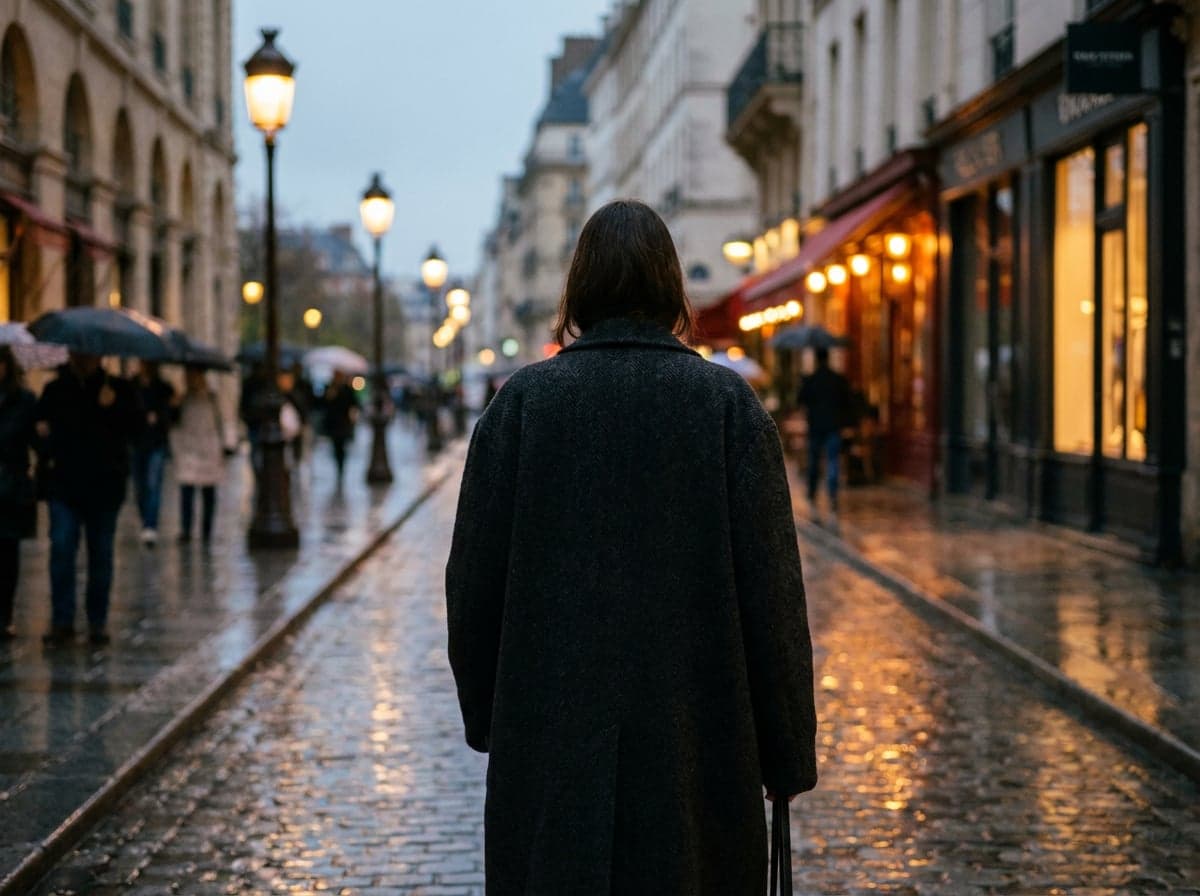
“A model in an oversized wool coat walking through a rain-slicked Parisian street at dusk, shallow depth of field, editorial slow motion”
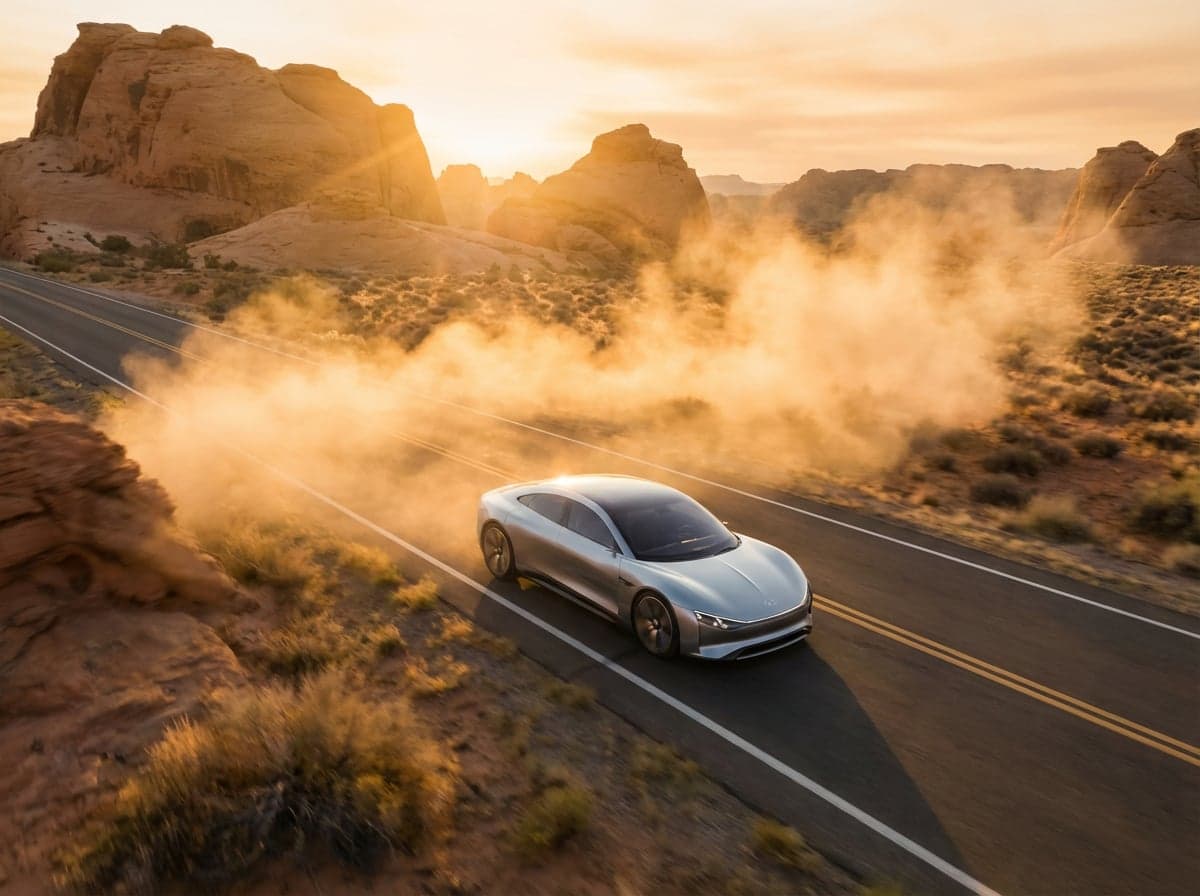
“A silver concept car driving along a desert highway at golden hour, tracking drone shot, dust trail catching warm backlight”
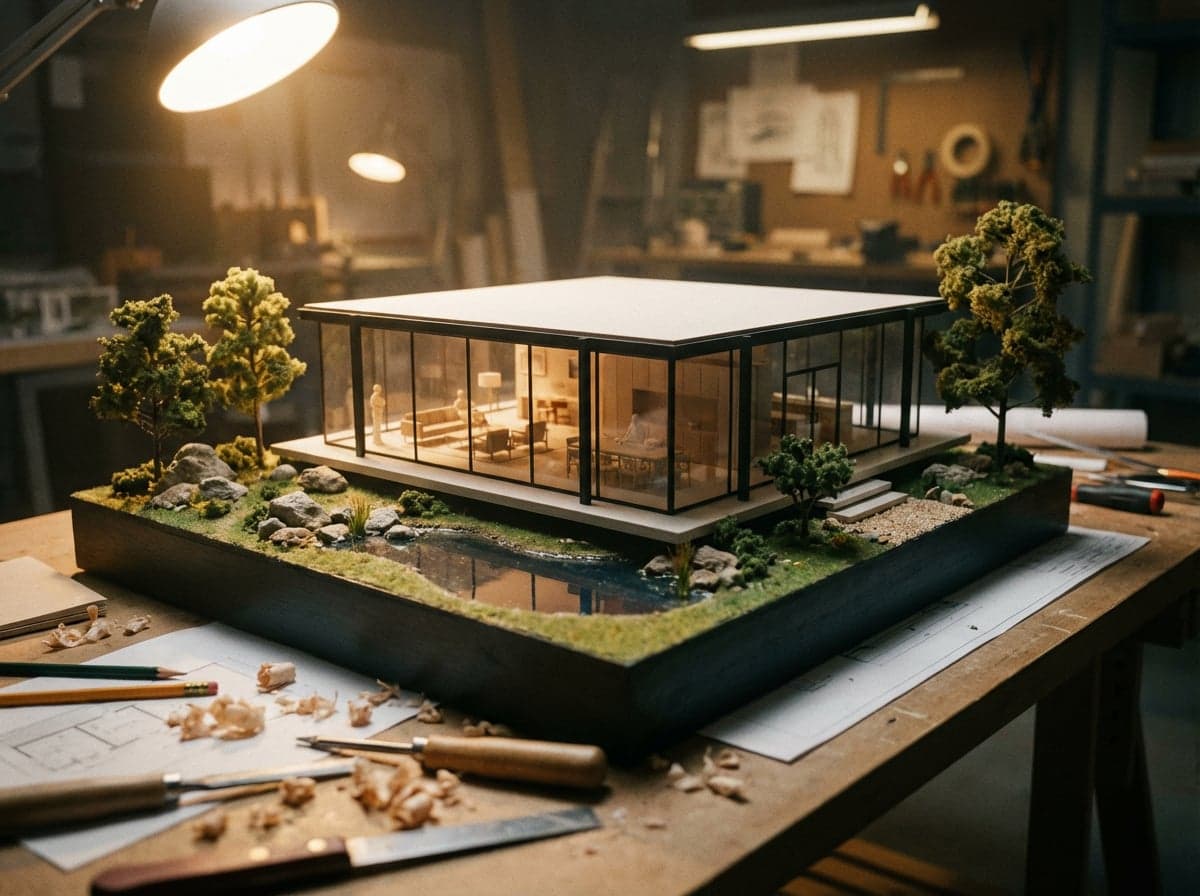
“A camera pulling back from a detailed architectural model of a glass pavilion, revealing the full site context and landscaping”

“A game cinematic: a knight steps out of fog into a sunlit forest clearing, light catching armour, particles drifting, orchestral build”
How it works
Describe your scene
Type a detailed prompt describing the video you want, or upload a reference image as a starting frame.
Choose your settings
Pick your resolution and duration. See the credit cost before you generate.
Generate your video
Your video is ready in 1-3 minutes. Download, iterate, or extend the sequence.
Ready to create with Luma Ray 2?
Jump into the Studio and start generating. Plans from £10/month.
Video that moves like the real world.
Most AI video models treat motion as an interpolation problem: given frame A, guess what frames B through Z should look like. Luma Ray 2 approaches it differently. Trained directly on video data rather than individual frames, the model learns how motion actually works. A ball dropped on a table bounces with appropriate weight and dampening. A curtain disturbed by wind follows fabric physics. A camera push through a room maintains consistent parallax and depth. This matters when the output needs to convince a client, not just impress a social feed.
Keyframe control gives you precise start and end points. Upload a reference image as your first frame and the model generates forward from that composition, maintaining the subject, lighting, and colour palette. Add an end frame and Ray 2 generates the transition between the two, handling camera movement and subject motion to connect them naturally. Loop mode blends the final frame back into the first for seamless repeating clips, useful for digital signage, event backdrops, and web animations.
Six native aspect ratios cover every delivery format: 16:9 for presentation decks and YouTube, 9:16 for Instagram Reels and TikTok, 4:3 and 3:4 for portfolio grids, and 21:9 and 9:21 for ultrawide and vertical cinema. Generate at 720p for concept work or 1080p for client deliverables. For faster iteration at lower cost, draft with Luma Ray 2 Flash and promote the best takes to Ray 2 for the final render.
Questions about Luma Ray 2.
Why Stensyl?.
Ready to create with Luma Ray 2?
Professional video generation. Plans from £10/month.