AI for Film and Set Designers: Previsualize Before the Shoot.
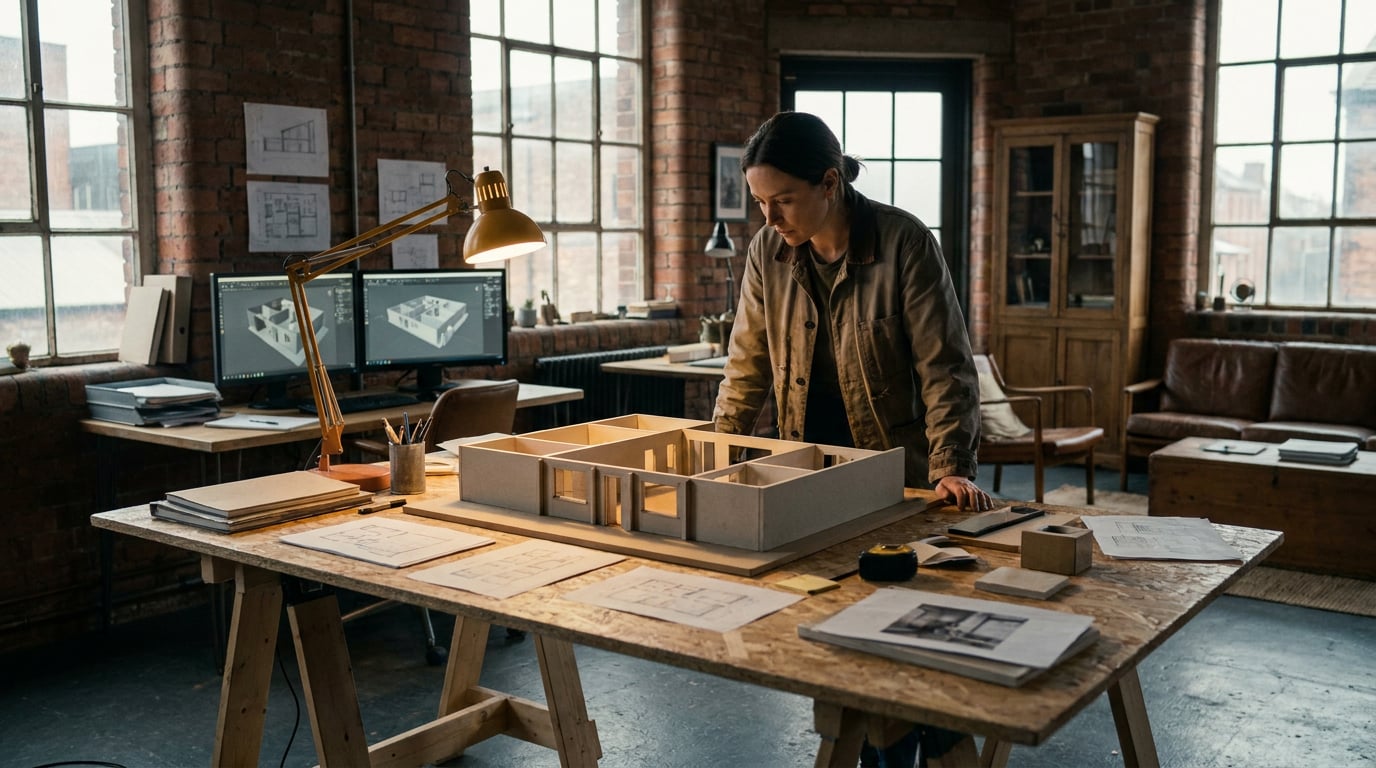
Previs used to mean sketches and a scout van. Here's how film and set designers block scenes, test lighting, and pitch looks before anyone's on set.
Why previs still eats budget before a frame is shot
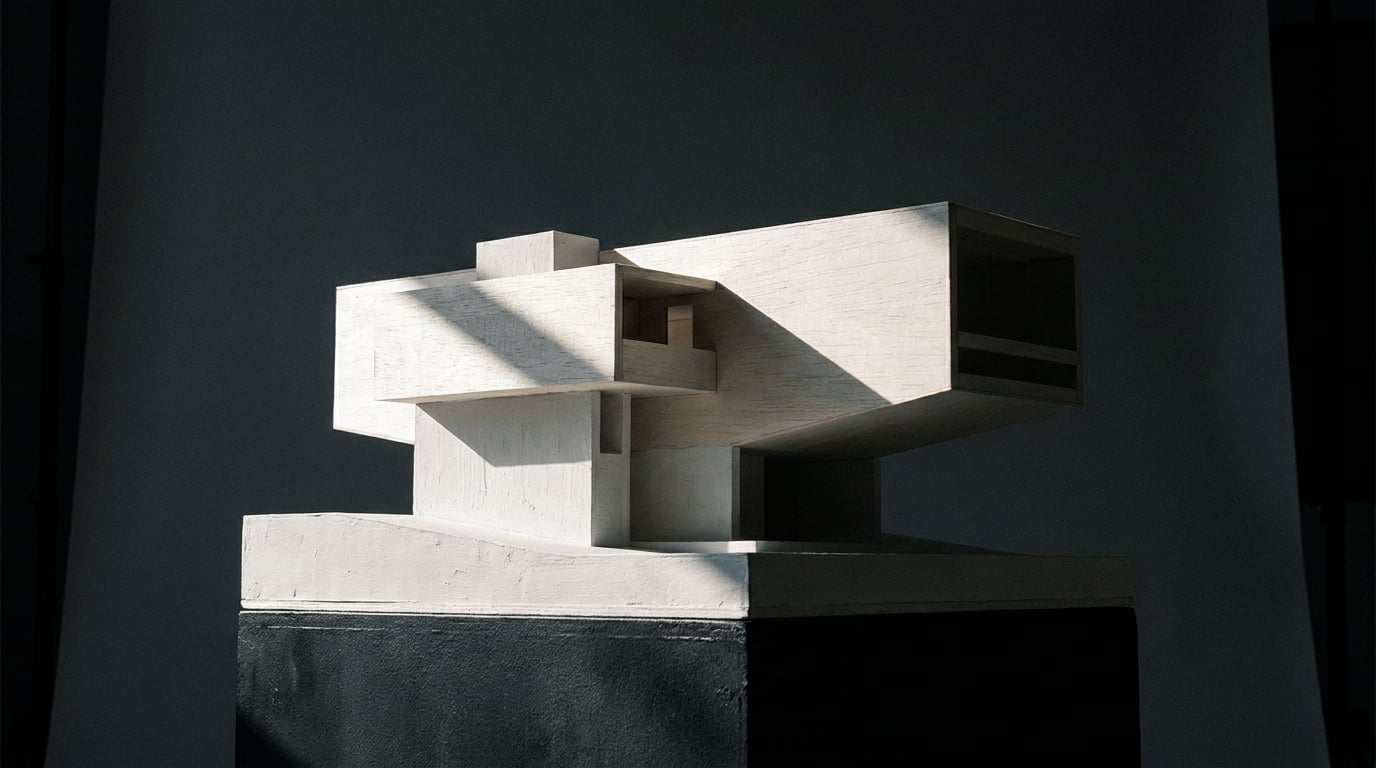
Location scouts, physical mock-ups and lighting tests all cost crew days before a production has shot a single frame. A set designer might spend a week building foam-core mock-ups of a corridor set, only to have the director decide the ceiling height reads wrong on camera. That's a week gone, and the notes come back the same day the build was meant to start.
Most of this cost comes from a simple mismatch: directors and production designers often disagree on tone until they see it, not describe it. "Moodier" means something different to a DP than it does to a production designer, and the gap between those two ideas of "moodier" doesn't close in a meeting. It closes when someone puts an image in front of the room.
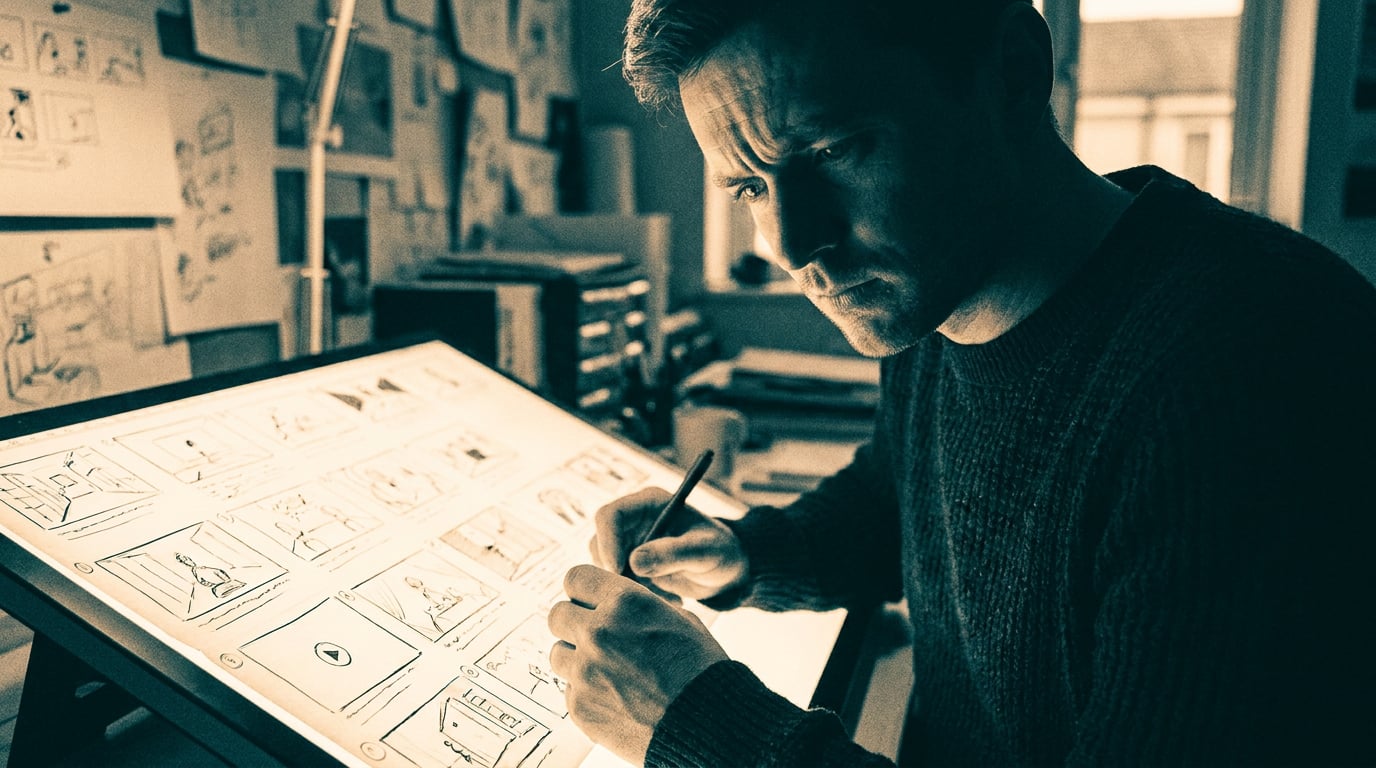
Set designers carry a particular version of this problem. They need to sell a look to a director of photography, a production designer and a studio executive, often in the same week, often with each stakeholder wanting a slightly different visual proof point. Traditional previs, storyboard artists sketching frame by frame, hand-built 3D animatics, is slow to iterate once notes come back. A revision that changes the blocking of a scene can mean redrawing half the board.
The bottleneck in previs has rarely been talent. It's been the turnaround time between a note and a new visual to react to.
Blocking scenes in Boards before you scout a location

Stensyl's Boards merges reference collection and scene sequencing on one canvas, which matters because previs work is rarely just "find pretty pictures" or just "plan the sequence." It's both, done at the same time, by the same person, usually against a deadline. Pulling lighting references, production design stills and texture studies into one place means the board becomes the single source of truth for a scene's visual direction, rather than a scattered folder of screenshots nobody can find in a review meeting.
The more useful trick is grouping frames into start and end scenes. Rather than describing how a shot moves from a wide establishing frame to a tight close-up, a set designer can lay out the start frame and the end frame side by side and let the board carry the argument. This is the same logic a graphic designer uses when pitching a brand refresh: show the before and after, not a paragraph explaining the difference.
Boards is also where competing directions get tested against each other before anyone commits to a build. Lay two production design routes side by side, one grounded in warm practicals and timber, one in cool fluorescents and concrete, and let the director react to both in the same sitting. This is faster than two separate pitch decks and it removes the guesswork about which direction actually won in the room.
A commercial director pitching a beverage spot might pull references from a period drama's dining room, a music video's neon-lit alley, and a competitor's product shoot onto the same board, then use that mixed reference set to explain the tone they're chasing to an agency client in one sitting. The board doesn't need to be tidy. It needs to communicate fast.
A board that mixes references from three unrelated productions is doing its job. It's not a mood exercise, it's a shortcut to alignment.
Testing set dressing and lighting with Image and Scene Composer

Once a direction is chosen, the next expensive question is what the set actually looks like dressed and lit. Building that answer used to mean renting the fixture, hanging the practical, and seeing what happens. Now a set designer can generate a lit, dressed version of the concept in Image before committing to build or rental costs. Testing five lighting moods against a single wall treatment costs a few minutes of generation time rather than five separate rigging calls.
Scene Composer pushes this further for anyone who needs to prove blocking and camera angle, not just mood. It lets you pose figures using gizmos and place them against a backdrop drawn from Stensyl's 3D Worlds, then render the whole composition to a photorealistic image. That's a meaningfully different tool than a flat mood image: it answers "where does the actor stand relative to the window" and "does the camera angle read the depth of the set," which are blocking questions, not colour questions.
A practical use case: settling a lighting debate between a night exterior and a golden-hour version of the same set before the gaffer ever arrives on site. Generate both, put them next to each other, and let the DP pick based on what the frame actually communicates rather than what someone imagines a "moody night scene" looks like on this particular facade.
Scene Composer is desktop-only, which suits how it gets used in practice. This is a pre-production-day tool, done at a workstation with reference material open in other tabs, not something reached for while standing on a tech scout with a phone in hand. That's a fair trade: the fidelity of the render is worth being tied to a desk for an afternoon.
The real saving isn't the render itself, it's the lighting decision that gets made in an afternoon instead of a week of test rigs.
Turning a still concept into a moving previs with Film

Stills answer composition questions. They don't answer movement questions, and a lot of previs failures happen because a beautiful frame doesn't survive being put into motion. Stensyl's Film studio is built for multi-scene cinematic sequences, which makes it useful for stringing together blocking beats into a rough animatic well before a storyboard artist would normally get a full pass.
Set designers can use Film to previs a tracking shot through a set before deciding on dolly track length or crane placement. If the camera needs to move from a wide entrance shot into a tight coverage angle on a character at a desk, generating that move as a rough sequence tells the art department which walls need to be practical, which can be wild, and how much floor space the dolly actually needs. That's a build decision, made cheaply, before a single flat is cut.
It's also a faster way to show a director how a scene transitions from wide to close, without waiting on a full storyboard pass. A rough animatic that communicates the beat is often enough to get a "yes, that's the shape of the scene" from a director, freeing the storyboard artist's time for the sequences that genuinely need frame-by-frame precision.
For set designers working across multiple shots on the same build, Canvas's Assemble Film node batches multiple shots from one set into a single sequence for review. That means a set designer can generate coverage for an entire scene, wide, medium, close, insert, and hand the art department one sequence to react to rather than four disconnected clips.
Briefing the build team with Ray as creative director
Ray works less like a generation tool and more like a creative director who happens to know which studio suits a given previs task. Ask Ray for a quick mood reference and it will point you toward Image or Boards. Ask for a fully lit, blocked render and it'll steer you toward Scene Composer. That routing matters when a set designer is moving fast between a dozen small decisions in a single afternoon and doesn't want to relearn which tool does what each time.
Used inside a project chat, Ray becomes a way to align a construction crew or art department on a shared visual direction before a build meeting. Rather than sending round a PDF of references and hoping everyone reads it the same way, a set designer can talk through the direction with Ray in the project, refine the language of the brief, and hand the crew something clearer than a mood board alone would give them.
Ray's web search means it can ground a period or location reference in real research rather than a generic style descriptor. A production designer building a 1970s municipal office set can ask Ray to pull up real architectural detail from that period, not just "give me a retro office," which matters when the difference between a convincing set and an obviously fake one is the accuracy of a light fitting or a door handle.
Keeping previs, references and notes inside one Stensyl Project means the art department and the DP work from the same source, rather than three different Slack threads and a shared drive nobody has fully synced.
A shared project keeps the DP, the art department and the director looking at the same version of the plan, not three slightly different memories of the last meeting.
What this replaces and what it doesn't
Previs speeds up the pitch and approval loop. It does not replace a tech scout or a lighting rehearsal on the actual set. Anyone selling AI previs as a full substitute for physical prep is overselling it, and set designers who've been burned by "the render looked fine" know exactly why: a rendered corridor doesn't tell you whether the dolly fits, and a generated lighting mood doesn't tell you whether the fixture throws the right shadow on real wallpaper texture.
What generated previs is genuinely good for is killing weak ideas early. If three lighting directions get tested in an afternoon and two clearly don't work, the build budget goes entirely toward the direction that survived review. That's real money saved, not because the render replaced the build, but because the build only happens once instead of twice.
Physical build tolerances, safety and practical effects still need a real set and a real crew. No amount of previs tells you whether a set wall will hold a stunt rig or whether a practical flame effect clears fire code. Those questions only get answered on the actual stage, with the actual materials, checked by the actual people responsible for keeping everyone safe.
The right way to treat AI previs is as the fast first draft that earns you more time for the parts only a physical set can prove. Every hour saved deciding on tone, blocking or lighting mood in Boards or Scene Composer is an hour available for the tech scout, the rigging test, the fire marshal walkthrough, the things that were always going to need a real room.
Previs was never meant to be the final answer. It was meant to make the expensive mistakes cheap and the slow decisions fast.
Set designers who build previs into every project, not just the VFX-heavy ones, get more shots at getting the direction right before anyone books a stage. That's the actual shift: not that AI makes prettier boards, but that it makes previs cheap enough to use on the small commercial and the episodic drama, not just the tentpole with a previs department of its own.
Keep reading.

Try Stensyl for yourself
Image, video, 3D, chat, and document drafting. Every AI model, one studio. Plans from $11/month.