AI Moodboard to Brand Kit: Motion Design Edition.
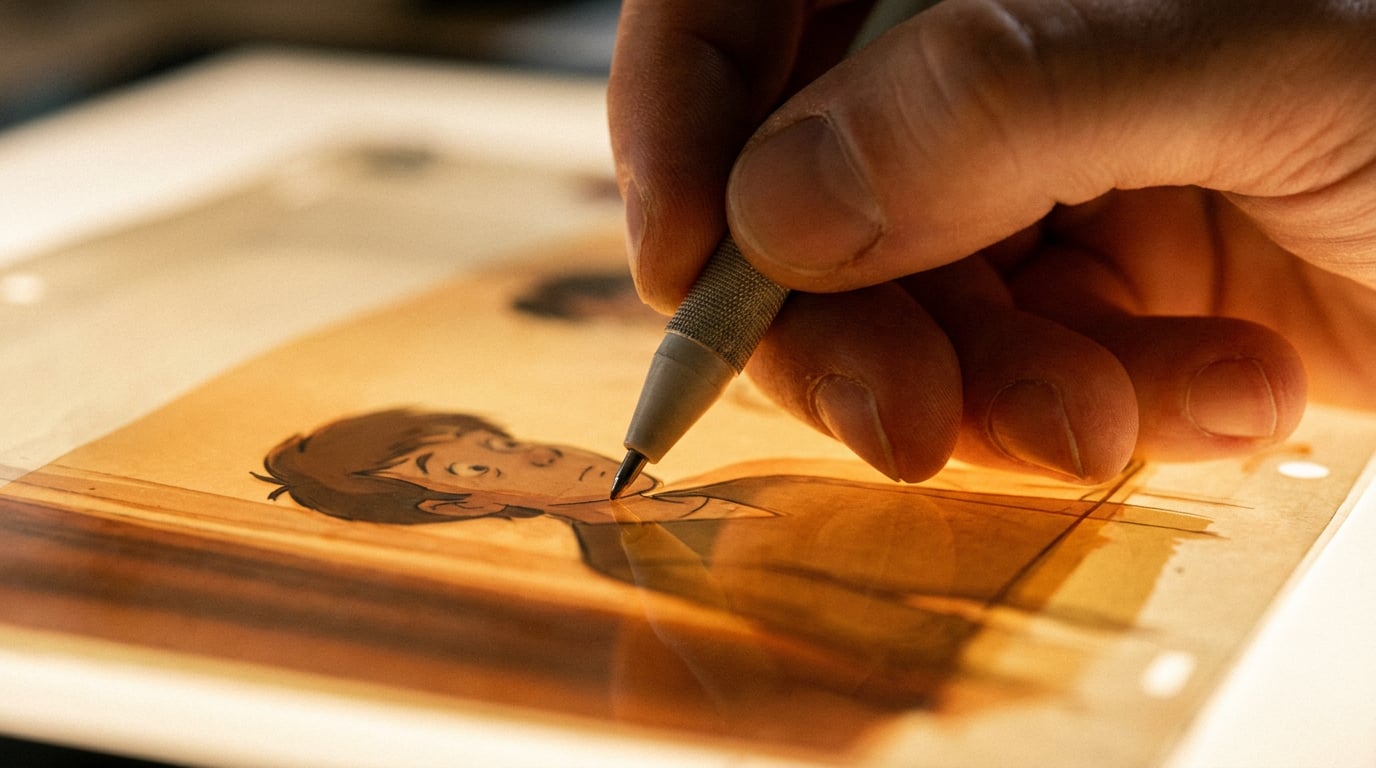
Build a motion design brand kit from scratch using Stensyl's Boards, Image, Motion, and Write surfaces in one connected workflow.
Why the Moodboard-to-Kit Gap Kills Motion Projects

Most motion design projects die in the handoff, not the execution. The visual references live in Figma or a shared Google Drive folder. The generated assets sit in a separate tool. The brand rules, if they were ever written down at all, are scattered across a Notion page, a PDF, and someone's memory. By the time a second animator joins the project, or a marketing team needs to extend the campaign six months later, the original intent has evaporated.
That is the moodboard-to-kit gap: the distance between inspiration and codified system. Closing it is the difference between a one-off animation and a motion brand kit that survives production.
A proper motion design brand kit contains more than a colour palette. It includes type pairings with scale relationships, transition styles with named easing curves, loop duration standards for different formats, and an explicit vocabulary for how elements enter and exit the frame. Every one of those decisions needs to stay consistent across a logo reveal, a lower-third template, a social background loop, and a broadcast title card. When those decisions live in separate tools with no connecting thread, consistency becomes a manual effort that degrades with every handoff.
Stensyl's surfaces map directly onto each stage of this process. Boards handles reference collection. Image handles visual exploration. Write handles brand documentation. Motion handles export-ready output. The key is running them in sequence, not jumping between them ad hoc. Sequential use is what produces a reusable system rather than a well-intentioned folder of assets.
The workflow described here draws on established motion industry practice. Teams across advertising, game development, content, and exhibition design are already using AI tooling for ideation and first-pass exploration, then refining timing and typography in traditional tools like After Effects or code-driven frameworks. AI motion graphics generators can compress storyboard, design exploration, and initial animation passes into a single loop, with independent estimates suggesting cost reductions of 70–90% versus traditional pipelines. The moodboard-to-system-to-kit workflow is becoming standard for serious motion teams precisely because the tools now support it end to end.
A motion brand kit is not a folder of files. It is a connected set of decisions: visual language, timing rules, and documented rationale that travels with the project regardless of who picks it up next.
Stage 1: Build the Moodboard on Boards

Open Boards (/boards) and create a new board for the project. Boards is a single fluid canvas that replaces the old separate Moodboards and Storyboards surfaces. Everything that used to require two tools now lives in one place: visual references alongside grouped frames for first and last-frame video generation.
Start by pulling in raw references. Images from motion reels, colour swatches, still frames from loops that represent the timing feel you are after, typographic specimens that capture the graphic tone. The canvas handles all of it without forcing you into a grid or a slide format.
The grouping feature is where the board becomes genuinely useful rather than just a prettier mood folder. Organise references into thematic clusters: one group for palette references, one for texture and surface quality, one for pacing (stills from loops that show the rhythm you want to recreate), one for typographic tone. A broadcast title sequence from a product launch campaign will have different pacing references than a looping ambient background for an exhibition stand. Keep those distinct.
Annotate each cluster directly on the canvas with a brief intent note. "High contrast, two-colour palette, no gradients" is more useful to a collaborator than a cluster of images with no explanation. When the brand kit is eventually handed to another animator or a marketing team, those annotations are what prevent the visual language from drifting. This is particularly important in advertising and content workflows where multiple people may touch the same kit across a campaign cycle.
Treat the Boards canvas as a living document. Return to it at every subsequent stage to check new generated assets against the original references. If a generated frame from the Image stage looks technically correct but reads differently from the moodboard, the board is where you catch that before it gets encoded into the brand rules.
Stage 2: Generate the Visual Language in Image
Move to Image (/generate/image) and use the moodboard clusters as your prompt foundation. The goal here is not to generate finished assets. It is to lock in the palette, texture, and graphic language before any animation begins. Getting these decisions made in a still frame is dramatically faster than discovering a colour relationship does not work once it is in motion.
Generate multiple palette explorations as flat graphic frames. Abstract colour field images, geometric arrangements, and typographic lockups work well here because they surface the exact hex relationships you will encode in the brand kit later. A game development studio building a brand kit for a new title might generate twelve palette variants in twenty minutes, identify the three that hold contrast at small sizes, and throw away the rest. That same process in a traditional design workflow takes a full day.
Use Luma Uni-1 for prompts where typography needs to appear correctly in the generated frame. Luma Uni-1 handles text rendering and web-grounded prompts better than most image models on the platform, which matters when you are generating frames that include wordmarks, lower-third text treatments, or headline typography that will eventually become animation components.
For prompts focused on texture, surface quality, or abstract motion language, the platform's wider model range gives you meaningful variation. Generating the same prompt across two or three models and comparing outputs is a fast way to identify which visual direction has the most coherent system potential.
Bring generated frames back into Boards by grouping them alongside the original references. This side-by-side comparison is where you catch drift: a generated frame might be technically beautiful but sit in a slightly different colour temperature than the moodboard intent, or use a surface texture that reads more editorial than the brand requires. Catching this now, before the brand rules are written, is the entire point.
Select three to five frames that best represent the motion design system. These become the visual anchors for everything that follows: the palette gets extracted from them, the typographic rules get confirmed against them, and the easing vocabulary gets informed by the implied movement in the imagery.
Three to five strong anchor frames from the Image stage will do more work than twenty exploratory ones. Selection is the skill; generation is just the starting point.
Stage 3: Document the Brand Rules in Write
Open Write (/write) and draft the brand kit document. This is the stage where visual decisions become repeatable rules. Without this step, the moodboard and the generated frames remain aspirational rather than actionable. The Write document is what makes the kit usable by someone who was not in the room when the visual language was developed.
Use Claude Sonnet 4.6 or Claude Opus 4.8 from the model picker for this stage. Both handle structured, rule-based document drafting well and produce consistent formatting across long brand documents. This matters for a motion brand kit because the document needs to be navigable: an animator should be able to find the easing specification for a title card entrance without reading the whole document from the top.
Structure the document in three layers:
- Global rules: Colour palette with named swatches and hex codes extracted from the anchor frames. Type scale with named roles (headline, lower-third label, caption). Grid and safe-area specifications for broadcast and social formats.
- Component rules: Animation specifications for each kit element. Logo reveal, lower-third template, transition wipe, background loop. Each component gets its own section with entrance and exit behaviours, duration, and easing curve.
- Context rules: How the kit adapts across formats. Social formats (9:16, square) versus broadcast (16:9) versus web. Duration limits per platform. Which components are mandatory and which are optional for each context.
Write easing and timing descriptions in terms an animator can act on directly. "Entrance: ease-out cubic, 300ms" is a production instruction. "Smooth and modern" is a mood adjective that means something different to every person who reads it. The goal is to remove interpretation from the handoff. This approach applies whether the kit will be executed in After Effects, a code-driven framework like Remotion, or passed to a marketing team building social assets.
The Write document becomes the canonical brand reference. Every subsequent animation brief, client presentation, and team handoff starts here. Keep it updated when decisions change. A brand kit that has not been maintained is more dangerous than no brand kit, because it gives people false confidence in rules that no longer apply.
"Entrance: ease-out cubic, 300ms" is a production instruction. "Smooth and modern" is a mood adjective. Brand kits only work when every rule is the former, not the latter.
| Document Layer | Contents | Primary User |
|---|---|---|
| Global rules | Palette, type scale, grid, safe areas | All team members |
| Component rules | Per-element animation specs with easing and duration | Animators, developers |
| Context rules | Format adaptations, platform-specific limits | Producers, marketing leads |
Stage 4: Render Motion Assets in the Motion Studio

Open Motion (/motion) and build the first set of brand kit animations. The minimum viable kit for most motion design projects is three components: a logo reveal, a lower-third template, and a transition wipe. These three cover the majority of use cases across social, broadcast, and web, and they force the easing vocabulary to be tested against real motion rather than described in the abstract.
Motion is built on Remotion, which means output is code-driven and frame-accurate. This is a practical advantage when a kit needs to be handed to a developer integrating animations into a web or app environment. A web or UX team building a product interface can take the same Motion output that a broadcast motion designer used for a title sequence and implement it in a frontend codebase without re-specifying the timing from scratch.
Apply the easing and duration rules documented in Write directly to the Motion timeline. Keep the Write document open in a second tab and cross-reference it consciously rather than working from memory. This discipline is what maintains fidelity between the documented rules and the rendered assets. When the two diverge, the document needs to be updated, not the animation worked around.
Generate multiple duration variants of each component. A three-second and a six-second version of the same logo reveal covers both social (where three seconds is often the practical limit before the audience scrolls) and broadcast (where six seconds allows a more considered entrance). Building both variants at this stage, rather than adapting them later, is what gives the kit genuine range. Advertising teams running campaigns across Instagram Stories, YouTube pre-rolls, and broadcast spots need all three without commissioning a new animation each time.
Export each animation component as a discrete file with a name that maps back to the brand kit document. logo-reveal-3s-v1.mp4 and lower-third-standard-v1.mp4 are findable six months later. final_final_use_this.mp4 is not. Consistent naming is what makes a kit actually reusable rather than a pile of assets that requires a briefing to decode.
The Motion studio's Remotion foundation means your brand kit animations are frame-accurate and developer-ready from the first export, not just creative-team-ready. That distinction matters the moment the kit crosses into a web or product build.
Stage 5: Package the Kit and Share It
Return to Projects (/projects) and consolidate all deliverables into a single project workspace. The Boards canvas, the Write brand document, and the Motion exports all live in one place. This consolidation is not administrative tidiness. It is what allows the project to function as a kit rather than a collection of outputs.
Use the Projects brand identity fields to store the palette, typography, and key asset references at the project level. These fields feed Stensyl surfaces that support brand context in future generations. When the same project generates new social assets in a month's time, those brand parameters are already present rather than having to be re-entered from a separate document.
For teams, shared project workspaces mean every collaborator works from the same moodboard, the same brand rules, and the same motion assets. There are no version conflicts because there is one source. This is particularly relevant for content and social teams where multiple people may be generating assets in parallel across different formats. A shared project workspace with documented brand rules is the difference between a coherent campaign and a set of assets that look like they came from different projects.
If the kit includes a landing page or microsite component, Web (/web) can generate a page that applies the documented palette and type rules directly. The brand document written in Write serves as the brief. This is useful for exhibition designers presenting a motion brand system to a client, or for advertising teams who need a campaign microsite that matches the broadcast and social assets without commissioning separate design work.
For any kit that includes a presenter or spokesperson component, the Avatar (/avatar) surface can generate a reusable AI avatar using the brand's visual language, rendered in any scene. Combined with the Audio (/generate/audio) surface for voiceover and music that sits within the brand's tonal range, the kit extends from motion graphics into full video production without leaving the project workspace.
The finished kit is a connected project in Stensyl where every decision traces back to the original moodboard. The logo reveal references the easing rules in Write. The easing rules were informed by the anchor frames in Image. The anchor frames were selected against the references in Boards. That chain of decisions is what makes the kit coherent, and it is what allows a different animator, a marketing team, or a developer to pick it up six months later and extend it correctly rather than guessing.
Motion brand kits that survive into production are not better designed than the ones that get abandoned. They are better connected. Build the connection from the moodboard outward, and the kit maintains itself.
Keep reading.
Try Stensyl for yourself
Image, video, 3D, chat, and document drafting. Every AI model, one studio. Plans from $11/month.