AI Set Design Workflow: Script to Visual Deck in 2026.
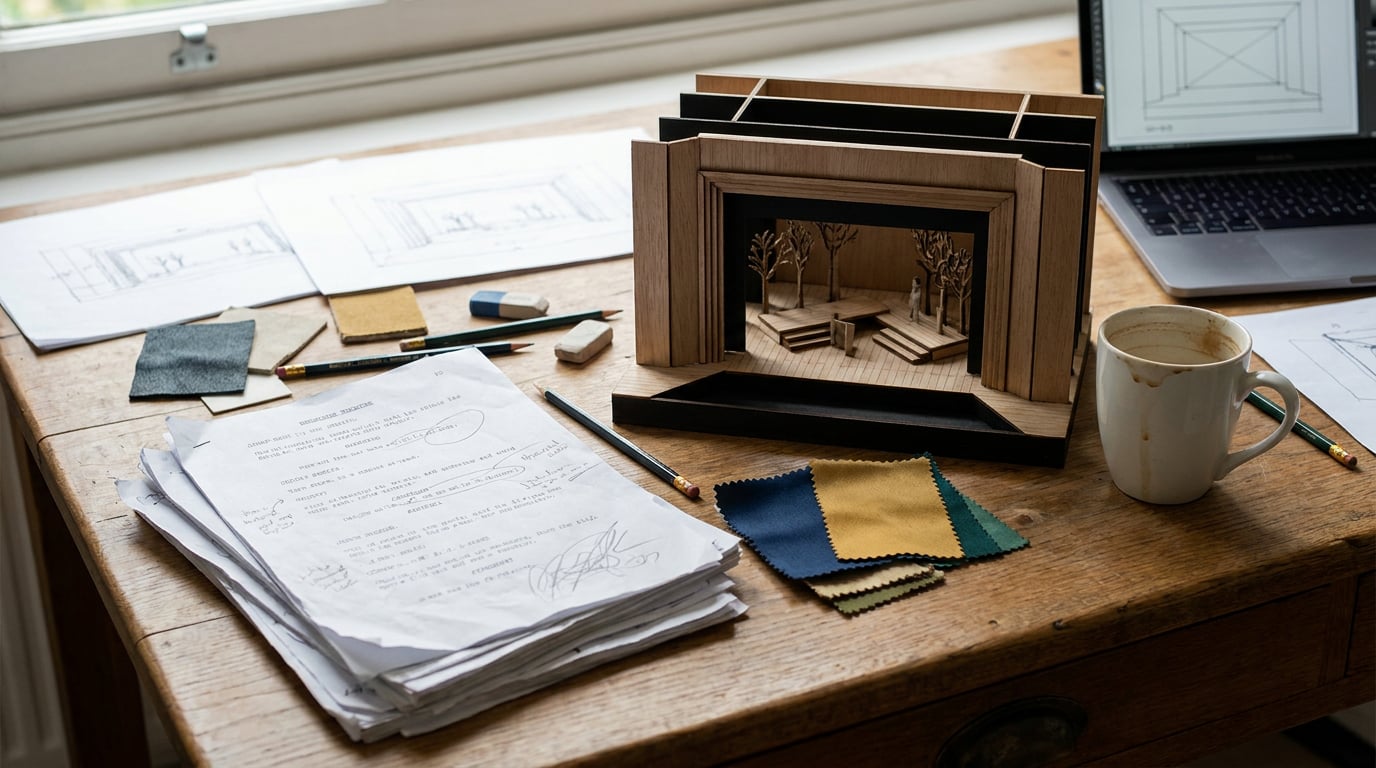
Break down a script, generate location concepts, and deliver a polished visual deck using Stensyl's chained surfaces, without juggling five separate tools.
Start with the Script: Using Research and Write to Break Down Scenes

Script breakdown used to mean highlighters, printed pages, and a spreadsheet built from scratch. The same process now takes a fraction of the time when language models handle the first pass, leaving set designers to focus on the interpretive decisions that actually define a production's visual world.
The entry point in Stensyl is the Research surface. Feed it the script's setting, period, and location references, and it draws on Perplexity-backed web search to pull production precedents, architectural references, and era-specific material culture. A 1970s New York detective drama needs different wallboard finishes, fixture types, and colour temperatures than a contemporary Copenhagen thriller. Research finds that context quickly, surfacing production stills, historical photography, and design literature before a single concept image is generated.
From there, the Write studio handles the structured breakdown itself. Paste in scene headings, action lines, and any director's notes, and ask the model to generate a per-scene brief covering: location type, dominant mood, key props, colour palette notes, and the surfaces that will be camera-facing. For complex dramatic material where tone and subtext matter, Claude Opus 4.8 is the right pick from the Write studio's model selector. Anthropic positions Opus as its top-tier reasoning model, designed for nuanced analysis and long-form drafting — precisely what separates a useful scene brief from a flat bullet list.
The model picker is where the workflow gains a second perspective. Run the same breakdown prompt through Gemini Pro and you get a different reading. Google's Gemini 2.0 models are built for long-context multimodal understanding, and in practice Gemini tends to weight spatial logic and environmental specificity differently from Claude's more tonally precise output. Put both side by side. One might foreground the emotional geometry of a claustrophobic interior; the other might surface set dressing priorities you hadn't flagged. Keep what's useful from each.
"The scene brief is the most valuable document in this workflow. Everything generated downstream, whether a concept image, a layout, or a motion sequence, should trace back to it. Write it precisely once and carry it forward."
The output of this stage is a working brief document per scene. It becomes the source of truth for every generation step that follows: the image prompt, the layout copy, the motion sequence. Time spent here sharpens everything downstream.
Running the same breakdown prompt through both Claude Opus 4.8 and Gemini Pro takes minutes and consistently surfaces conflicting spatial priorities early, before they become expensive in image generation or deck revisions.
Concept Generation: Turning Scene Briefs into Location Imagery

A scene brief with clear mood, palette, and spatial priorities translates directly into an image prompt. In Stensyl's Image surface, each brief becomes the basis for multiple concept directions per location. Generate three or four variations for the same scene: different camera-facing angles, a cooler versus warmer palette read, a heavier versus lighter use of practical light. The goal at this stage is range, not resolution.
The Image surface draws on over twenty models, and the choice matters for set design work. Flux-based models (built on Black Forest Labs' FLUX architecture) perform well for environment and atmosphere work, with strong lighting control and textural detail. Independent testers consistently report that FLUX.1 handles mood and spatial depth in architectural interiors with more control than earlier diffusion architectures, at resolutions up to 1024×1024 and above. For scenes requiring in-world signage, period-accurate typography on storefronts, or faux branding on set dressing elements, Ideogram 3's text rendering accuracy makes it the better choice.
As concepts accumulate, Boards is where they live. Boards is Stensyl's single fluid canvas that merges moodboard and storyboard logic. Drag in generated concepts alongside the production stills and historical reference pulled in the Research phase. Group everything by scene. The effect is a visual argument building in real time: you can see immediately when a generated concept fights against its reference material and when it confirms the brief's intent.
Boards also supports start and end frame pairs for video generation. This matters for lighting and atmosphere work. Set a dawn exterior as a start frame and a dusk version as the end frame, and you have the visual parameters for a Luma Ray 3.2 or Runway Gen-3 clip that communicates the tonal arc across a scene's duration. For a production designer presenting to a director, that short clip communicates in seconds what a static grid of stills cannot.
Interior environments call for a different approach. The 3D surface generates spatial models from text or image prompts, and supports re-texturing: swap stone for concrete, practical-lamp finishes for fluorescents, aged plaster for new drywall. These are not production-ready topology files. They are rapid blocking tools, useful for testing the spatial logic of a set before committing resources. Meshy-style text-to-3D generation and Tripo-style single-image-to-3D are both part of this workflow; for set design, quick spatial blocking beats topological precision at the concept stage.
Once a 3D model is roughed out, take it into Scene Composer. Pose the model with gizmos, drop a 3D Worlds backdrop behind it, and render to a photorealistic image. A cramped inner-city apartment set rendered against a correct urban skyline reads entirely differently than the same geometry floating in a neutral viewport. Scene Composer bridges the gap between the 3D sketch and the deck-ready visual.
Boards merges moodboard and storyboard logic into one canvas. Reference photography and generated concepts sit together, grouped by scene, so the visual argument for each location is always visible as a whole rather than scattered across folders.
Refinement: Editing Concepts to Match Production Constraints
The strongest concepts from the generation phase rarely arrive at exactly the right state. A hero image might nail the atmosphere but include a contemporary light fitting that breaks period accuracy. A wide interior might have the right bones but the wrong surface finish on the floor. Regenerating from scratch wastes time and often loses what worked. Targeted editing is faster.
Stensyl's Editing surface handles inpainting, upscaling, and background removal. Select the anachronistic element, describe what should replace it, and inpaint directly. Swapping a 2020s pendant fixture for a 1940s industrial cage lamp in an otherwise strong concept takes seconds. The same applies to surface textures: change the floor finish from polished concrete to worn hardwood without touching the rest of the composition.
Once a concept is locked, upscale it in Editing before it enters the deck. Generative upscaling brings the strongest images up to print-ready resolution while recovering fine detail. Vendor materials routinely describe these outputs as "poster ready," though independent print tests show variable fidelity at very close viewing distances. For deck use and screen presentation, the results are consistently strong.
Refinement is also the right moment to interrogate concepts against practical constraints. Return to Ray, Stensyl's AI assistant, and ask it to pressure-test a concept against the script's production realities. Ray runs on Claude Sonnet 4.6 with web search, and production logic questions land well here: build versus shoot-on-location trade-offs, budget tier implications of a given material finish, whether a location type is likely to require period-accurate dressing sourced from prop houses versus fabricated on set. Ray will not replace the judgement of a construction coordinator, and it has no visibility into union rules or local location politics — those constraints still require human expertise. But it surfaces the right questions before the deck goes to the director.
For a more systematic consistency check, the Canvas node-based editor allows you to pipe image outputs through an LlmChatNode. Connect a set of generated concept images to the node, provide the original scene brief as context, and ask the model to evaluate each image description against the brief for consistency. This is not an automated quality gate. It is a structured prompt that forces a comparison between what was specified and what was generated, flagging drift before it reaches the client.
| Refinement Task | Stensyl Surface | Model or Tool |
|---|---|---|
| Inpaint set dressing elements | Editing | Generative inpaint |
| Remove anachronistic props | Editing | Generative inpaint |
| Upscale to print-ready resolution | Editing | Generative upscale |
| Pressure-test against production constraints | Ray | Claude Sonnet 4.6 |
| Check concept consistency vs brief | Canvas (LlmChatNode) | Any Write-studio model |
Building the Visual Deck: From Raw Assets to a Presentable Document

The deck is the deliverable. Everything generated, edited, and pressure-tested in the earlier phases feeds into a structured presentation that art directors, producers, and directors can read without context they don't have. Building it in Stensyl keeps the assets and the layout in the same pipeline.
Start in Boards. Organise the final approved concepts by scene, and annotate each with the key set dressing and palette decisions made during the generation phase. These annotations become the slide copy and the handoff notes for the art department. The visual grouping in Boards maps directly onto the deck's structure: one scene group, one deck section.
Move into the Graphics surface to build slide layouts. Pair each concept image with the written scene brief, add colour palette swatches drawn from the generated images, and place prop reference callouts where specific sourcing decisions need flagging. Graphics handles vector and graphic design generation, which means typographic layouts, caption treatments, and section dividers are all produced in the same tool rather than requiring a round-trip to a separate design application.
The written narrative for each slide comes from the Write studio. Model choice matters here and it depends on the audience. GPT-5.5 produces tighter, more editorially controlled copy, which suits a client-facing deck where economy of language is an asset. Claude Opus 4.8 generates more atmospheric, tonal language, which serves a director-facing deck where the goal is to communicate a visual world rather than simply list decisions. Ask Write to produce both variants and choose. The model picker is there precisely for this kind of intentional comparison.
For productions where a static deck is not enough, the Film surface chains scene concept images into a multi-scene cinematic sequence. This is distinct from single-clip video generation. Film is a multi-shot studio: sequence concept images across key locations, control the transitions and pacing, and produce a moving walkthrough of the visual language that develops across the script. Directors and producers read this differently from a slide deck. Camera movement through a set implies scale, proportion, and atmosphere in ways that stills cannot. Motion designers and commercial directors increasingly use exactly this approach, combining AI-generated environment stills with short AI video clips into "look reels" for pitch meetings.
Final export happens in the Editing surface. Export the deck-ready stills with any captions baked in for internal review. Export motion assets as video files for presentation or client-facing delivery. Where a motion sequence includes text overlays or scene labels, Editing's caption tools handle the bake-down, keeping everything in a single export workflow rather than requiring additional post-processing.
The scene brief written in Write directly informs the image prompt in the Image surface, the layout copy in Graphics, and the motion sequence in Film. Context carries through the entire workflow rather than being retyped at every tool handoff. That is the structural advantage of building this pipeline inside one platform.
Where Stensyl Fits Into a Real Production Pipeline
Set designers hand off to art directors, construction coordinators, and location managers. The deck produced through this workflow is a briefing document for all three. It is not a replacement for technical drawings. CAD and BIM applications (Vectorworks, AutoCAD, Revit) remain the correct tools for build documents and construction-grade drawings. No mainstream AI model reliably outputs code-compliant construction documents, and professional production forums are consistent on this point. The Stensyl workflow ends at the communication layer and hands off to technical production at the point where visual concept becomes engineering.
Credit usage across the workflow follows a predictable pattern. Research queries, Write documents, and Ray conversations are the lowest-cost operations on the platform. Image generation at volume is where credits concentrate, and video generation more so. A Pro plan at 6,000 credits per month (£42/mo) covers a full feature's concept phase comfortably, based on Stensyl's own usage benchmarks. A Starter plan at 2,500 credits per month (£22/mo) suits a short film, a commercial shoot, or an episodic series where concept work is concentrated in a single block. This cost weighting is consistent with how image and video generation is priced across the industry: text LLM calls are relatively inexpensive compared with per-image and per-second video generation in any platform, Stensyl included. Build the text layers first and spend credits where they generate visual output.
The Projects surface keeps every asset, document, and generated image organised under a single production and shareable with the full team. The common production design complaint of assets scattered across inboxes, Dropbox folders, separate AI tool interfaces, and presentation files does not apply when the pipeline runs through one project space. A production assistant can review the script breakdown document in the same project where the concept images live and the motion reel was rendered.
The current standard stack in production design tends to be ChatGPT or Claude for text, a separate Midjourney or Flux front-end for images, Runway or Pika for motion, and Notion or Keynote to assemble the deck. Each handoff requires re-entering context. The scene brief goes into the LLM, then gets retyped into the image tool prompt, then described again to the motion tool, then pasted into the slide copy. That repetition is where brief drift happens and where time disappears.
Running this workflow through Stensyl does not remove creative judgement from the process. The interpretive decisions about what a set communicates, how a location feels in relation to the script's emotional logic, which visual precedents are worth following and which should be subverted, remain the set designer's work. What changes is the speed and coherence of the supporting pipeline. The brief stays consistent from Research through to the exported deck. The models serve the designer's vision rather than constraining it to whatever a single tool's defaults produce.
Start with a precise scene brief and the rest of the workflow follows its logic. That brief is the only document that matters.
Keep reading.

Try Stensyl for yourself
Image, video, 3D, chat, and document drafting. Every AI model, one studio. Plans from £10/month.