AI Prompt Chaining for Multi-Step Design Workflows.
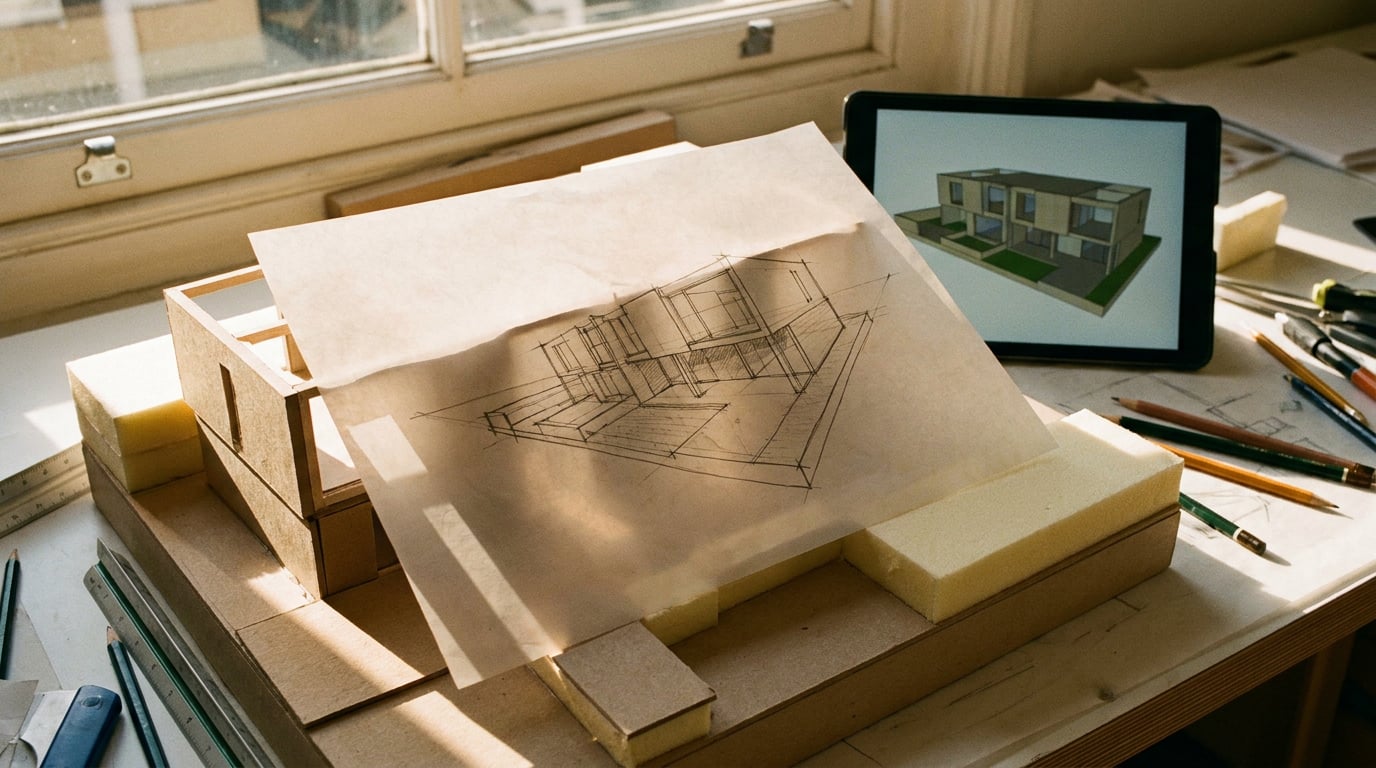
One prompt rarely finishes a design job. Here's how to chain prompts across models, so each output feeds the next stage cleanly.
Why single prompts fail on real design work
A single prompt asks one model to do research, ideation, and execution simultaneously, and quality drops at every step you skip. Ask an image model to "design a trade show stand for a sustainable footwear brand" and it will happily generate something. What it won't do is research the brand's material story, work out the visitor flow logic, or check the stand against the client's actual brief. It skips straight to a finished-looking image with none of the thinking behind it.
This is the core problem with one-shot generation on anything beyond a quick sketch. The output looks resolved, which makes it dangerous: a confident-looking render can hide the fact that nobody worked out whether the concept solves the actual problem.
Prompt chaining solves this by breaking the job into stages, each handled by whichever model or studio is best suited to it, with the output of one stage becoming structured input for the next. Research becomes a brief. A brief becomes concept variations. A concept becomes a refined asset. A refined asset becomes a final format. Each handoff is a checkpoint, not a black box.
The payoff is control. Instead of regenerating an entire finished piece because one element is wrong, you correct the stage that produced the error and let the chain carry the fix forward.
A chain isn't slower than a single prompt. It's the difference between fixing a weak brief and reworking a finished 3D render because the brief was wrong all along.
Mapping a chain before you touch a generation model
Start with the deliverable and work backwards. A marketing carousel for social doesn't begin with an image model, it begins with the copy, then the visual direction, then the individual assets, then the layout that holds them together. Map that sequence before opening any generation tool.
Sketch the chain as inputs and outputs, not just a list of tools you like. A workable chain reads like this: brief in, reference gathering out; references in, concept variations out; concept variations in, refined asset out; refined asset in, final format out. Each arrow is a handoff you can inspect.
Ray, Stensyl's assistant, is built for exactly this planning conversation. Talk through the sequence with Ray before generating anything: it can suggest which studio or model handles each stage, and flag where a step is redundant. For a game studio mapping a concept-to-asset pipeline, Ray might point out that research and reference-gathering can collapse into one pass rather than two.
Flag the decision points explicitly, the moments where a human needs to choose between outputs before the chain continues. Picking one moodboard direction before it feeds a video generation is one of these. Skip that checkpoint and you risk generating expensive video against a direction nobody actually approved.

Research and brief stage: grounding the chain in real input
Every chain should start with real input, not assumption. Use Research, Stensyl's Perplexity-backed surface, to pull competitor references, material specs, or market context before any generation starts. For an automotive designer, that might mean pulling recent colourway trends across competitor launches. For an exhibition designer, it might mean researching sustainable material suppliers and their finish options.
Feed those findings into Write, using Claude Opus 4.8 or GPT-5.5 to turn scattered research notes into a structured creative brief. This is the translation step: raw research is noisy, a brief needs to be specific enough that the next stage can act on it without guessing.
For a product designer, this might mean researching competitor ergonomics data in Research, then drafting a brief in Write that specifies grip angle, material finish, and weight distribution rather than a vague "make it comfortable to hold." That specificity is what separates a brief from a mood.
A weak brief poisons every downstream step. If the brief says "modern and sustainable" instead of naming actual materials, tolerances, or brand language, every stage after it inherits that vagueness, and by the time you're three steps into a 3D or video chain, the fix means starting over. This is why the research and brief stage deserves the most manual review in the whole chain, not the least.
The brief is the single point of failure in any chain. Spend your review time there, not on the final render.
Visual development: chaining across image, video, and 3D
Chaining becomes genuinely powerful once you move from text into image, video, and 3D, because this is where a bad direction gets expensive fast.
Use Boards to collect reference images and group them into direction sets before generating anything. Boards merges reference collection and scene grouping into one canvas, so a graphic designer building a campaign can pin brand references alongside competitor work, then group them into two or three distinct directions before a single image is generated. That grouped reference becomes the visual anchor for everything downstream.
From there, generate a batch of image concepts in Image, select the strongest direction, then push it into 3D for a model, or into Video for motion tests. A game studio working on a new prop might generate concept art variations in Image, pick the one the art director signs off on, then send it into 3D to produce a usable mesh.
Automotive designers can chain a 2D colourway render into Scene Composer, posing the model against a 3D backdrop using 3D Worlds before committing to a final studio shot. This lets you test a colourway in context, under different lighting and backdrop conditions, before locking in the hero shot that goes to the client.
For motion-heavy chains, Canvas lets a RayNode plan the sequence while outputs from an LlmChatNode pipe directly into an Image Generate or Assemble Film node, without manual copy-pasting between tabs.

A note on model choice at this stage
Different visual stages call for different strengths. Typographically precise work, logos, posters, packaging with brand text, tends to suit image models built for text rendering. Photorealistic product or architectural renders benefit from models tuned for fidelity. Cinematic camera control and scene consistency matter most once you move into video. None of these are interchangeable, which is exactly why chaining across specialised tools beats forcing one model to do every job.
Boards isn't a moodboard for decoration, it's the visual anchor the rest of the chain points back to. Get the grouped references right and every later stage inherits that discipline.
Building the chain visually in Canvas
Canvas nodes let you wire a chain rather than juggle browser tabs. RayNode plans the steps, LlmChatNode refines text between stages, and image and video nodes execute the generation work, all connected on one canvas instead of scattered across separate surfaces.
Consider a chain for a game studio building out a new level. RayNode drafts an asset list based on the brief. LlmChatNode expands each item on that list into a generation-ready description, specific enough for an image model to act on without further clarification. Image nodes produce concept art for each asset. Once approved, 3D turns the concept art into usable models. Nothing here requires manually copying a prompt from one tab into another.
For chains that end in video, the Assemble Film node is built for exactly the final step: batching multiple approved shots into one sequence instead of stitching them together manually. A motion designer chaining several approved clips into a single sequence for a campaign can wire those clips directly into an Assemble Film node rather than exporting and re-importing between separate tools.
Once a chain works, save it as a reusable template within a Project. The next brand campaign, or the next level design pass, doesn't need to be mapped from scratch. Projects keep the structure, the shared references, and the approved chain together so a team picks up exactly where the last person left off.

Common chaining mistakes to avoid
Chains fail in predictable ways. Watching for these saves rework later.
- Skipping the review checkpoint between stages. This is the single most common failure. A weak concept that isn't caught early propagates straight into an expensive video or 3D generation, and by the time it's obvious, you've burned time and credits on a direction nobody actually approved.
- Using one model for every stage out of habit. Gemini Pro might summarise a large body of research faster than a model built for creative writing, while Claude Sonnet 5 writes a cleaner, more usable brief than a general-purpose model would. Matching the model to the stage, not defaulting to whatever's open, is what makes chains reliable.
- Over-specifying early stages so tightly that later creative stages have no room to surprise you. A brief that locks down every visual decision leaves nothing for the image or video stage to interpret. Leave room for the stage that's meant to generate variation to actually generate variation.
- Forgetting to keep chain outputs inside a shared Project. Outputs scattered across individual chats and downloads make it hard for a team to pick up a chain where it left off, or for a new team member to understand what's already been decided.
| Stage | Best-suited tool | Common mistake |
|---|---|---|
| Research | Research (Perplexity-backed) | Skipping straight to generation without grounding |
| Brief | Write (Claude Opus 4.8, GPT-5.5) | Leaving the brief vague, poisoning every later stage |
| Reference collection | Boards | Not grouping references into distinct directions |
| Concept generation | Image | Locking a direction before generating variation |
| 3D and staging | 3D, Scene Composer | Skipping the human approval before committing to a hero shot |
| Sequencing | Canvas, Assemble Film | Manually stitching shots instead of wiring the chain |
Across all twelve disciplines Stensyl serves, from exhibition stands to social carousels to vehicle colourways, the pattern holds. Multi-step chains, matched to the right model at each stage, with a human checkpoint at every handoff, aren't an advanced technique reserved for large studios. They're simply how serious design work gets done once you're past a single sketch.
The next time a brief feels too big for one prompt, it probably is. Map the chain first, review the brief hardest, and let each stage do one job well before it hands off to the next.
Keep reading.

Try Stensyl for yourself
Image, video, 3D, chat, and document drafting. Every AI model, one studio. Plans from $11/month.