Beating the Filter: How to Get Character Consistency in Seedance 2.0.
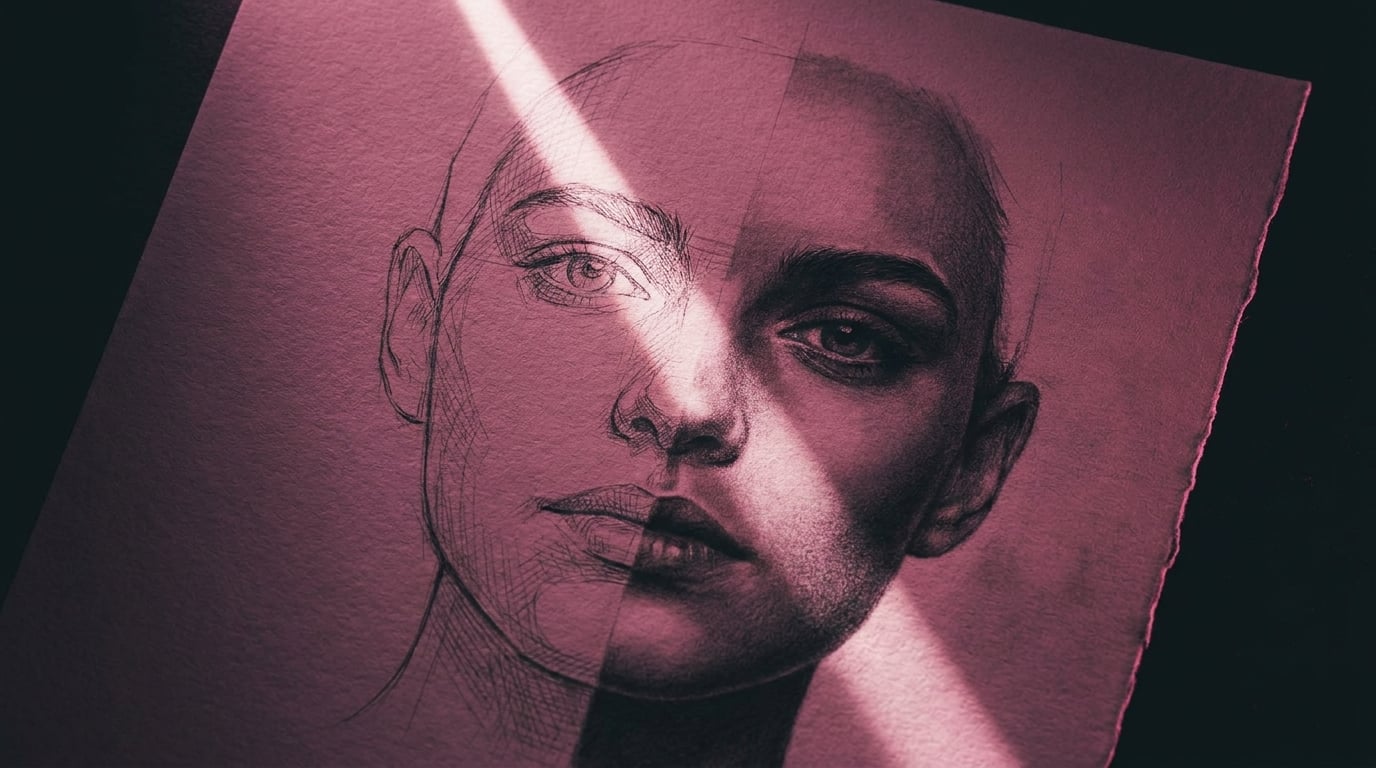
Seedance 2.0's content filter is aggressive, especially around realistic faces. Here's how it actually works and every proven technique for getting your characters through.
If you've uploaded a character reference to Seedance 2.0 and hit a "Moderation Block" or a silent "Generation Failed" error, you've met the content filter. It's aggressive. It's predictable. And once you understand how it works, it's workable.
How the Filter Actually Works
Following pressure from Hollywood studios over deepfake concerns, ByteDance deployed aggressive safety filtering across Seedance 2.0 after its February 2026 launch. The filter targets three categories: realistic human faces, copyrighted IP (Disney, Marvel, named celebrities), and sensitive content. This guide focuses on the first, because it's the one that blocks legitimate creative work the hardest.
The critical thing to understand is that the filter has two layers, and they work differently.
Layer 1: The Image Scanner
When you upload a reference image, Seedance runs a facial recognition scan looking for high-fidelity biological features, pore detail, eye-nose-mouth spacing ratios, skin texture resolution. If the image looks like a real photograph of a real human, it gets blocked before generation even starts. This is a pattern-matching system, not a semantic one. It doesn't understand who is in the image. It detects whether the image contains a real face at photographic resolution.
Layer 2: The Prompt Scanner
Separately, the text prompt is scanned for flagged terms. Celebrity names, copyrighted character names, and violence or nudity keywords trigger rejection. This layer reads the entire prompt as a scene description and makes a judgment about what the scene represents. It's looking at context and intent, not just individual words.
Both layers can trigger independently. Your image can pass but your prompt gets flagged. Or vice versa. You need to satisfy both.
The AI Portrait Method
This is the gold standard. The single most reliable workaround, and the one that future-proofs against filter updates. Seedance blocks real photographs of human faces. It accepts AI-generated portraits without issue. The biometric scanner doesn't trigger on AI images because they lack the micro-level biological texture patterns of real photographs.
- Generate your character portrait. Use Stensyl's Generate with Nano Banana Pro. Describe the person you want in detail: age, ethnicity, build, hair, clothing, expression. Add
front-view portrait, neutral expression, studio lighting, clean backgroundto give Seedance the clearest possible reference. Generate at 16:9, highest resolution. - Generate the character collage. For maximum consistency, generate a multi-view collage, front view, three-quarter view, side profile, and back view in a single image. This gives the model a complete understanding of the character from every angle.
- Upload as reference in Film Studio. Upload your AI portrait as a reference image, not as a start frame. Tag it in the prompt:
@Image1 is the main character. Then describe your scene, action, camera, environment. - Generate video. Seedance produces video with your AI character's face, hair, build, and clothing consistent across every camera angle. One reference image. Full consistency.
Effectiveness: roughly 95%. This is the method that keeps working even as the filter tightens, because it works with the rules rather than around them.
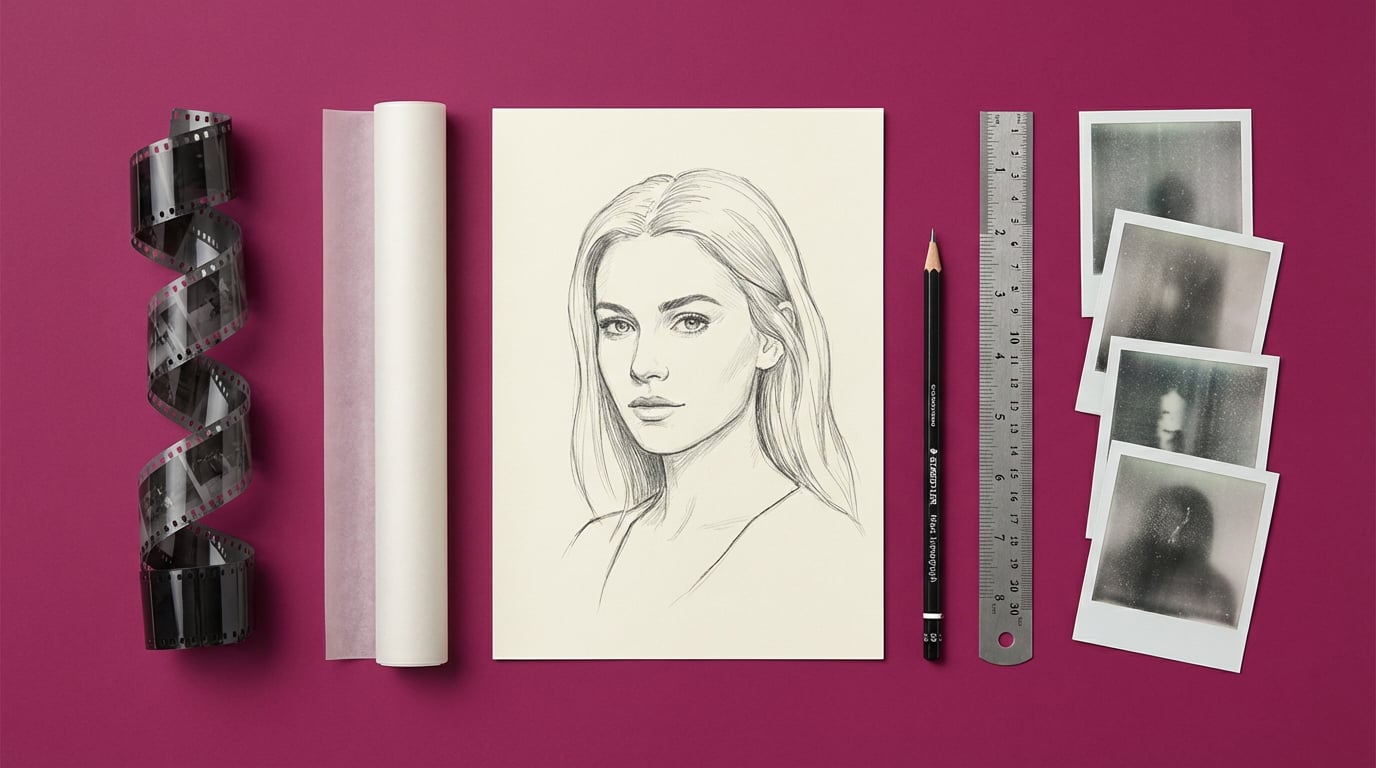
Image Preprocessing: Fooling the Scanner
Sometimes the AI portrait method isn't enough. You have a specific reference image you need to use, or a look that's hard to replicate through text alone. In these cases you can preprocess the image to reduce the biological fidelity that triggers the face scanner, while keeping enough visual information for Seedance to generate from.
Line Art and Sketch Conversion
Convert your reference photo into a line drawing or portrait sketch. The sketch retains face structure, proportions, and expression but strips out the biological texture, pores, skin detail, eye moisture, that the scanner targets. When Seedance generates from a sketch reference, it recreates the person in full photorealistic detail. The sketch is just the blueprint.
In Stensyl's Generate, use Img2Img mode with a prompt like Convert to detailed pencil sketch portrait, clean line art, white background. Effectiveness: roughly 85%.
Film Grain and Texture Noise
Add vintage film grain, noise, or a subtle texture overlay. This degrades the micro-level skin detail the biometric scanner relies on, without significantly affecting the information Seedance needs. Apply heavy grain or Img2Img with Vintage 35mm film photograph, heavy grain, slightly faded colours, warm tone. Effectiveness: roughly 65%.
Grid Overlay
Overlay a solid, opaque grid on the reference image. This breaks up the facial feature spacing patterns the scanner uses for detection. The grid must be 100% opaque, semi-transparent grids don't work. Use a 4×4 or 5×5 solid grid with thick lines. In your prompt, add no grid lines, no overlay, no mesh, clean skin, smooth image to prevent the grid from appearing in the output. Effectiveness: roughly 55%.
Composition Changes
The scanner is most sensitive to images that resemble ID photos, front-facing, large headshot, static pose, solid background. You can lower its confidence by using a full-body shot instead of a headshot, adding environmental context, using a three-quarter angle, or showing the subject engaged in an action rather than posing. Effectiveness: roughly 50%.
Stack them. A line-art conversion of a full-body shot with film grain is far more likely to pass than any single technique alone.
Prompt Technique
Even if your reference image passes, your text prompt can independently trigger the filter. The prompt scanner evaluates the entire scene as a whole, "what would the camera see if this scene existed?" If the answer sounds like violence, deepfake scenarios, or copyrighted content, it blocks.
The breakthrough: film production vocabulary is never flagged. Camera terms, lighting descriptions, lens specifications, shot types, these signal professional filmmaking to the filter, which reframes even dark or intense content as cinematic production rather than harmful intent.
Describe What the Camera Sees
Before including any sentence in your prompt, ask: if this were a real film shoot, would this sentence appear on the shot list? "A man is angry and about to attack" is subtext. "A man clenches his fists, jaw tight, veins visible on his forearms, camera pushes in on a low angle" is a shot description. Same emotional beat. Completely different filter response.
Wrap Everything in Cinematography Language
Lead with shot type and camera movement. Describe lighting setups by name. Reference lens types. Add film stock characteristics. Consider these two versions of the same scene:
Blocked: "A soldier shoots someone in the street."
Passes: "Wide shot, war-torn Eastern European street, 1940s. A soldier in a grey uniform fires toward an off-screen position during an active firefight. Smoke rising from collapsed buildings. Overcast flat light, 35mm grain, documentary-style handheld."
The visual result is the same scene. The vocabulary is completely different. The filter reads them completely differently.
Feature-Deconstruct Real People
Never use a celebrity or real person's name. The text scanner catches names immediately. Instead, decompose the person's face into descriptive traits.
Blocked: Daniel Craig walks down a corridor
Passes: A rugged, mature man with piercing blue eyes, a chiseled jawline, short blonde hair, and a weathered face walks down a corridor
The model knows what those features look like when combined. You get the visual result without the name triggering the filter.
Input Slot Tricks
The biometric scanner applies different strictness levels to different input slots. The Start Frame slot in particular is significantly more lenient, the system interprets it as a visual starting point rather than a character identity reference.
Upload your photo as the Start Frame and leave the End Frame empty. The model will still use the face and appearance throughout the generation. You get character consistency while bypassing the stricter reference-image scanner. Effectiveness: roughly 80%. Works best when the start frame shows the character in context rather than as an isolated portrait.
When All Else Fails
Sometimes a concept just won't clear Seedance's filter no matter how you preprocess or rephrase. That's not a failure, it's a signal to use a different model for that specific shot and come back to Seedance for the shots it handles best. Stensyl gives you access to multiple video models precisely so you're never stuck on one.
| Consideration | Seedance 2.0 | Kling 3.0 / O3 | Veo 3.1 | Runway Gen-4.5 |
|---|---|---|---|---|
| Face filter strictness | Very strict | Moderate | Moderate | More lenient |
| Character consistency | Excellent | Good | Variable | Good |
| Action / motion quality | Excellent | Good | Excellent | Good |
| Multi-ref support | Multiple refs supported | Up to 4 | 1–2 | 1–2 |
The practical approach: use Seedance 2.0 for the shots where it excels (character consistency, multi-reference action, long takes), and switch to Kling O3 or Runway Gen-4.5 for the shots it blocks you on. As long as your reference images stay consistent across models, clips can be edited together, colour grade to a unified look in post and the audience won't notice which model rendered which shot.
The filter is getting stricter over time, not looser. The AI Portrait Method is the most future-proof strategy because it works with the rules rather than around them.
The Takeaway
The filter isn't the enemy. It's an artefact of the legal environment Seedance operates in. Once you understand its two layers, image scanner and prompt scanner, you can design your inputs to satisfy both. Build your character pipeline around AI-generated references. Wrap your scenes in cinematography language. Keep a second model ready for the shots that won't clear.
You're not beating the filter. You're learning to work with a constraint. The good news: the constraint makes you a better director.
Keep reading.


Try Stensyl for yourself
Image, video, 3D, chat, and document drafting. Every AI model, one studio. Plans from $11/month.