The Seedance 2.0 Playbook: Reference Strategy, Transitions, and Prompt Craft.
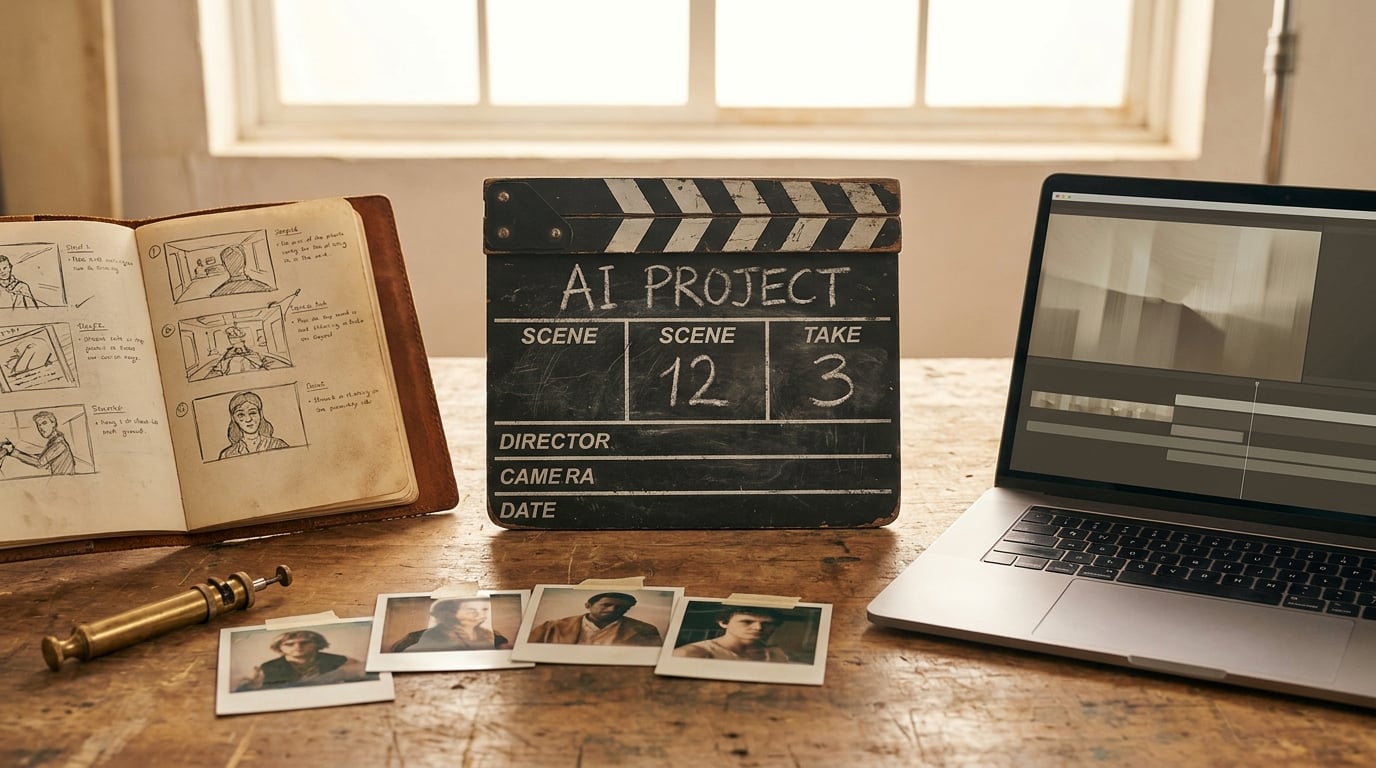
Reference strategy, transitions, prompt structure, and the production workflow for cinematic AI video with Seedance 2.0. The techniques that actually work.
Seedance 2.0 is one of the most capable AI video models available today. It's also one of the easiest to waste credits on. The difference between someone producing a cinematic short and someone burning through a month's subscription is almost always the same thing: how they prepare their inputs. This playbook is the field-tested version of what works.
The Core Principle
Control what the model sees and you control what it creates. Capability without control is just expensive randomness. Every technique in this guide is built around that idea, making the model's inputs so specific that the outputs fall within a narrow, usable band.
Seedance 2.0 accepts up to 9 reference images, 3 reference videos, and 3 audio tracks per generation. Prompt limit: 1,500 characters. Recommended length: 5–10 seconds per clip.
Reference Images Are Everything
This is the single most important concept. Without reference images, the model generates freely. Freely means inconsistently. Two identical prompts produce completely different characters, environments, and props. You might like the opening of generation A and the closing of generation B, but you won't be able to splice them, the visual elements don't match.
The fix is to generate your key elements separately as standalone images, then feed them as references alongside your prompt. Every subsequent generation will contain those elements, making your clips editable and coherent.
The Four Rules of Reference Strategy
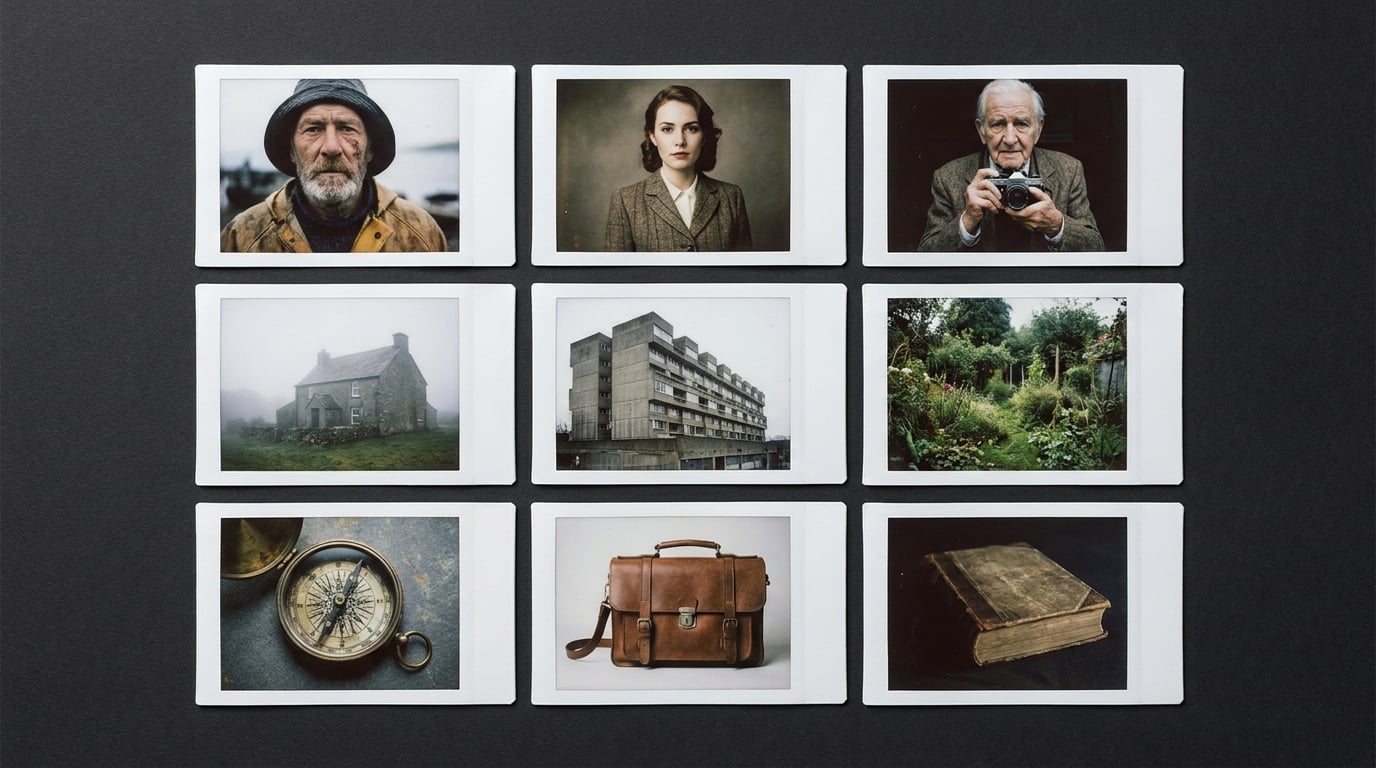
- Identify key elements from your script. Read through your scene and isolate everything that must stay consistent: the protagonist, secondary characters, the location, key props, vehicles, creatures. If it needs to look the same in two clips, it needs a reference image.
- Generate each element as a standalone image. Resolution matters. Generate at 16:9 in the highest resolution available. The quality of your reference images directly determines the quality of your video output. No exceptions.
- Use the character collage technique. For your main character, generate a single collage image showing both a close-up portrait and a full-body shot side by side. This gives Seedance a complete understanding of face, build, and clothing, allowing it to render the character correctly at any shot distance.
- Feed all relevant references per generation. A scene with your protagonist in a supermarket with a secondary character needs three references: protagonist collage, supermarket interior, secondary character. The model supports up to 9 references. Use them.
Transitions That Don't Break
Without proper transitions, cutting from Scene A to Scene B feels jarring. It breaks narrative flow. The fix is a simple workflow: use the last frame of Scene A and the first frame of Scene B as inputs to a bridging generation that Seedance interpolates between.
- Extract your boundary frames. Take the last frame from the end of Scene A and the first frame from the beginning of Scene B. In Stensyl you can extract frames from any generated video in your project.
- Upscale both frames. Critical step. Video frames are lower quality than purpose-generated images. Run both frames through the Generate tab with a prompt like
upscale, improve quality, add detailsto bring them up to reference-grade resolution. Input quality drives output quality. - Generate the transition clip. Upload both upscaled frames as references alongside your character and element references. Write a prompt that describes the transition action, the movement from one scene's context to the next.
- Splice in post. Trim the bridging clip to length in your editor and drop it between the two scenes.
If the model slightly changes colours between scenes, mention the specific colours in your transition prompt to lock them in. "Red and green checkered towel" beats "her towel."
Prompt Craft: Writing Prompts That Work
Seedance has a 1,500-character prompt limit. That's roughly 250 words, enough to describe one clear action, not a whole scene's worth of choreography. Trying to cram too much into a single generation leads to the model picking and choosing which bits to follow. One generation equals one clear moment. If your scene has three distinct beats, that's three generations.
Structure Your Prompt in Layers
Lead with the shot type and camera movement, "Wide tracking shot," "Close-up, slow push-in." Then describe the subject and action. Then the environment and lighting. Finally, add style keywords: cinematic, photorealistic, anamorphic, and so on. This order mirrors how film crews communicate. It also mirrors how the model parses information.
Always End with Control Flags
Append No words to prevent characters from speaking, lip-sync is unpredictable and makes editing harder. Append No music to prevent Seedance from generating background music in the audio track. You'll add your own in post. These two flags alone save enormous amounts of editorial pain.
Describe Physics, Not Just Actions
Instead of "character runs fast," try "character sprints, feet barely touching the ground, dust kicking up behind each stride, motion blur on limbs, camera struggling to keep up." Describing the physical consequences of an action gives the model much more to work with than the action alone.
Specify What Stays Still
AI video models sometimes animate things you want static. If a background should be locked, say so: "background static, only the character moves." If the camera shouldn't move, say "locked-off camera, no camera movement." Explicit stillness matters as much as explicit motion.
The Production Workflow
Whether you're making a 10-second clip or a 3-minute short, the workflow is the same. Script first, references second, generations third, edit fourth. Resist the urge to jump straight into video generation. The prep work is where consistency is won or lost.
You rarely use an entire generation. You pick the best 3–5 seconds from each. Run 2–4 variations per shot.
Multimodal Reference Inputs
Seedance accepts more than images. You can combine up to 3 reference videos and 3 audio tracks on the same endpoint. There is no separate "Omni" model. Standard and Fast both expose the full multimodal surface. In Stensyl, attach video or audio references from the Omni refs button in the Film Studio tray.
The most powerful use is combining previous generations as video inputs with new references. This lets you extend scenes, create reaction shots that match existing footage, and build behind-the-scenes style content where a character addresses the camera with a specific voice.
Pricing Note
Attaching a reference video triggers a fal-side discount, roughly 0.6× the per-second rate, because input tokens dominate the bill instead of output seconds. Stensyl passes the discount straight through, visible in the credit estimate the moment you attach a video reference.
Limits and Gotchas
- Keep generations to 10 seconds or under. The model can generate up to 15 seconds, but error rates and visual artefacts increase sharply past the 10-second mark. Target 5–10 for reliable results.
- The model will change colours. Even with references, Seedance sometimes takes liberties. A red towel becomes maroon. A blue car shifts teal. If colour accuracy matters, specify exact colours in your prompt.
- Dialogue is unpredictable. Lip-syncing is inconsistent unless you're using Omni with an audio reference. Always append
No wordsto prompts unless you need dialogue. - Complex choreography needs multiple generations. A character dodging, striking, then flying upward is three generations, not one. Each generation should describe one clear action.
- Embrace creative accidents. You're not describing everything in extreme detail, you can't, the character limit prevents it. Seedance fills gaps with its own interpretation. Sometimes this produces unexpected visuals better than what you planned. Build your narrative around the best outputs rather than rigidly chasing a storyboard the model can't replicate.
Always run 2–4 generations per shot and pick the best moments from each. It feels wasteful at first. It's far cheaper than running 10+ generations chasing one perfect take.
The Takeaway
The best AI filmmakers aren't prompt engineers. They're directors with a clear reference strategy, a disciplined prompt structure, and a willingness to edit aggressively in post. Seedance 2.0 is a production tool. Treat it like one and it rewards you. Treat it like a slot machine and you'll end up with a stack of beautiful, inconsistent, unsplicable clips.
Open the Film Studio. Generate your references first.
Keep reading.


Try Stensyl for yourself
Image, video, 3D, chat, and document drafting. Every AI model, one studio. Plans from $11/month.