Flux 2 Pro: Consistent Characters for Your Whole Campaign.
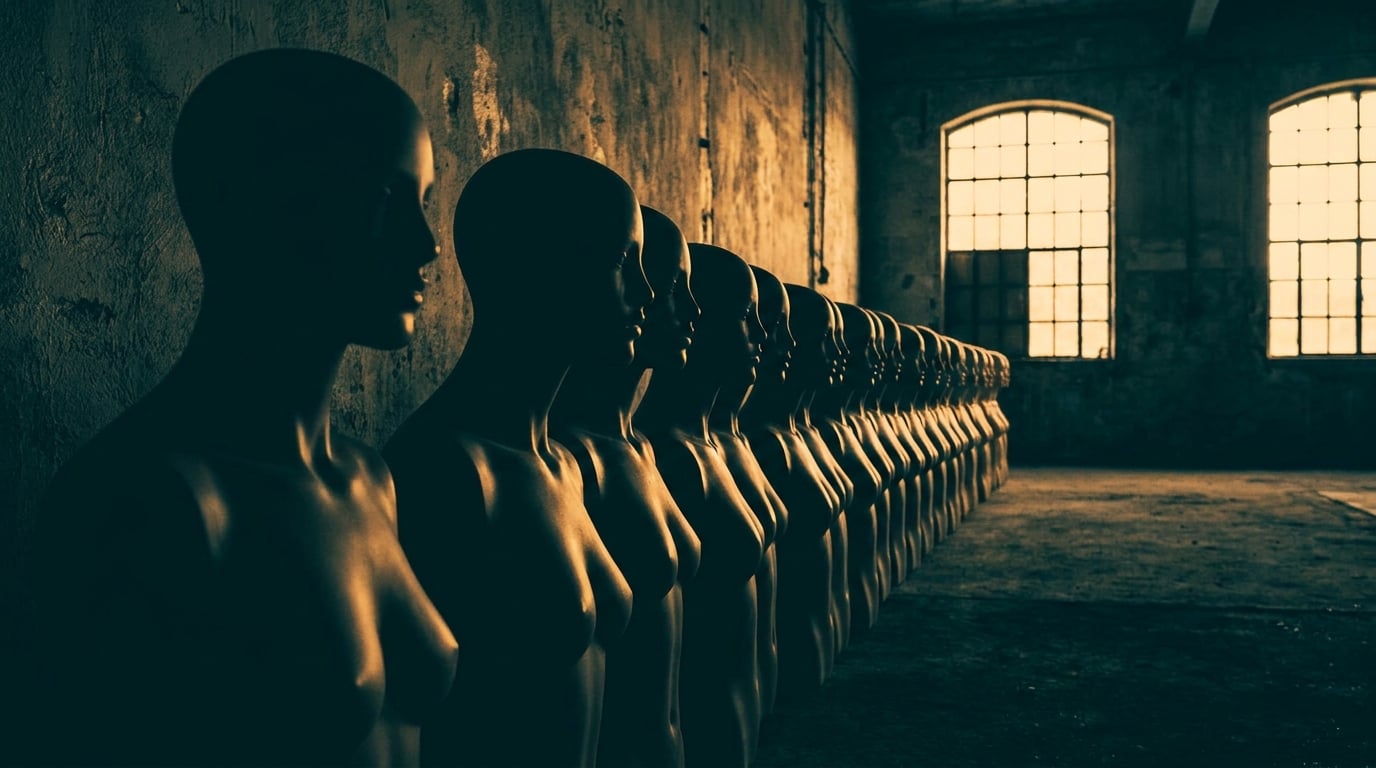
Flux 2 Pro solves the biggest headache in AI-driven content: keeping a face, outfit, or mascot consistent across dozens of campaign assets.
Why character consistency breaks most AI content workflows
Generate the same prompt twice in most text-to-image systems and you get two different people. Different jawline, different eyes, different everything except the words you typed. That's the default behaviour of a latent diffusion model: each generation is a fresh sample, not a callback to the last one. For a single hero shot, that's fine. For a campaign, it's a problem that compounds with every asset you produce.
A content team shipping a weekly carousel, a marketing team running ad variants across three placements, or a game studio building out a cast of NPCs all need the same face to show up reliably, not approximately. A recurring spokesperson or mascot isn't a background prop. It's brand IP, and treating it like a one-off render every time undermines the thing that makes it recognisable in the first place.
This shows up constantly in real production work:
- Carousel posts where a mascot needs to hold the same design across five slides, not drift into a slightly different creature by slide three.
- Ad variants where a spokesperson appears in a hero banner, a story placement, and a testimonial-style still, all needing to read as the same person.
- Story sequences for episodic social content, where a host character reappears weekly without a redesign each time.
- Product explainer stills where a presenter walks a viewer through features across multiple frames.
The usual workaround has been training a custom character model: gathering 20 to 50 reference images, fine-tuning, and triggering the result with a keyword. That's a legitimate technique, but it's heavyweight for a content team shipping weekly. Nobody wants to run a training job to get a mascot into next Tuesday's post.
A recurring character that shifts subtly across every asset isn't a style choice. It's a brand-safety issue hiding in plain sight.
What makes Flux 2 Pro different for repeat characters

Flux 2 Pro is built to hold a face, an outfit, and a set of proportions across separate generations, using multiple reference images as conditioning rather than requiring a training pass. Upload a small set of reference shots and the model treats them as a definition of the subject, not just inspiration for one image. That's a meaningfully different workflow from a generic text-to-image model, where every output is its own roll of the dice regardless of what you generated five minutes earlier.
In practice, this means you lock a character once and reuse that likeness across formats and scenes without rebuilding it for every new asset. Change the backdrop, change the product in their hands, change the framing from portrait to full-body action shot, and the character stays recognisable throughout. That's the difference between "same prompt, similar-ish person" and "same character, different scene."
On Stensyl, Flux 2 Pro sits in the Image surface alongside 20+ other models, selectable the moment a project calls for it. You're not locked into one model for a whole campaign. Use it for the shots that need identity persistence, and reach for something else when a project needs a different strength, all from the same surface without juggling separate subscriptions.
Flux 2 Pro turns a recurring character from a redesign-every-time problem into a lock-once, reuse-everywhere asset.
Building the reference: setting up your character once
The quality of every downstream asset depends on the reference set you build first. Rushing this step is the single most common reason a campaign character starts drifting by post six.
Start clean
Generate your base reference from a neutral pose, clear facial visibility, and a simple background. Avoid busy lighting or extreme angles for this first pass. You want the model to have an unambiguous read on the character's core features before you ask it to handle backdrops, props, and dynamic poses.
Lock the details in words
Write out the defining details explicitly and put them early in the prompt: face shape, hair colour and style, eye colour, wardrobe pieces, accessories, and any brand colours tied to the character. Word order matters here. Details placed early in a prompt get more weight than details buried at the end, so if a designer's mascot has a specific green jacket that ties to the brand palette, that description needs to appear near the front of the prompt every single time, not as an afterthought.
Build a small reference set before touching campaign assets
Generate a front-on portrait, a three-quarter view, and an action pose before you start on the actual campaign. This gives the model (and you) multiple angles to check consistency against, and it catches problems early rather than three assets into a carousel.
Keep the set in one place
Save the reference set inside a Stensyl project so the whole team pulls from the same source. Nothing kills consistency faster than five team members each working from a slightly different export of "the mascot," generated on different days with slightly different prompt wording.
A character reference isn't a nice-to-have step. It's the single source of truth every asset in the campaign gets checked against.
Scaling one character into a full campaign

Once the character is locked, the pattern for scaling repeats: feed the reference into each new scene prompt, change the backdrop and the action, keep the character description constant. Three practical examples across disciplines:
A graphic designer building a five-post carousel announcing a product drop can generate a mascot character once, then place it in five different scenes: unboxing the product, standing next to a countdown graphic, reacting to a feature callout, posed against the brand's key art, and a final call-to-action frame. Same face, same outfit, five different moments.
A marketing team running a paid campaign can take a brand spokesperson and generate a hero ad, a vertical story ad, and a testimonial-style still, all reading as the same person delivering a consistent message across placements. That consistency matters more in advertising than almost anywhere else, because a viewer who sees the same face across a feed ad and a story ad on the same day is more likely to register the brand, not just the format.
A content and social team running a weekly series can generate a fresh thumbnail for a recurring host character every week without redesigning the face from scratch. The host's expression, pose, and setting change episode to episode; their identity doesn't.
Before generating final assets, Boards is worth using to plan the campaign. It's one fluid canvas where you can collect the character reference images alongside scene ideas for each planned asset, grouping frames before you commit credits to full generations. Laying out five carousel concepts next to the locked reference sheet catches misalignment before you've generated a single final image.
The workflow that scales: lock the character once, then vary only the scene, prop, and copy. Never touch the character description again mid-campaign.
From stills to motion without losing the likeness
A locked character doesn't have to stay static. Once a likeness is settled in stills, Avatar can take that character into motion: create a reusable avatar from a few photos plus a voice, no training required, then render it talking in any scene. That's a direct route from "mascot locked in Image" to "mascot delivering a scripted update on camera."
For anything that needs to move across multiple scenes in one narrative, Film handles multi-scene cinematic sequences where the same character needs to appear across several cuts. A talking mascot delivering a three-scene product update, cutting from a warehouse shot to a studio close-up to a product reveal, is a realistic Film use case, and the same character can then be pulled back out as a static frame for a follow-up campaign image.
Stay credit-aware about the order of operations. Stills are the cheapest way to iterate on a character, get the face right, and correct wardrobe or proportion issues. Video and Film generations cost more, so the sequence that makes sense is: lock the character in Image first, confirm it holds up across a handful of test scenes, and only then move into Avatar or Film once you're confident the likeness is settled.
Common mistakes that break consistency mid-campaign

Most consistency failures come from process, not the model. Four patterns to watch for:
- Rewriting the prompt between assets. If the locked description said "auburn bob haircut, forest-green jacket, silver hoop earrings," repeat that exact phrasing for every asset. Paraphrasing it differently each time (even with the same intent) gives the model slightly different signals to work from, and small drifts compound over a ten-asset run.
- Switching models mid-campaign without checking behaviour. Different models read reference images differently, and moving from Flux 2 Pro to another model partway through a campaign without validating that the new model reads the same reference set the same way is a fast route to visible inconsistency.
- Letting details drift without a style sheet to check against. Lighting, outfit details, and proportions can slide gradually over a long asset list if there's nothing to compare against. Keep the reference sheet visible and check new generations against it, not just against the previous one in the sequence.
- Skipping the review pass. Batch-generate the full set, then compare everything side by side before publishing. Boards is a natural place to do this: lay the whole campaign out on one canvas, put the locked reference next to every generated asset, and catch the one post where the jacket turned blue before it goes live.
Consistency doesn't fail at the model. It fails in the gap between assets, when nobody checks the new generation against the original reference.
Treating a recurring character as IP means giving it the same discipline you'd give a logo or a brand colour palette: define it once, document it clearly, and check every new use against the original. Flux 2 Pro's multi-reference conditioning makes that discipline achievable without a training pipeline. The work that remains is process: lock the reference, write the description once, reuse it exactly, and review before you publish.
Keep reading.

Try Stensyl for yourself
Image, video, 3D, chat, and document drafting. Every AI model, one studio. Plans from $11/month.