Runway Image-to-Video Style Transfer: A Practical Guide.

Runway's style transfer tools let you push a still image into motion while preserving a visual language. Here's when it works and when it doesn't.
What Runway's Image-to-Video Actually Does

Runway's image-to-video tools sit in a specific and useful position: they are not simple "press play on a photo" animators, and they are not true style transfer engines in the classical sense. The practical truth is somewhere between those poles, and understanding where that line falls saves time and credits.
The current model lineup divides into two generations. Gen-4 and Gen-4 Turbo are the flagship options. Gen-4 Turbo is explicitly an image-to-video model: you provide a source image, describe how you want it to move, and the model preserves the visual elements of that image while generating motion. Gen-3 and Gen-3 Turbo are the earlier set, supporting text-to-video, image-to-video, and video-to-video modes. Gen-3 Turbo additionally powers a "style first frame" feature that restyles an uploaded video by applying a reference image to the first frame and propagating that look across the clip. Then there is the Gen-4 references panel, which accepts multiple visual inputs to maintain consistent styles, subjects, and locations across generations.
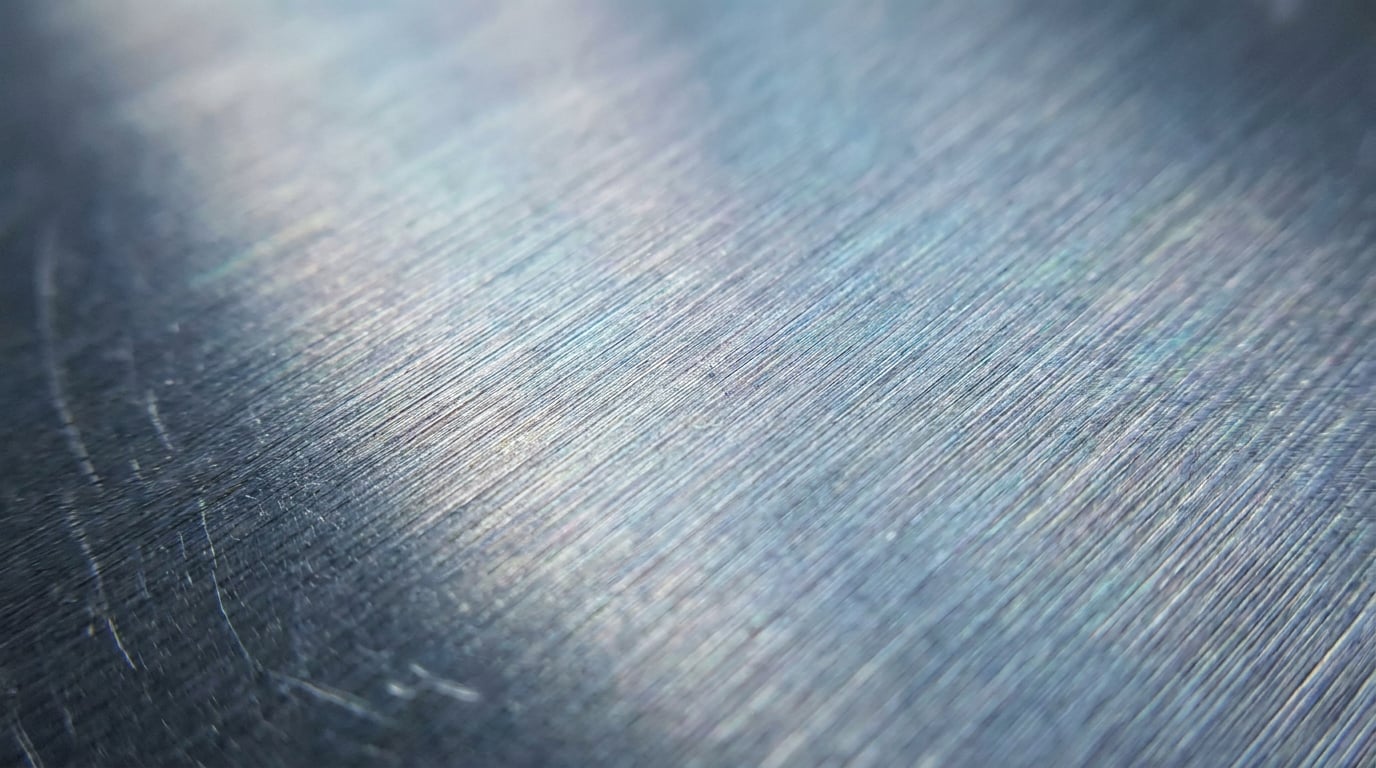
When Runway reads a reference image, it extracts the overall colour palette, the lighting mood, and the broad texture character of the scene. If the reference is a product render with a warm amber key light and brushed metal finish, those qualities carry into the animation. Subject structure and composition also hold reasonably well for simple setups: a single object on a neutral ground, a character against a clear background, a key art illustration with one dominant focal point.
The input types that behave best reflect this: product shots and hero renders, illustrated concept key art with atmospheric qualities, and strong photography with clear subject-background separation. A rotating sneaker reveal, a slowly breathing environment illustration, a parallax push-in on a still from a film pitch. These all sit in the model's comfort zone.
What sits outside that comfort zone is equally important to state. Style fidelity is strongest in short clips of approximately 4 to 10 seconds. Gen-4 is capped at around 16 seconds per generation at 720p base resolution, with upscaling to 4K available on paid plans. Beyond the 10-second mark, texture and palette begin to drift between frames. Text embedded in images degrades badly: readable typography becomes garbled or blurred once animated, which matters directly for motion designers working on title sequences or graphic designers animating brand boards. And the more motion complexity the prompt demands, the less the source image's visual identity survives into the output.
Style fidelity in Runway's image-to-video is a short-clip phenomenon. Plan for 4–10 second generations when style consistency is the priority, and build longer pieces from sequenced shots rather than single long runs.
Where Style Transfer Holds and Where It Breaks

The discipline you work in determines which of Runway's strengths you will rely on most, and which failure modes you are most likely to hit.
Product Design and Marketing: Hero Render Animation
This is Runway's strongest use case for style fidelity. A product shot with a defined brand colour, a clean material finish, and a neutral background gives the model clear information to preserve. Short Gen-4 Turbo clips keep colour and material character roughly consistent frame-to-frame for simple rotations, reveals, and subtle parallax moves. The finish reads as the same finish throughout.
Where product work gets difficult: reflections, micro-texture, and any text labels on the product itself. A logo embossed on packaging, a spec label on the side of a device, a stitched wordmark on a shoe tongue. These are prone to shimmer or blur. Treat them as elements you will either recompose in post or avoid placing in frame for the animated version.
Motion Design: Brand Board as Style Anchor
A static brand board, a key visual, a typographic poster used as a style reference for title sequence motion is a legitimate workflow. The overall graphic weight, the colour temperature, the density of the composition all influence the animated output. The model reads the visual language and carries it into motion.
What it does not carry is legible type. The typographic texture, the weight and optical rhythm of a headline, can influence the feel of the output. But the words themselves will not survive. For motion designers, this means building a workflow where Runway handles the atmospheric layer and the type is composited cleanly on top in a subsequent stage, whether that is After Effects, or the Motion surface in Stensyl using Remotion-based graphics laid over the exported clip.
Film and Set Design: Concept Art to Pre-vis
Gen-4 references are positioned as a way to maintain a coherent world look across shots: consistent style, mood, and implied cinematography. For a film or set designer pitching a visual language for a new project, short dolly or crane-style camera moves generated from a single concept illustration are achievable. The pre-vis output inherits the palette and the light quality of the reference art.
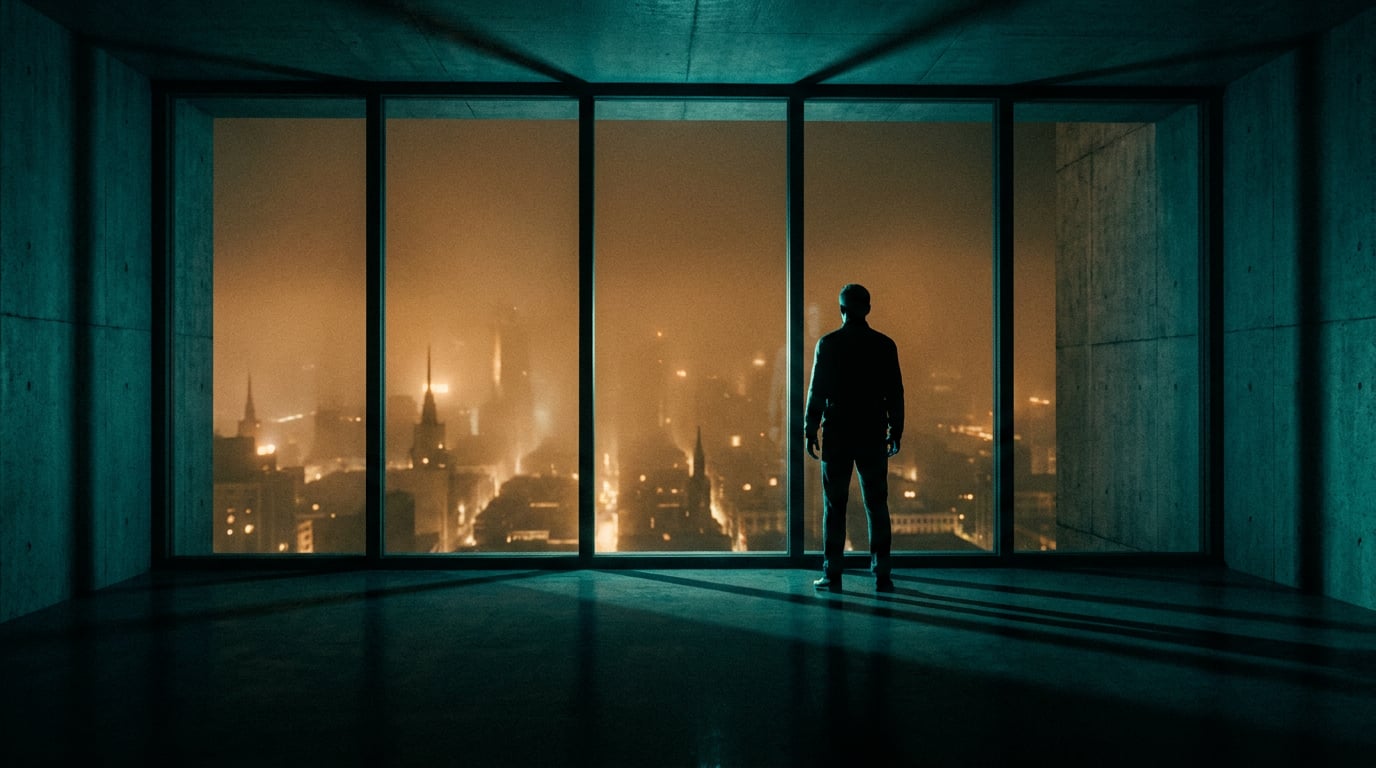
Large camera moves through complex geometry are where this breaks down. Crowded set dressings, volumetric fog, scenes with significant foreground-to-background depth all produce temporal artefacts and style drift as the model attempts to synthesise geometry it cannot verify against the source.
Automotive Design: The Reflectivity Problem
High-reflectivity surfaces are a known weak point in current video generation models, and automotive work concentrates them. Specular highlights on chrome, glass, and high-gloss paint can crawl or flicker between frames because the model re-synthesises reflections rather than tracking them physically. A single carefully lit hero render of a vehicle will produce inconsistent reflections the moment the camera moves even slightly. For automotive designers, this means Runway is most useful for atmospheric context shots, mood-setting environments, and background elements rather than close hero reveals of the bodywork itself.
Physics Complexity and Style Survival
The relationship between prompt complexity and style fidelity is roughly inverse. The more the prompt demands: crowds, water, fire, smoke, particle effects, the more the model prioritises generating plausible motion over maintaining the reference image's visual character. The source image's look becomes less evident as the physics load increases. Keep prompts simple to keep the style present.
High-reflectivity and physics-heavy prompts are where Runway's style fidelity falls apart first. Automotive designers and set designers should plan these as pre-vis tools with post-production finishing, not final deliverables.
Prompt and Reference Strategies That Improve Consistency
These are practice-based approaches that align with observed behaviour and tutorial guidance rather than officially documented features. Treat them as reliable working methods, not vendor guarantees.
Suppress Unwanted Camera Motion
Gen-3 and Gen-4 interfaces include camera control options and a static camera toggle. For graphic designers animating brand assets where the source image has a flat, poster-like aesthetic, locking the camera is the first step. Negative prompting against camera shake, zoom, and lens flare is widely practised in the community and helps the reference image hold its visual authority. The model has less to synthesise when the camera is not moving, so it can concentrate more on preserving the source's surface qualities.
Keep Motion Prompts Minimal
Gen-4 Turbo is optimised for simple, consistent motion on defined subjects. A short prompt like "slow drift" or "subtle parallax" gives the reference image more influence over the output than a verbose cinematic direction would. The more descriptive and dynamic the prompt becomes, the more the model shifts creative weight away from the reference and toward generating what the prompt describes. For brand asset animation, this means the prompt should describe the movement, and the reference image should describe everything else.
Dual-Reference Workflows
Runway's Gen-4 references panel accepts multiple images. You can combine a style reference with a subject reference and guide the prompt to draw from each separately. This is more controlled than single-image input because it separates what the output should look like from what the output should contain. Gen-3 Turbo's "style first frame" feature achieves a similar separation differently: the uploaded video supplies the motion, the reference image supplies the style, applied at the first frame and propagated across the clip. The choice between these two approaches depends on whether you have existing motion to restyle or are generating motion from scratch.
Resolution, Aspect Ratio, and Short-Clip Iteration
Gen-4 and Gen-4.5 support multiple aspect ratios: 16:9, 4:3, 1:1, 3:4, and 9:16. Keeping the generated video at the same aspect ratio as the reference image reduces stretching and style warp at the edges, which is where artefacts are most visible. Output at the chosen ratio is 720p as the baseline, with 4K upscaling available on paid plans.
Because each Gen-4 Turbo generation runs up to 10 seconds at 24 fps and carries a meaningful credit cost, the standard working practice is to iterate in 2 to 4 second tests first. This lets you audit style fidelity, check for edge warp, and confirm the motion prompt is doing what you intend before committing to a full-length render. It is a straightforward form of credit discipline.
| Strategy | What it addresses | Best for |
|---|---|---|
| Static camera toggle + negative prompts | Prevents style warp from camera-induced synthesis | Graphic design, motion design, flat brand assets |
| Minimal motion prompts | Keeps reference image as the dominant creative input | Product design, marketing hero renders |
| Dual-reference panel | Separates style source from subject source | Film pre-vis, game concept art, exhibition design |
| Native aspect ratio matching | Reduces edge artefacts and border warp | All disciplines |
| 2–4 s iteration before full render | Validates style before credit spend | All disciplines |
Bringing Runway Output into a Stensyl Workflow

Runway generates the clip. What happens after that determines whether the clip becomes a finished deliverable. Stensyl's surfaces are built to handle that downstream work without switching to separate tools.
Editing Surface: Captions, Colour, and Audio
Runway outputs are silent by default. Any soundtrack, voiceover, or sound design must be added after export. Bring the Runway MP4 into Stensyl's Editing surface to add captions using Whisper STT with karaoke mode, layer audio, and handle basic colour adjustments before final export. If the clip is going out as a social asset or client deliverable, this is where you burn in captions and confirm the export format the client has specified, whether that is MP4 H.264, a web-optimised format, or a higher-quality output for broadcast use.
Video Surface: Complementary B-Roll
A single Runway clip rarely stands alone in a finished piece. Use Stensyl's Video generation surface to generate complementary B-roll clips using other models on the platform, then cut between them while maintaining a consistent style palette. This is particularly useful for content and social teams building a sequence of clips around a product launch: the hero render animation from Runway, atmospheric environment clips from another model, and cutaway detail shots all living in the same project.
Marketing Studio: Platform Resizing and Copy Pairing
For content and social teams and marketing and advertising professionals, route the finished clip through Stensyl's Marketing Studio to resize for platform formats. The same animated hero render that works at 16:9 for a website header needs to be reformatted for a 9:16 social post or a 1:1 ad unit. Pair the video with research-backed copy generated in the same environment rather than switching to a separate copywriting tool.
Motion Surface: Compositing Runway Output with Graphics
For motion designers, the Stensyl Motion surface uses Remotion-based motion graphics export. Runway handles the live-action or illustrated animation layer; the Motion surface handles the graphic overlay: type, logos, data visualisations, animated brand elements. Both layers export on a single timeline, so the live-action feel and the graphic layer are composited and exported together rather than reassembled manually in a separate NLE.
Boards: Organising Reference Frames
Stensyl's Boards surface merges visual reference collection and storyboard organisation into one canvas. Use it to collect Runway reference frames alongside generated stills from other models, grouping them as first-frame and last-frame anchors for new video generations. This is particularly useful when you are building a multi-shot sequence and need to track which images were used as references for which clips, and in which order the scenes are intended to play.
Runway generates the clip; Stensyl's Editing, Motion, and Marketing Studio surfaces complete it. Keeping the full pipeline in one environment removes the friction of switching between five tools for a single deliverable.
Model Comparison: Runway Against Other Video Models on Stensyl
Choosing Runway is not always the right call. Stensyl gives access to multiple video generation models, and the best choice depends on what the brief is actually asking for.
Luma Ray 3.2: Keyframe Control Over Style Matching
Luma Ray 3.2 is a keyframe-aware video model with native start and end frame control, supporting 5 or 10 second clips with looping capability. When the priority is precise first-to-last-frame control, the ability to define both the opening and closing state of a shot, Ray 3.2 is the stronger option. It is well suited to sequences where the motion path matters as much as the visual style: a camera move that must begin and end at specific compositional positions, an object that must transition clearly from one state to another.
Ray 3.2 is vendor-positioned as offering strong temporal coherence. Where it differs from Runway in practice is that the style character of the output is driven more heavily by text prompts and less by the visual qualities of a reference image. If your source image carries a very specific visual identity that text cannot adequately describe, Runway's reference-reading ability is the stronger tool.
Luma Ray 2 Flash: Fast Drafts, Lower Fidelity
Luma Ray 2 Flash is positioned as a fast, lower-quality mode for rapid ideation. When style fidelity is not the point and turnaround speed is, Flash is the appropriate choice. For a content team reviewing motion directions in a morning meeting or a game designer sketching out cutscene concepts before committing to a full render, Flash reduces the credit cost and time cost of exploration.
When Runway's Style Transfer Is the Right Choice
Runway is the right choice when the source image carries a visual identity that no text prompt alone can replicate. A bespoke illustration with a specific painterly technique. A product render with a carefully art-directed lighting setup and material finish. A graphic composition with a distinct palette and texture that took hours to get right in another tool. In these cases, the reference image is not a guide: it is the brief. Runway's ability to read that image and preserve it through motion is the specific capability you are paying for.
Credit Cost and the Free Tier
Style transfer generations are typically heavier on credits than standard image-to-video runs. Before committing to a full production run, test on Stensyl's Free tier, which provides 150 one-time credits with no card required and access to every model on the platform. This is enough to run several short 2 to 4 second iterations and confirm whether the reference image is producing the output you need before moving to a paid plan for the full sequence.
The decision rule in one sentence: use Runway when the image IS the brief; use keyframe-based models like Luma Ray 3.2 when the motion IS the brief.
Output Quality Checklist Before You Deliver
Style fidelity issues that are invisible at a glance become obvious the moment a client views the clip full-screen on a calibrated display. Build a frame-level check into your delivery process.
Frame-by-Frame Style Audit
Sample frames at the opening (0 seconds), the midpoint (50 percent of the clip), and the end (100 percent). Lay them side by side and compare the palette, the texture quality, and the treatment of the dominant surface in each frame. Drift that is too subtle to catch on playback becomes visible in a static comparison. If the palette has shifted or a key texture has softened, the clip needs another generation with tighter motion constraints before it goes to the client.
Edge Behaviour
Style warp in image-to-video is most visible at the frame border. The model sometimes extrapolates background content beyond the edges of the reference, particularly on clips where background extension has been generated rather than directly referenced. Check the corners and edges of each sampled frame, not just the centre where the subject sits.
Exhibition and Venue Delivery: Resolution and Display
For exhibition designers delivering to a venue, Runway's 720p base output is a significant consideration. For large-format displays and projection surfaces, accept AI clips as concept or pre-vis quality only, or apply 4K upscaling and additional post-processing before the final deliverable. Test the finished clip on a calibrated monitor at the display's native resolution, not on a laptop screen. Colour-critical environments, museums, branded retail spaces, and gallery installations require human grading on top of AI output.
Audio Sync
Runway outputs are silent. Any audio added in Stensyl's Editing surface needs frame-accurate alignment. If the clip is carrying a music bed, a voiceover, or a sound design layer, scrub through the sync points manually rather than relying on automatic alignment. A visual event, a product reveal, a cut to a new shot, that lands two frames off a musical beat is immediately noticeable to any viewer.
Delivery Format Confirmation
Confirm the required delivery format before the final export. MP4 H.264 is standard for web and social. ProRes is expected for broadcast and professional post-production handoffs. Web-optimised formats, lower bitrate H.264 or H.265, are appropriate for embedded video on marketing sites. Runway exports in MP4 by default; format conversion is handled in the Editing surface in Stensyl or downstream in the client's NLE. Do not assume the default format is the right format without checking the brief.
The clips Runway generates are raw material. The palette, the texture, the atmospheric quality of the reference image, all of that is embedded in the output. What you do with it from that point, how you composite it, grade it, pair it with audio, resize it, and deliver it, determines whether the reference image's visual identity actually reaches the audience intact.
Keep reading.

Try Stensyl for yourself
Image, video, 3D, chat, and document drafting. Every AI model, one studio. Plans from £10/month.