Veo 3.1 for Architects: Walkthrough Videos Without a Render Farm.
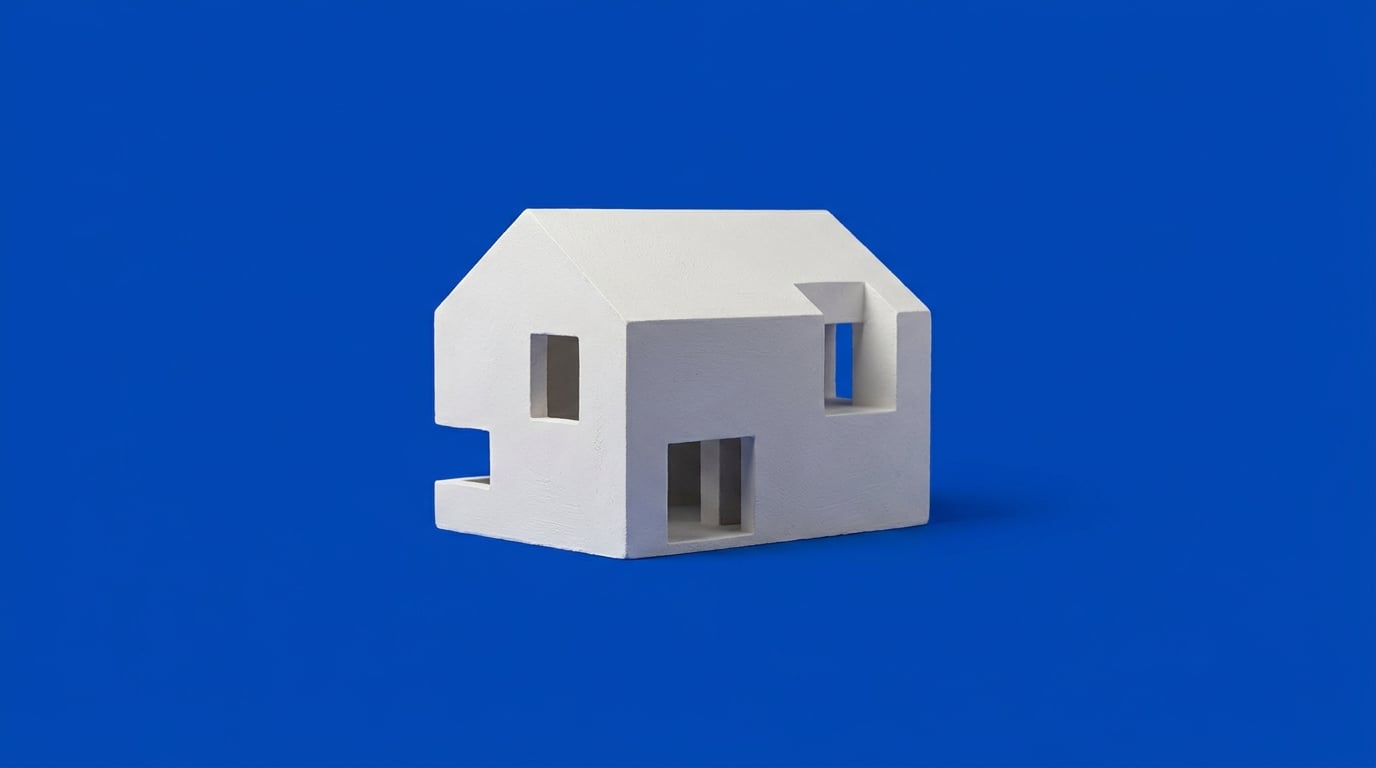
Architectural walkthroughs used to mean render farms and week-long waits. Here's how Veo 3.1 through Stensyl's Video studio changes that timeline.
Why the render farm model is breaking for architecture practices
The traditional walkthrough pipeline hasn't changed much in a decade: model the scene, light it, render frame-by-frame, composite, then wait. A farm queue can take days depending on scene complexity and how many seats you're competing for. That timeline made sense when design reviews had two-week runways. It makes far less sense when a client wants to see the lobby concept by Thursday.
Small and mid-size practices feel this hardest. Dedicated render infrastructure is a sunk cost that's hard to justify for a single pitch, and outsourcing to a farm adds both a queue and a price tag that scales badly for early-stage concept work. The pain isn't that render farms are obsolete. It's that the gap between "client wants to see it move" and "we can actually deliver that" has narrowed faster than most practices' infrastructure has.
This is where video generation models change the calculation. Veo 3.1, available in Stensyl's Video studio, takes a still render or reference image and generates motion directly from it. No farm queue, no dedicated render node, no waiting on a shared GPU cluster. You're not replacing the render, you're animating it.
The bottleneck was never the idea. It was the gap between a finished still and a moving pitch. Image-to-video closes that gap without touching your existing render pipeline.

What Veo 3.1 actually does well for building walkthroughs
Google positions Veo 3.1 as a cinematic video model built around image-to-video generation, native audio, and first/last-frame guidance, generating clips at 720p, 1080p, or 4K with sound produced alongside the visuals. For architecture specifically, the strength that matters most is camera movement that reads as physical rather than synthetic: a dolly through a lobby, an orbit around a massing model, a slow rise up a facade. These are the shots that sell a concept, and they're exactly the moves Veo 3.1 is built to handle well.
Material and light consistency across a few seconds of motion is the second win. Glass, concrete, and timber cladding are notoriously hard for older video models to hold steady, edges shimmer, reflections swim, textures crawl. Veo 3.1's documented improvements to image-to-video and reference-image guidance help keep those surfaces coherent across a short clip, which is the difference between a shot that looks intentional and one that looks like an AI artefact reel.
The workflow starts from a still. In Stensyl's Video studio, an existing render becomes the input frame rather than something you build from scratch. You're not describing a lobby in a text prompt and hoping the model imagines your design correctly, you're feeding it the design you already made and asking for a camera move through it.
The honest limitation
Veo 3.1 generates in short clips, around eight seconds at base length, with scene extension and transition features for stitching. That means it's built for hero shots, entry sequences, and short punchy moves rather than one continuous ten-minute tour rendered in a single pass. Treat it as a sequence of well-directed short takes, not a substitute for a full cinematic production in one generation.
Veo 3.1 is strongest at eight seconds of convincing motion, not ten minutes of continuous tour. Plan your sequence in short takes and stitch, rather than expecting one long generation to carry the whole pitch.
A practical workflow: from still render to client video

The path from a finished still to a client-ready clip runs through several Stensyl surfaces, each doing one job well.
- Boards. Start by collecting reference stills, elevations, and mood references on one canvas. Group them into start and end frames for each scene you want to animate, this is what feeds first/last-frame guidance later. An entry sequence might pair a street-level approach shot with a lobby interior as its start and end pair.
- Video. Bring a finished still render into Video and use Veo 3.1 to animate a camera move through the space, a dolly, an orbit, a slow push toward the entrance. Because you're starting from an existing render, the model has a strong visual anchor rather than a blank canvas.
- Film. Stitch multiple short clips into a multi-scene sequence: exterior approach, entry, interior reveal. This is where the eight-second limitation stops being a constraint and becomes a structure, three or four well-chosen shots edited together read as a complete narrative.
- Audio. Add narration or ambient sound, footsteps in a lobby, distant traffic outside a facade shot, a soft musical bed under a voiceover pitch.
- Editing. Finish captions and pacing in the timeline before sending to the client. The Editing surface's Timeline editor handles cuts and captions, and if you're compressing a longer sequence, Smart Highlights can pull the strongest moments into a shorter reel.
The whole loop, still render to finished clip with sound and captions, can happen in an afternoon instead of a render queue plus a separate editing pass on a different tool.
Boards to Video to Film to Audio to Editing turns one static render into a client-ready sequence without leaving one platform or waiting on a farm queue.
Where this fits across other disciplines, not just architecture
The underlying workflow, a still image plus a short, well-directed camera move, isn't architecture-specific. It's a general answer to a problem every visual discipline shares: clients want to see motion before the work is finished enough to justify a full production cycle.
Interior designers can animate a fly-through of a furniture layout or a hospitality lobby concept before FF&E specifications are locked. A still render of a hotel lobby becomes a slow pan across the seating arrangement and reception desk, giving a client a sense of flow that a static image can't convey.
Exhibition designers can turn a stand render into a walk-around clip for a client who can't attend the physical mock-up. Instead of describing how visitors will move through a booth, a short orbiting shot around the render shows it directly, useful when a stakeholder is reviewing remotely ahead of a trade show build.
Automotive designers can animate a static studio render of a concept car turning under showroom light. Same workflow, entirely different subject: a single still becomes a slow rotation that shows how surfacing catches light across a body panel, which is exactly the kind of shot a design review needs before a physical model exists.
The common thread across all three: a still image plus a short, well-directed camera move beats a full render farm cycle for early-stage client buy-in. None of these are replacing technical visualisation. They're compressing the distance between "we have a concept" and "the client has seen it move."

When to still reach for a full render pipeline
Veo 3.1 walkthroughs belong at the concept and pitch stage. They are not a substitute for construction documentation, technical accuracy checks, or any deliverable that depends on measured precision. Google's own material emphasises realism, physics, and cinematic quality, not verified fidelity for code compliance or exact material specification. That distinction matters more in architecture than almost any other discipline on this list, because the downstream cost of a wrong assumption is higher.
Precise material callouts, code-compliant lighting studies, and measured drawings still need a dedicated rendering pipeline built for that purpose. If a lighting consultant needs lux values or a client needs to sign off on an exact cladding sample, that's a job for your existing technical render workflow, not a generated video clip.
If you're unsure which approach fits a specific deliverable, ask Ray in the Desk. Ray can help you sanity-check whether a fast image-to-video pass is the right call for a given pitch, or whether the deliverable actually needs the precision of a full technical render, before you commit credits to the wrong tool.
Treat AI-generated walkthroughs as a fast persuasion tool that sits alongside your technical rendering workflow, not one that replaces it.
Use Veo 3.1 to win the room. Use your technical rendering pipeline to build what you sold them.
The takeaway
The render farm isn't going anywhere, and it shouldn't. What's changed is the range of moments that used to require one. A concept pitch, a client-facing teaser, a quick "here's how it feels to walk through this" clip, these no longer need to queue behind a full production render. Veo 3.1 in Stensyl's Video studio takes the still you've already made and gives it motion, sound, and pacing in the time it used to take just to get in the queue. Save the farm for the deliverables that actually need it, and use the fast loop for everything that's about persuasion, not precision.
Keep reading.
Try Stensyl for yourself
Image, video, 3D, chat, and document drafting. Every AI model, one studio. Plans from $11/month.