One Shoot, One Month of Posts: The Content Calendar Workflow.
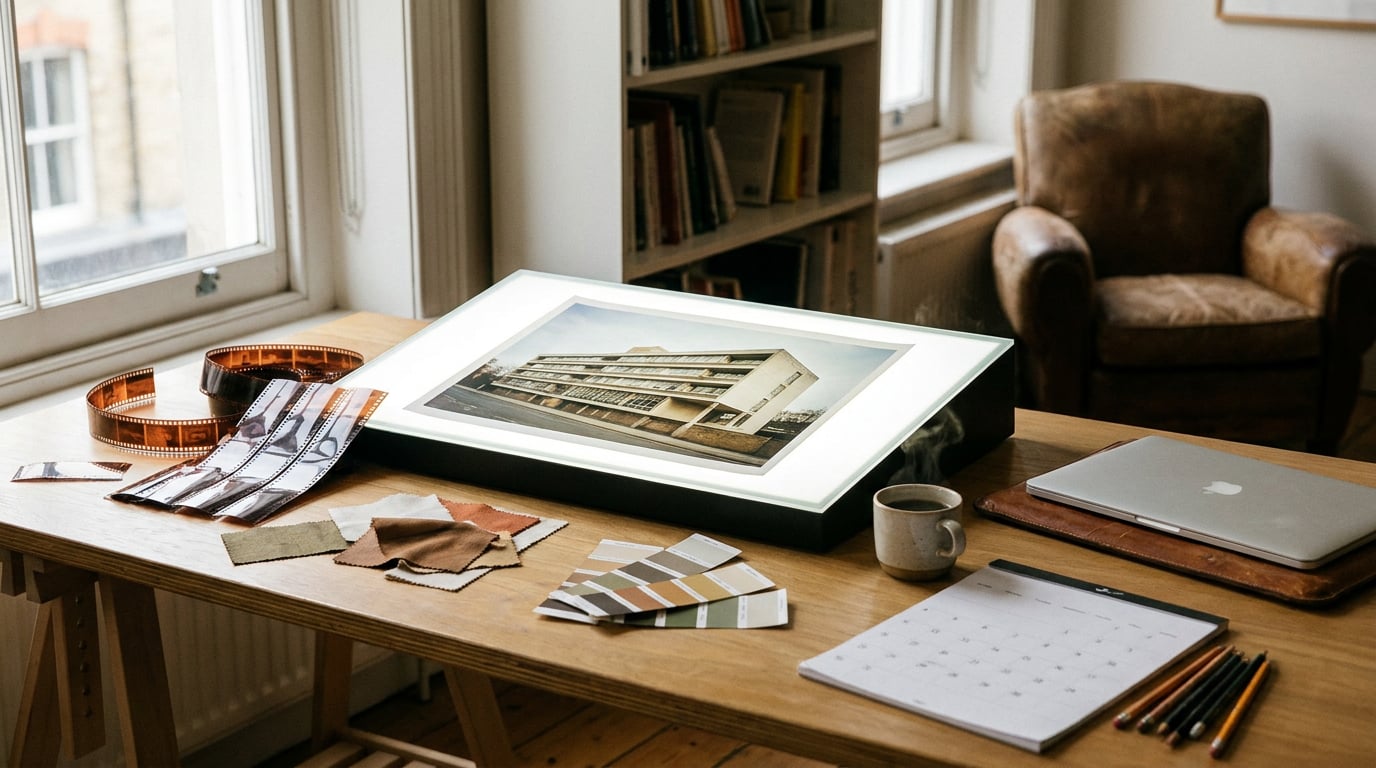
Turn a single photo shoot into thirty days of on-brand content using Editing's Smart Highlights, Marketing Studio and Canvas, chained into one repeatable pipeline.
Why most content calendars collapse by week two
The problem is rarely ideas. Most teams can brainstorm thirty post concepts in an afternoon. The problem is the gap between raw footage and a platform-ready post: clipping, resizing, subtitling, writing copy per channel, running approvals. That work still consumes the bulk of the timeline even when AI is involved, because most teams use AI for the ideation stage and then fall back to manual editing for everything after.
Shooting weekly to keep up isn't a scrappy-startup problem, either. It's expensive for brand teams, retailers and product studios alike. A studio session for an automotive colourway range, a full-day exhibition install, or a product line shoot all carry real cost in crew, location and time. Re-booking that every week is not sustainable, and it's not necessary.
One well-planned shoot, whether that's a product line, a campaign day, or behind-the-scenes footage from a film set, contains far more usable content than most teams extract from it. The fix isn't more shooting. It's treating the shoot as a pipeline problem: capture once, process many. Batch the raw material, then let AI tools mine, version and format it across a month instead of creating new content ad hoc, day by day.
The bottleneck in most content calendars isn't imagination, it's the distance between raw footage and a scheduled post. Close that gap and one shoot stretches a lot further than most teams assume.
Step one: mine the raw footage with Smart Highlights

Start with the footage itself, not the calendar. In Editing, the Smart Highlights lane takes a long video, up to an hour, and identifies the strongest moments automatically rather than requiring someone to scrub through footage manually looking for usable seconds. This is the same discipline applied whether the source is a product designer's demo session or a set designer's behind-the-scenes day on location.
A single pass can generate multiple short clips or one assembled reel, depending on what the calendar needs that week. Feed it an hour of BTS footage from a film set and you might come out with six standalone clips: a lighting setup, a director briefing the cast, a prop detail, a crew reaction. Each one is a separate post candidate, not a single highlight reel that gets used once and archived.
From there, apply one of the twelve polish-style presets to match tone across platforms. A clean caption overlay suits a LinkedIn-facing product explainer; a full restyle like Claymation or Anime suits a playful TikTok cut of the same source clip. Every preset bakes in captions automatically via Whisper speech-to-text, so clips leave the studio already caption-ready. No separate subtitling pass, no re-opening the file later to add text for accessibility or sound-off viewing.
One hour of raw footage, run once through Smart Highlights with a couple of style presets applied, can realistically produce a week's worth of platform-ready clips without a second edit pass.
Step two: turn stills and clips into on-brand variations
Once the highlight clips are pulled, move the strongest stills into Boards and group them by theme: product hero shots, lifestyle context, detail close-ups. This is where a single shoot starts to fork into multiple content threads instead of staying one linear story.
From a hero shot, use the Image node or Canvas Image Generate node to produce colour and background variations. An automotive design team can take one studio shot of a vehicle and generate several colourway passes without a second photography session. An exhibition designer can take a stand render and place it under different lighting conditions, day and night, to preview how the same booth reads at different times of a trade show.
For more targeted tweaks, Luma Uni-1 Edit handles instruction-based editing directly on the original image: swap a backdrop, adjust a prop, change a sign's text, all while preserving the original composition. No mask required. This is faster and cheaper than restaging a shot for a small variation, and it keeps the visual language consistent because the underlying frame hasn't changed, only the detail has.
Keep every variation inside the same Project so brand identity and source assets stay attached to the calendar rather than scattered across separate chats or generation sessions. When five different team members are pulling from the same shoot across a month, this is what keeps the output looking like one campaign instead of five disconnected experiments.
Instruction-based editing (swap a backdrop, change a prop, adjust lighting) is now routinely cheaper and faster than re-shooting, particularly for automotive, exhibition and interior work where the underlying subject doesn't change.
Step three: build the actual posts in Marketing Studio

Marketing Studio handles social posts and performance ad formats in one place. There's no separate toggle between "social" and "ads" to manage, which matters here because a lot of the derivative content from one shoot serves both purposes: the same hero shot that makes a good Instagram carousel slide can double as an ad creative variant with a different headline treatment.
Turn the shoot's stills into carousels directly. A graphic designer working from five product angles can assemble a five-slide carousel with consistent type treatment across every slide, pulling straight from the Boards grouping done in the previous step. The same set of stills, recomposed with different copy and crop, becomes a second carousel for a different platform or a different stage of the campaign.
Research-backed copy generation drafts captions per platform from the same asset, adjusting tone as needed. A launch-day post calls for something more declarative; a performance ad running two weeks later against the same visual might need a shorter, benefit-led headline. Rather than re-briefing a new shoot for the ad variant, batch several copy and crop combinations from the existing stills and let the A/B set run.
Step four: script the writing side once, reuse everywhere
Copy is where a lot of teams still burn hours they don't need to. Start in Write by drafting a master caption bank for the whole month, using the multi-model picker to compare tone across the same brief. GPT-5.6 Terra tends to land well for punchy, short-form social copy; Claude Sonnet 5 is better suited to longer brand storytelling, the kind of caption that reads more like a short editorial than a one-liner. Running both against the same source material gives a team two starting drafts to choose from rather than one.
Before anything goes into the calendar, ask Ray to act as creative director and check consistency across the caption set. This catches the drift that happens naturally when captions are drafted across several sessions: a product name spelled two ways, a tone that's playful in week one and formal by week three, a call-to-action that contradicts an earlier post.
From the master drafts, split into platform-specific lengths: a longer LinkedIn post, a shorter Instagram caption, a tight ad headline, all without rewriting the underlying brief each time. Store the approved copy blocks alongside the visual assets in Projects, so the whole team, including whoever schedules the actual posts, pulls from the same source rather than hunting through a chat history for the "final" version.
Writing a month's worth of captions once, in one multi-model session, and checking them for consistency before scheduling beats rewriting copy platform-by-platform every time a post goes out.
Step five: assemble the month in Canvas

Canvas is the orchestration layer that ties the previous four steps together into a single batch rather than four separate manual sessions. Use RayNode to plan the sequence of what needs generating and in what order. If video is involved across the month, the Assemble Film node batches multi-shot edits so a set of short clips gets stitched and exported together rather than one at a time.
The more useful move is chaining outputs directly: a LlmChatNode generating captions can feed straight into an image or video generation node, so copy and visuals come out of the same pass instead of two disconnected steps that need manual matching afterwards. This matters most when a campaign runs variants: five headline options each paired against three visual crops is fifteen combinations to track by hand, or one chained workflow in Canvas.
Laid out roughly across a month, the sequence might look like this: week one runs from the hero shots straight out of the shoot, week two draws on the behind-the-scenes clips processed through Smart Highlights, week three uses the colour and background variations built from Boards and Uni-1 Edit, and week four repurposes carousels and ad variants built in Marketing Studio. None of this requires returning to the original shoot folder repeatedly. Export the whole batch in one sitting, once the sequence is planned.
| Week | Source | Primary surface |
|---|---|---|
| Week 1 | Hero shots from the shoot | Boards, Marketing Studio |
| Week 2 | Behind-the-scenes clips | Editing (Smart Highlights) |
| Week 3 | Colour and background variations | Image, Luma Uni-1 Edit |
| Week 4 | Repurposed carousels and ad variants | Marketing Studio, Canvas |
What this saves in practice
One shoot, processed through Smart Highlights, Boards, Marketing Studio, Write and Canvas, can realistically cover a month across two or three platforms. That's not a claim about a specific volume of posts, it's a description of what the pipeline is built to do: extract more from footage that's already been paid for, rather than commissioning new material every week.
Credit cost stays more predictable this way too. Concentrating the heavy generation work, video processing, image variants, caption drafting, into one planned session avoids the daily dribble of ad hoc requests that's harder to budget against. A team on a Pro plan with 7,000 credits a month can plan a batch session around what that budget covers, rather than guessing at costs post by post.
The same approach works whether the shoot is a product line for an ecommerce launch, a behind-the-scenes day on a film set, or an exhibition install ahead of a trade show. The source material changes, the pipeline doesn't.
Plan the shoot around what the calendar needs, not the other way round. A single, well-mined shoot beats a month of smaller, rushed ones.
The teams getting the most out of this aren't shooting less because they're cutting corners. They're shooting with the derivative content already in mind, then trusting Smart Highlights, Boards, Marketing Studio, Write and Canvas to do the extraction work that used to eat the rest of the month.
Keep reading.
Try Stensyl for yourself
Image, video, 3D, chat, and document drafting. Every AI model, one studio. Plans from $11/month.